![[ICO]](/icons/blank.gif)
![[PARENTDIR]](/icons/back.gif)
![[IMG]](/icons/image2.gif)

![[ ]](/icons/odf6odt-20x22.png)
![[ ]](/icons/layout.gif)
| Name | Last modified | Size | Description |
|---|---|---|---|---|
| Parent Directory | - | ||
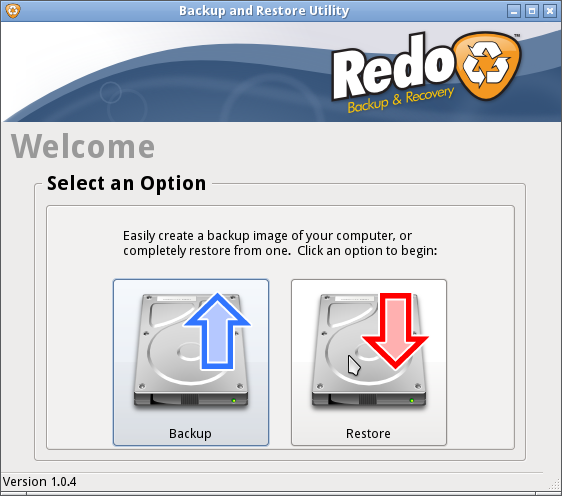
| 1 - Seleccionar boton de Restore.png | 2018-08-04 22:13 | 83K | |
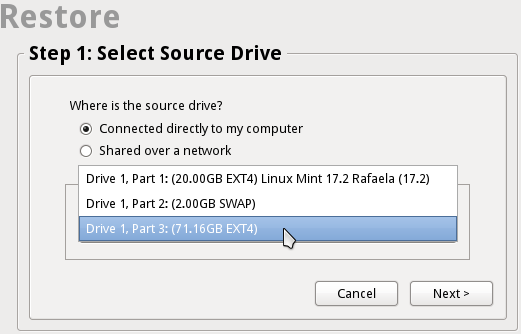
| 2 - Seleccione el disco origen.png | 2018-08-04 22:13 | 25K | |
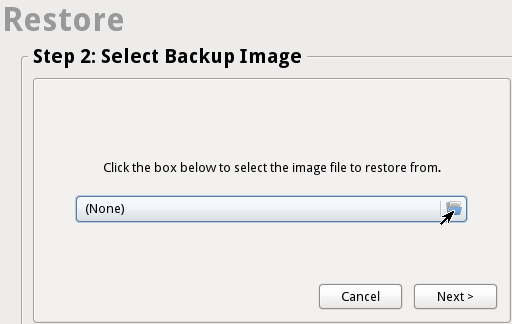
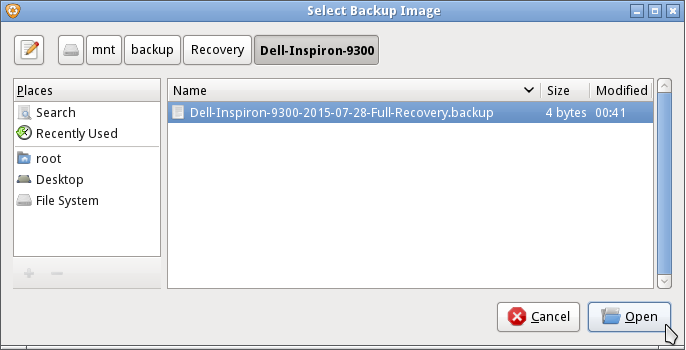
| 3 - Buscar el folder del recovery.png | 2018-08-04 22:13 | 15K | |
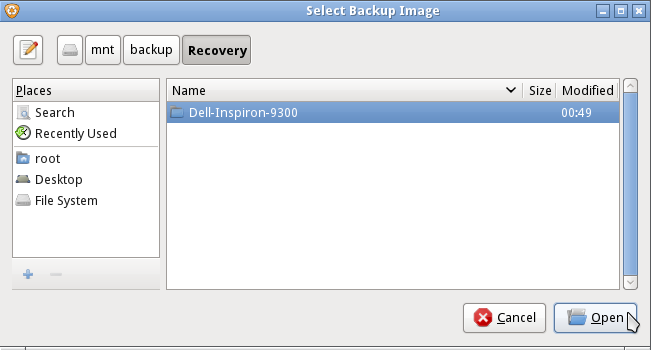
| 4 - Seleccionar folder Recovery y open.png | 2018-08-04 22:13 | 38K | |
| 5 - Seleccionar Dell-Inspiron-9300 y open.png | 2018-08-04 22:13 | 29K | |
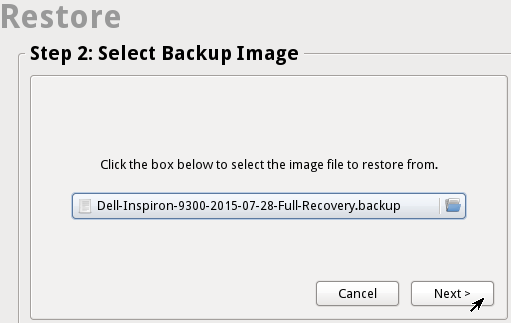
| 6 - Seleccionar archivo Dell-Inspiron-9300-2015-07-28-Full-Recovery.backup y open.png | 2018-08-04 22:13 | 33K | |
| 7 - Click boton Next para realizar recovery.png | 2018-08-04 22:13 | 18K | |
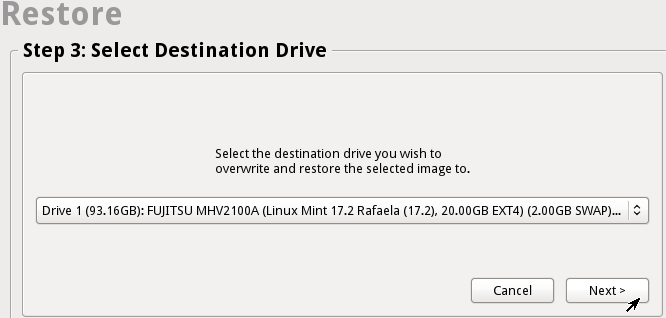
| 8 - Seleccionar disco destino y click next.png | 2018-08-04 22:13 | 22K | |
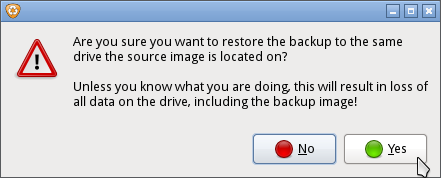
| 9 - Confirmar proceso de recovery del disco duro.png | 2018-08-04 22:13 | 16K | |
| ProcesoRecovery Programa-RedoBackup.odt | 2018-08-04 22:13 | 297K | |
| ProcesoRecovery Programa-RedoBackup.pdf | 2020-02-05 00:37 | 242K | |