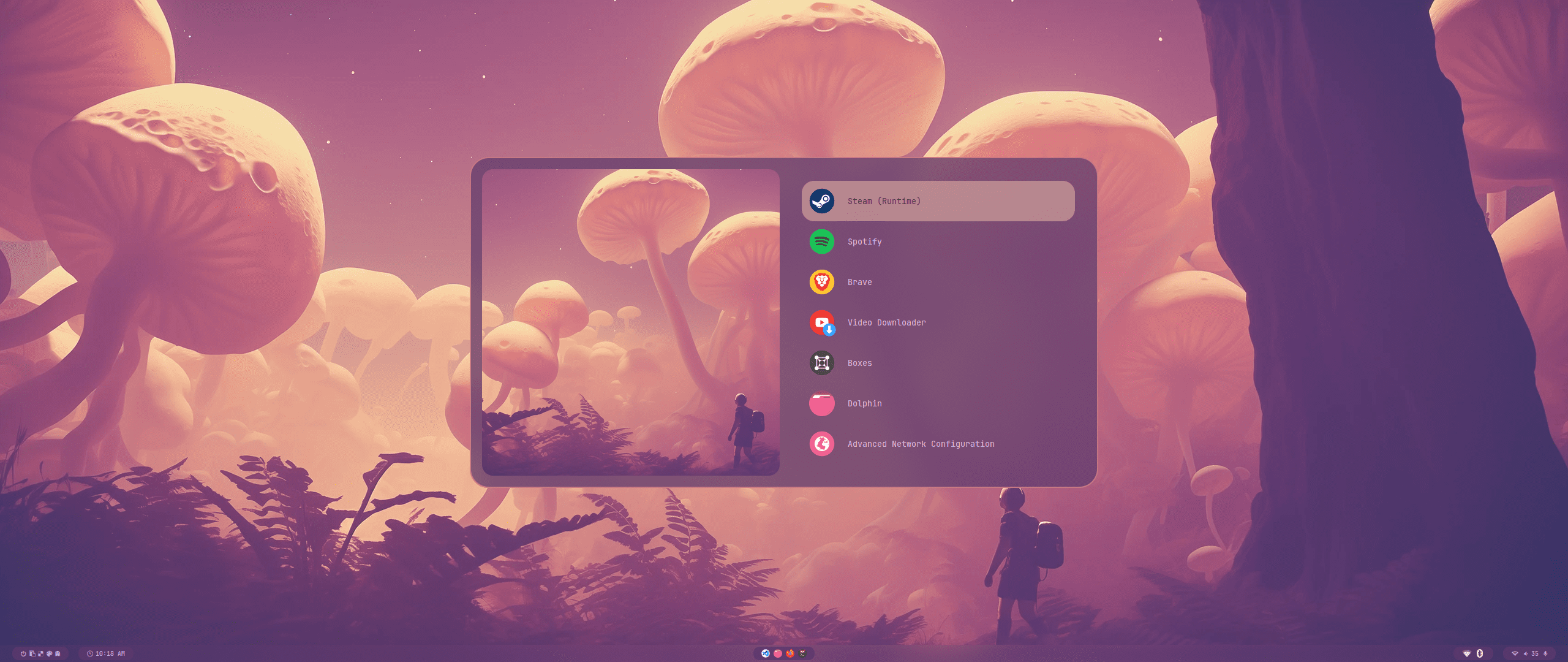
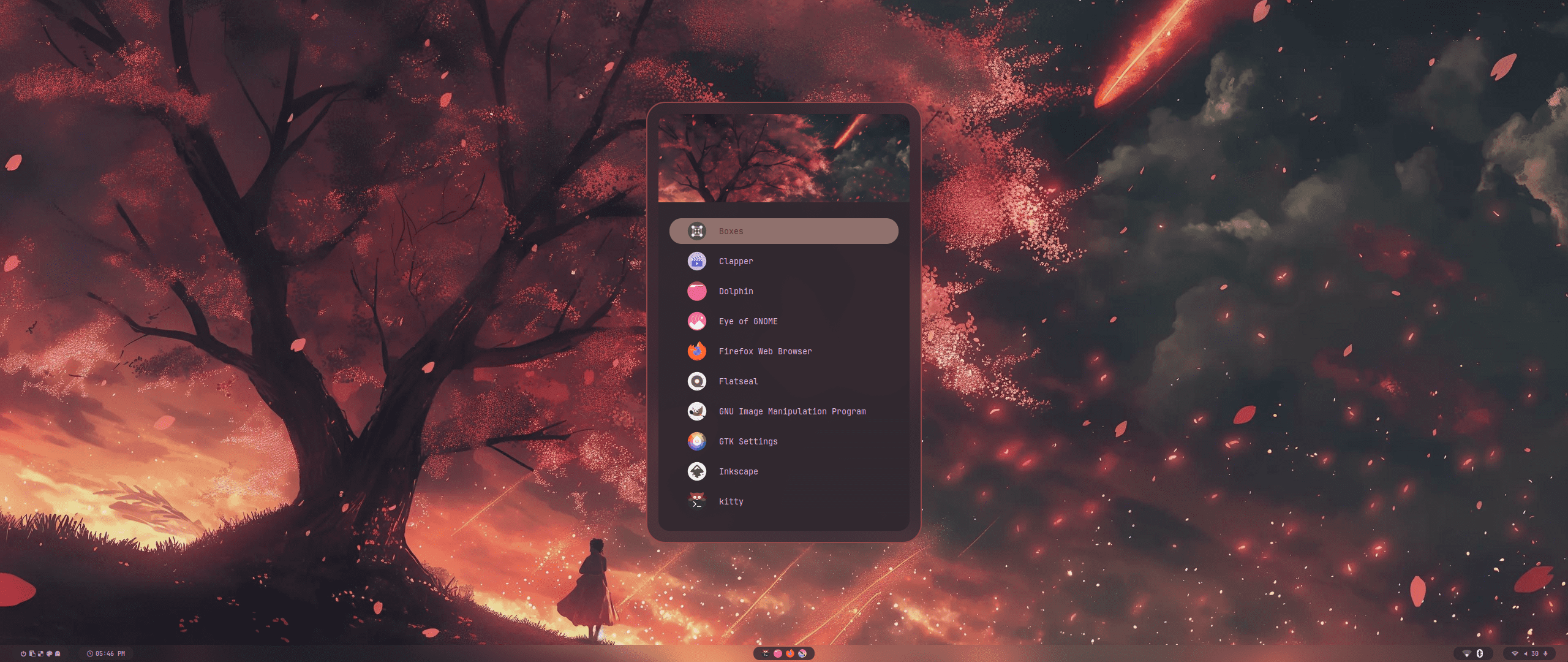
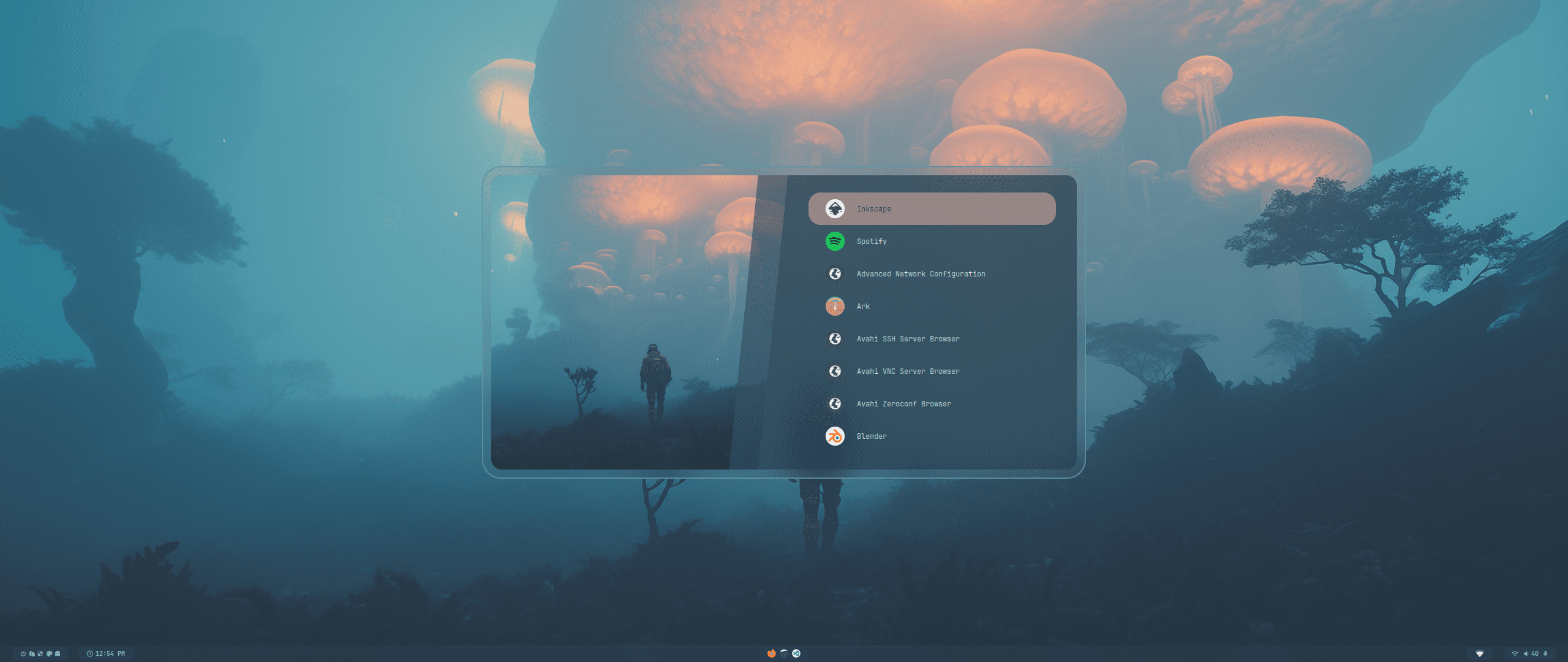
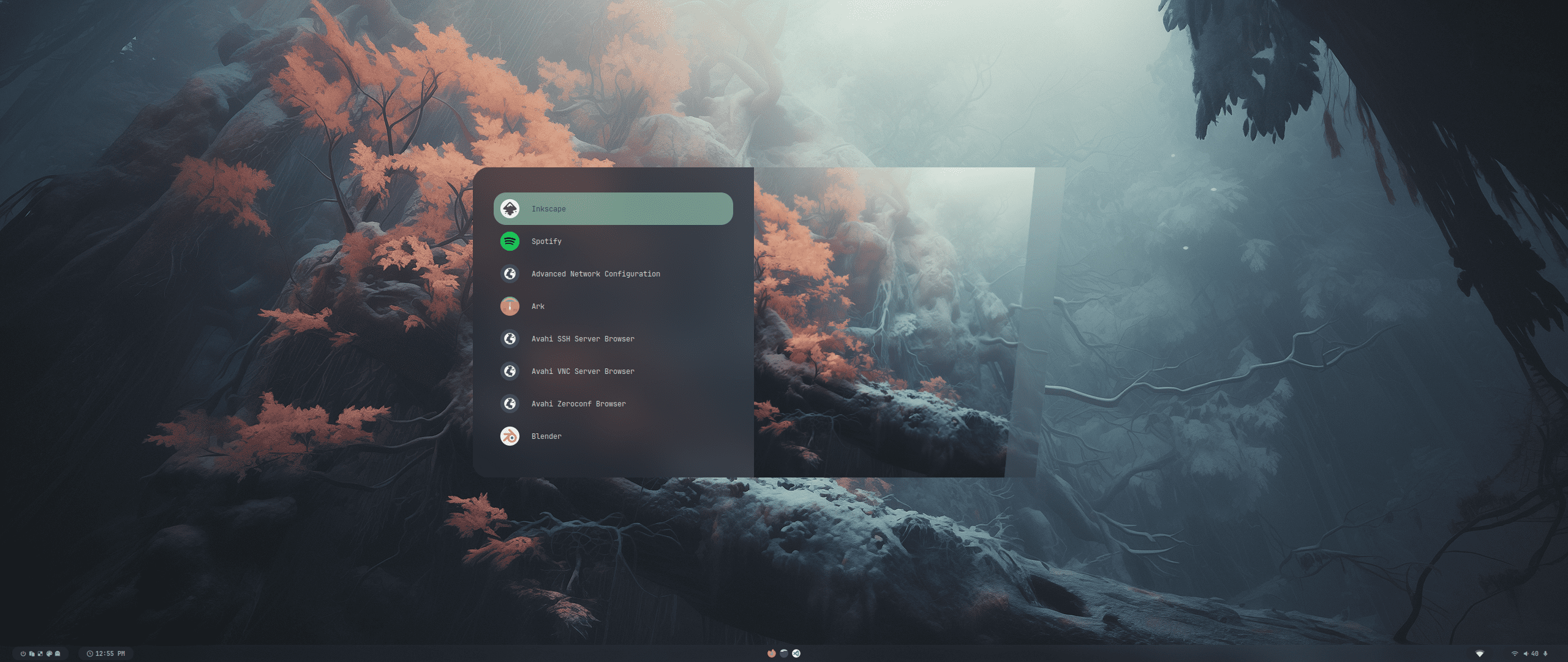
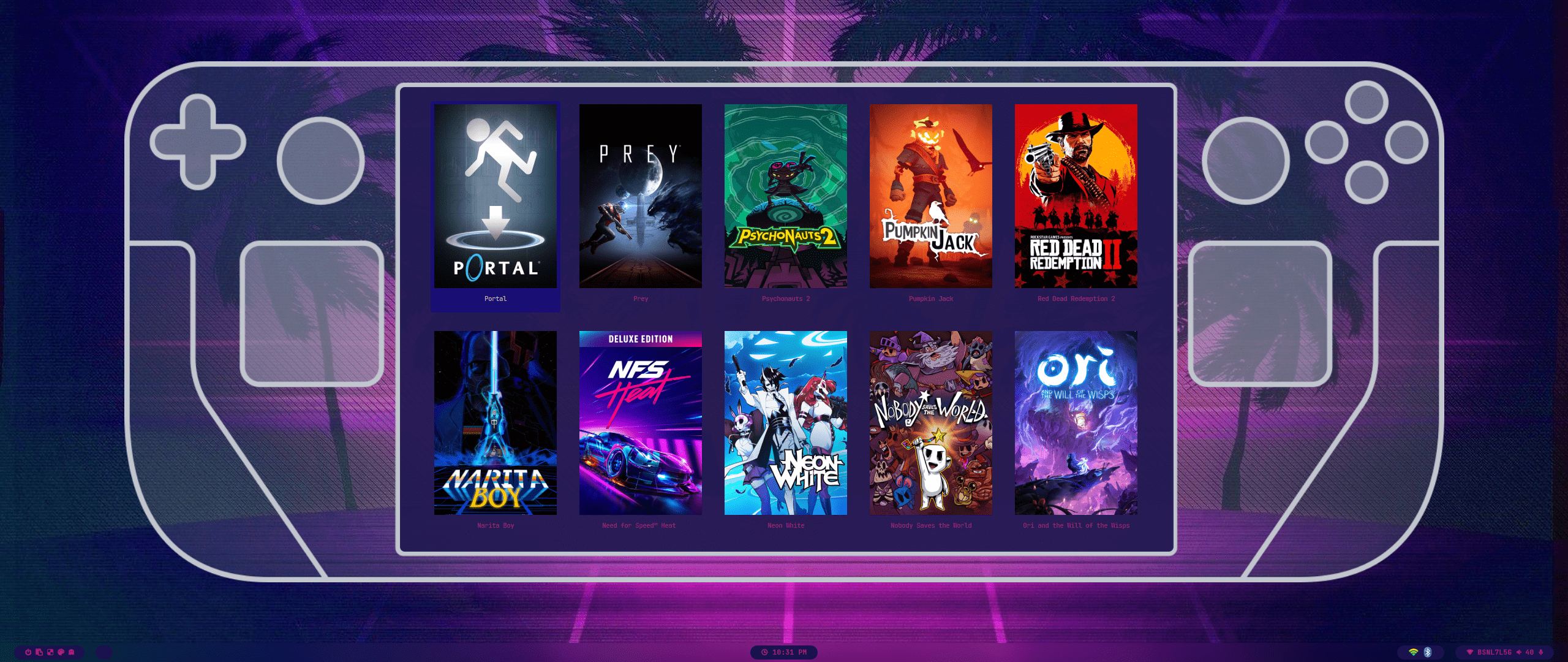
###### *// design by t2
*

https://github.com/prasanthrangan/hyprdots/assets/106020512/7f8fadc8-e293-4482-a851-e9c6464f5265

 ---
The installation script is designed for a minimal [Arch Linux](https://wiki.archlinux.org/title/Arch_Linux) install, but **may** work on some [Arch-based distros](https://wiki.archlinux.org/title/Arch-based_distributions).
While installing HyDE alongside another [DE](https://wiki.archlinux.org/title/Desktop_environment)/[WM](https://wiki.archlinux.org/title/Window_manager) should work, due to it being a heavily customized setup, it **will** conflict with your [GTK](https://wiki.archlinux.org/title/GTK)/[Qt](https://wiki.archlinux.org/title/Qt) theming, [Shell](https://wiki.archlinux.org/title/Command-line_shell), [SDDM](https://wiki.archlinux.org/title/SDDM), [GRUB](https://wiki.archlinux.org/title/GRUB), etc. and is at your own risk.
For Nixos support there is a separate project being maintained @ [Hydenix](https://github.com/richen604/hydenix/tree/main)
> [!IMPORTANT]
> The install script will auto-detect an NVIDIA card and install nvidia-dkms drivers for your kernel.
> Please ensure that your NVIDIA card supports dkms drivers in the list provided [here](https://wiki.archlinux.org/title/NVIDIA).
> [!CAUTION]
> The script modifies your `grub` or `systemd-boot` config to enable NVIDIA DRM.
To install, execute the following commands:
```shell
pacman -S --needed git base-devel
git clone --depth 1 https://github.com/prasanthrangan/hyprdots ~/HyDE
cd ~/HyDE/Scripts
./install.sh
```
> [!TIP]
> You can also add any other apps you wish to install alongside HyDE to `Scripts/custom_apps.lst` and pass the file as a parameter to install it like so:
>
> ```shell
> ./install.sh custom_apps.lst
> ```
As a second install option, you can also use `Hyde-install`, which might be easier for some.
View installation instructions for HyDE in [Hyde-cli - Usage](https://github.com/kRHYME7/Hyde-cli?tab=readme-ov-file#usage).
Please reboot after the install script completes and takes you to the SDDM login screen (or black screen) for the first time.
For more details, please refer to the [installation wiki](https://github.com/prasanthrangan/hyprdots/wiki/Installation).
---
The installation script is designed for a minimal [Arch Linux](https://wiki.archlinux.org/title/Arch_Linux) install, but **may** work on some [Arch-based distros](https://wiki.archlinux.org/title/Arch-based_distributions).
While installing HyDE alongside another [DE](https://wiki.archlinux.org/title/Desktop_environment)/[WM](https://wiki.archlinux.org/title/Window_manager) should work, due to it being a heavily customized setup, it **will** conflict with your [GTK](https://wiki.archlinux.org/title/GTK)/[Qt](https://wiki.archlinux.org/title/Qt) theming, [Shell](https://wiki.archlinux.org/title/Command-line_shell), [SDDM](https://wiki.archlinux.org/title/SDDM), [GRUB](https://wiki.archlinux.org/title/GRUB), etc. and is at your own risk.
For Nixos support there is a separate project being maintained @ [Hydenix](https://github.com/richen604/hydenix/tree/main)
> [!IMPORTANT]
> The install script will auto-detect an NVIDIA card and install nvidia-dkms drivers for your kernel.
> Please ensure that your NVIDIA card supports dkms drivers in the list provided [here](https://wiki.archlinux.org/title/NVIDIA).
> [!CAUTION]
> The script modifies your `grub` or `systemd-boot` config to enable NVIDIA DRM.
To install, execute the following commands:
```shell
pacman -S --needed git base-devel
git clone --depth 1 https://github.com/prasanthrangan/hyprdots ~/HyDE
cd ~/HyDE/Scripts
./install.sh
```
> [!TIP]
> You can also add any other apps you wish to install alongside HyDE to `Scripts/custom_apps.lst` and pass the file as a parameter to install it like so:
>
> ```shell
> ./install.sh custom_apps.lst
> ```
As a second install option, you can also use `Hyde-install`, which might be easier for some.
View installation instructions for HyDE in [Hyde-cli - Usage](https://github.com/kRHYME7/Hyde-cli?tab=readme-ov-file#usage).
Please reboot after the install script completes and takes you to the SDDM login screen (or black screen) for the first time.
For more details, please refer to the [installation wiki](https://github.com/prasanthrangan/hyprdots/wiki/Installation).
 ---
To update HyDE, you will need to pull the latest changes from GitHub and restore the configs by running the following commands:
```shell
cd ~/HyDE/Scripts
git pull
./install.sh -r
```
> [!IMPORTANT]
> Please note that any configurations you made will be overwritten if listed to be done so as listed by `Scripts/restore_cfg.lst`.
> However, all replaced configs are backed up and may be recovered from in `~/.config/cfg_backups`.
As a second update option, you can use `Hyde restore ...`, which does have a better way of managing restore and backup options.
For more details, you can refer to [Hyde-cli - dots management wiki](https://github.com/kRHYME7/Hyde-cli/wiki/Dots-Management).
---
To update HyDE, you will need to pull the latest changes from GitHub and restore the configs by running the following commands:
```shell
cd ~/HyDE/Scripts
git pull
./install.sh -r
```
> [!IMPORTANT]
> Please note that any configurations you made will be overwritten if listed to be done so as listed by `Scripts/restore_cfg.lst`.
> However, all replaced configs are backed up and may be recovered from in `~/.config/cfg_backups`.
As a second update option, you can use `Hyde restore ...`, which does have a better way of managing restore and backup options.
For more details, you can refer to [Hyde-cli - dots management wiki](https://github.com/kRHYME7/Hyde-cli/wiki/Dots-Management).
 ---
All our official themes are stored in a separate repository, allowing users to install them using themepatcher.
For more information, visit [HyDE-Project/hyde-themes](https://github.com/HyDE-Project/hyde-themes).
---
All our official themes are stored in a separate repository, allowing users to install them using themepatcher.
For more information, visit [HyDE-Project/hyde-themes](https://github.com/HyDE-Project/hyde-themes).
|
[](https://github.com/prasanthrangan/hyde-themes/tree/Catppuccin-Latte)
[](https://github.com/prasanthrangan/hyde-themes/tree/Catppuccin-Mocha)
[](https://github.com/prasanthrangan/hyde-themes/tree/Decay-Green)
[](https://github.com/prasanthrangan/hyde-themes/tree/Edge-Runner)
[](https://github.com/prasanthrangan/hyde-themes/tree/Frosted-Glass)
[](https://github.com/prasanthrangan/hyde-themes/tree/Graphite-Mono)
[](https://github.com/prasanthrangan/hyde-themes/tree/Gruvbox-Retro)
[](https://github.com/prasanthrangan/hyde-themes/tree/Material-Sakura)
[](https://github.com/prasanthrangan/hyde-themes/tree/Nordic-Blue)
[](https://github.com/prasanthrangan/hyde-themes/tree/Rose-Pine)
[](https://github.com/prasanthrangan/hyde-themes/tree/Synth-Wave)
[](https://github.com/prasanthrangan/hyde-themes/tree/Tokyo-Night)
|
> [!TIP]
> Everyone, including you can create, maintain, and share additional themes, all of which can be installed using themepatcher!
> To create your own custom theme, please refer to the [theming wiki](https://github.com/prasanthrangan/hyprdots/wiki/Theming).
> If you wish to have your hyde theme showcased, or you want to find some non-official themes, visit [kRHYME7/hyde-gallery](https://github.com/kRHYME7/hyde-gallery)!
 ---
---
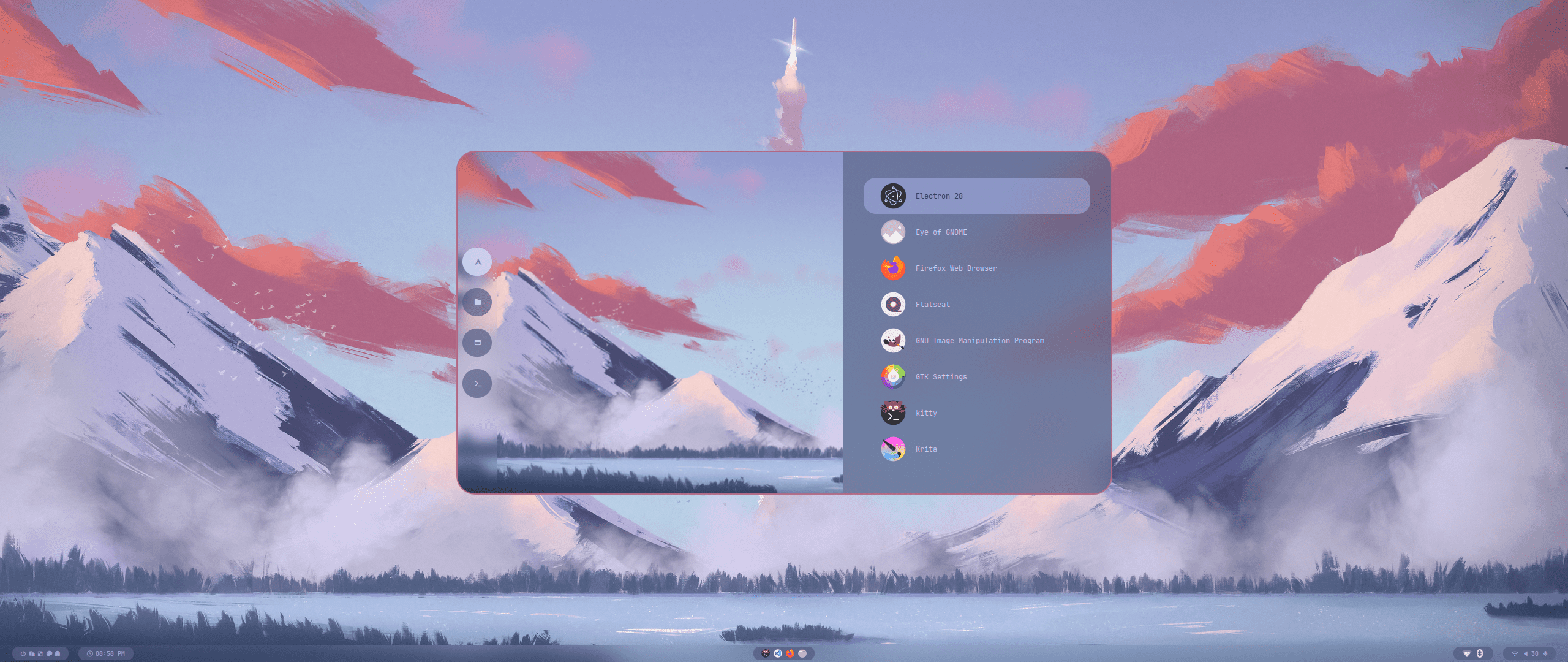
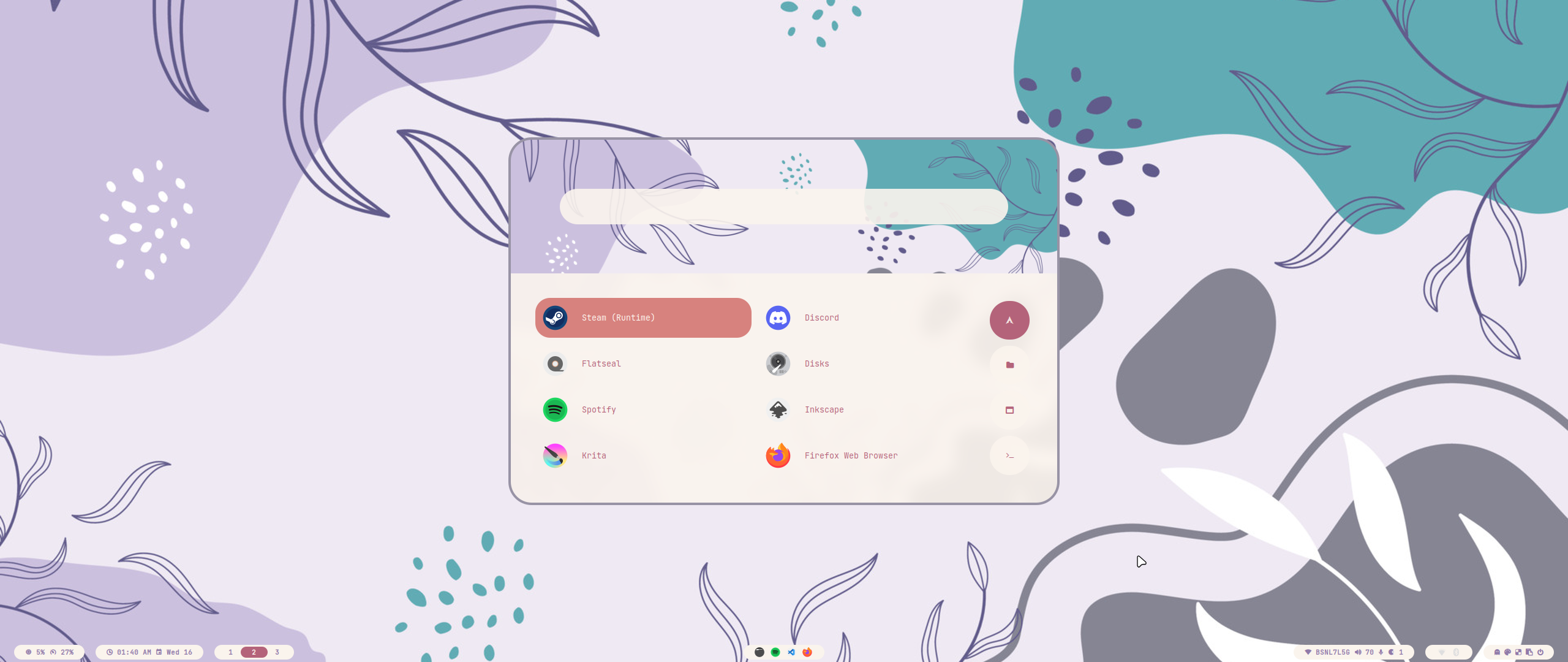
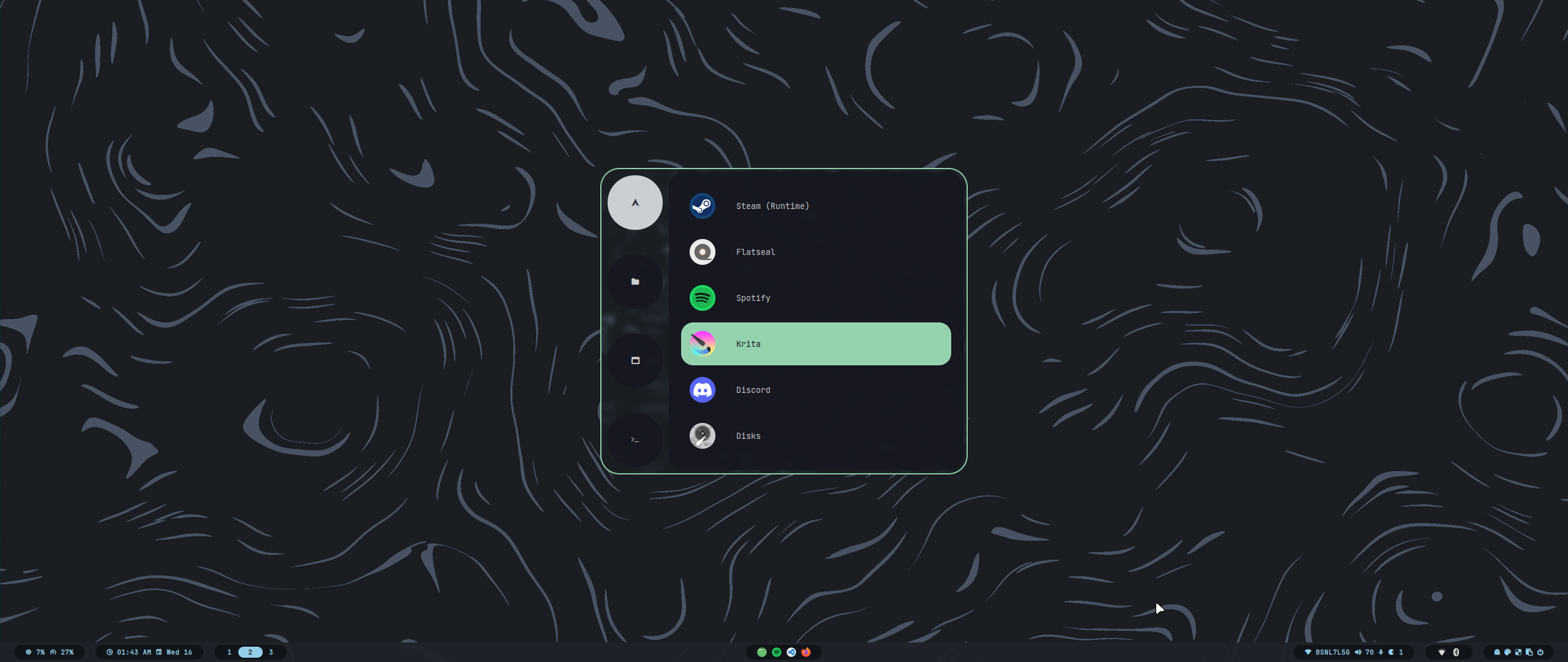
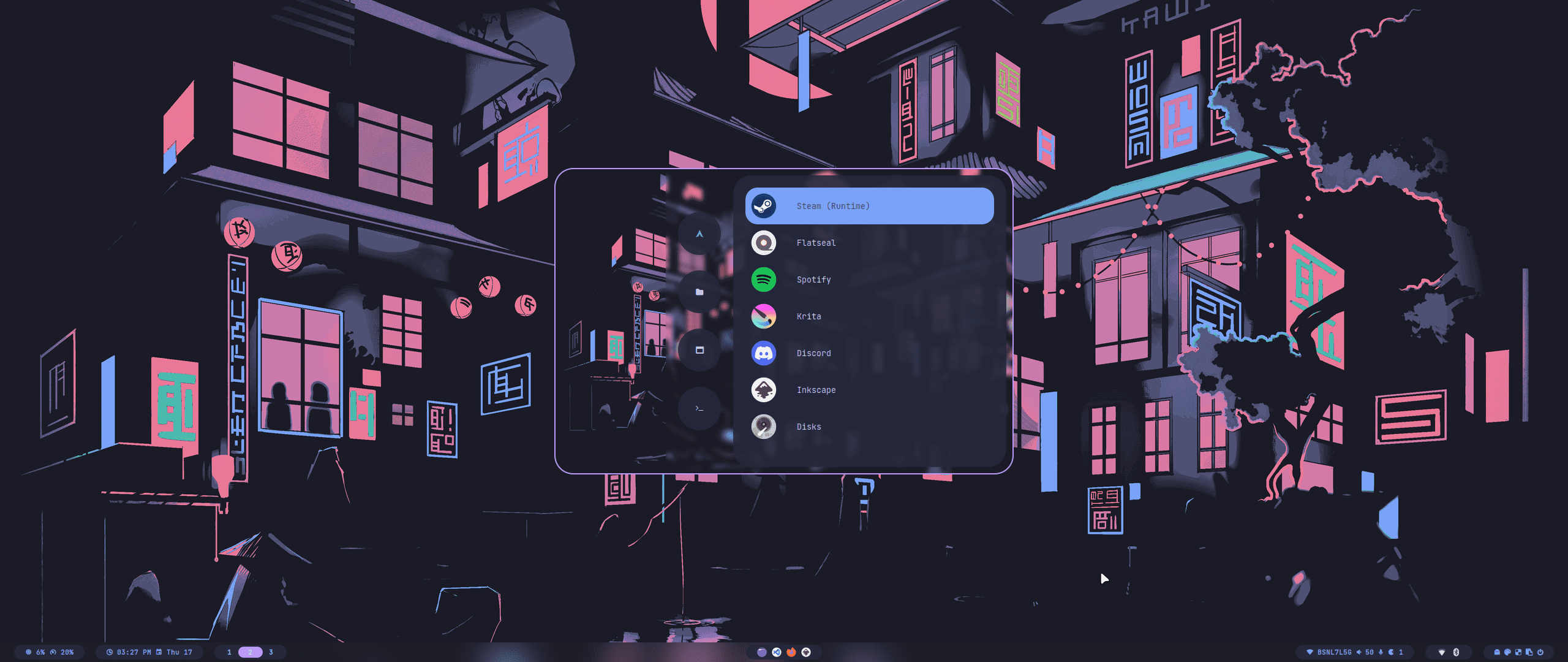
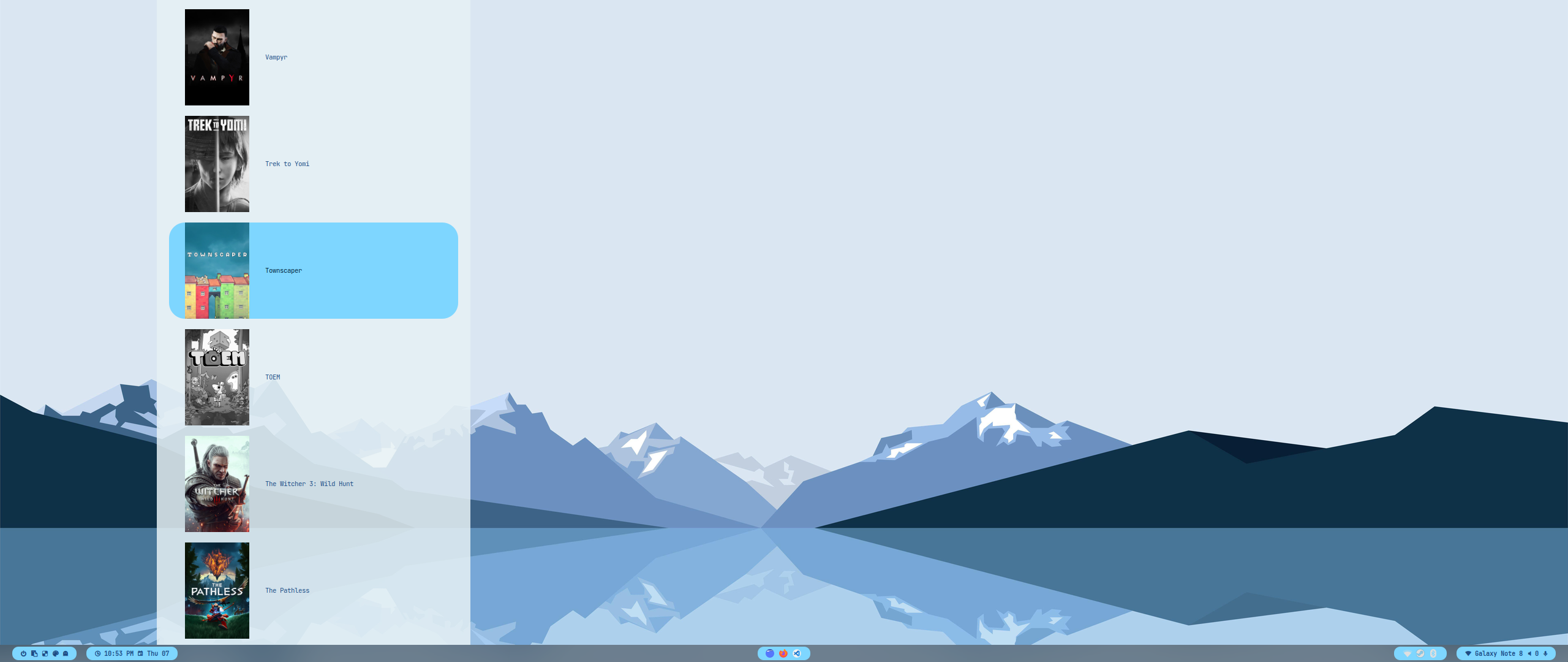
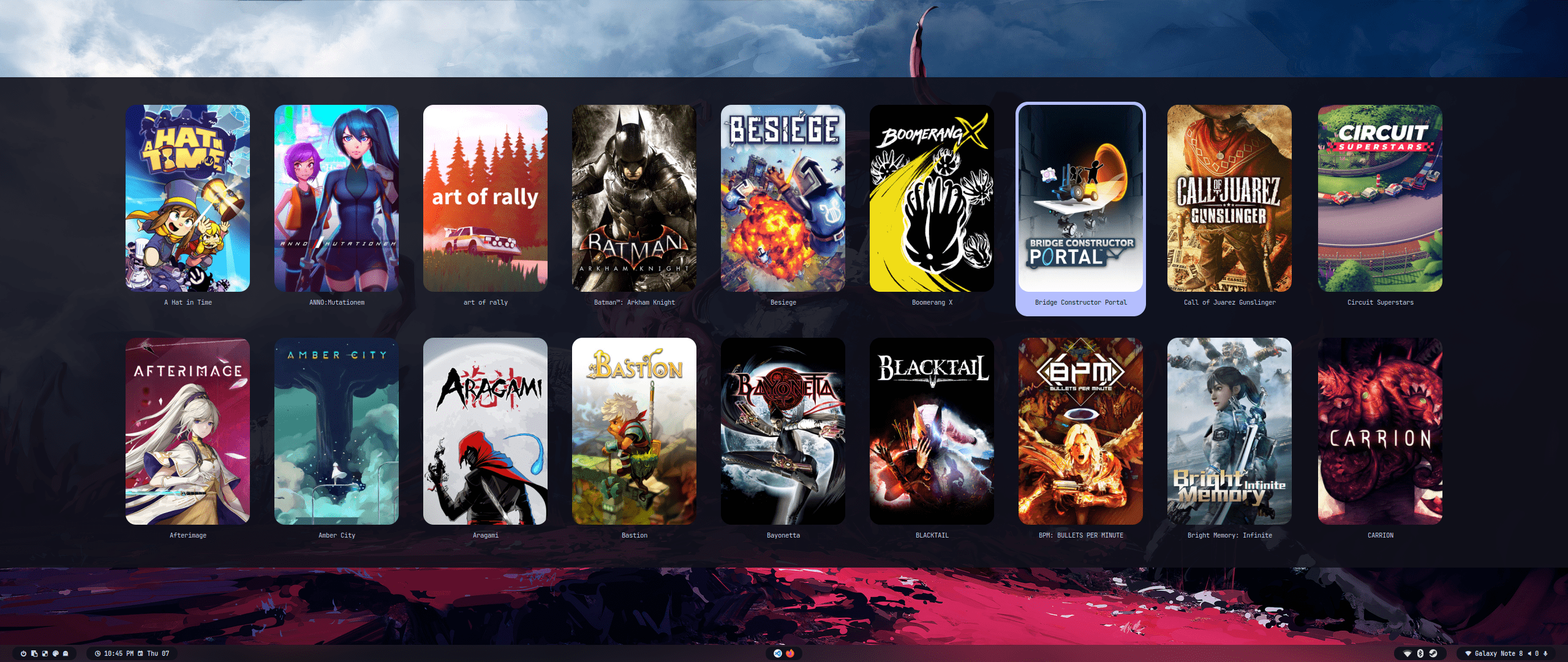
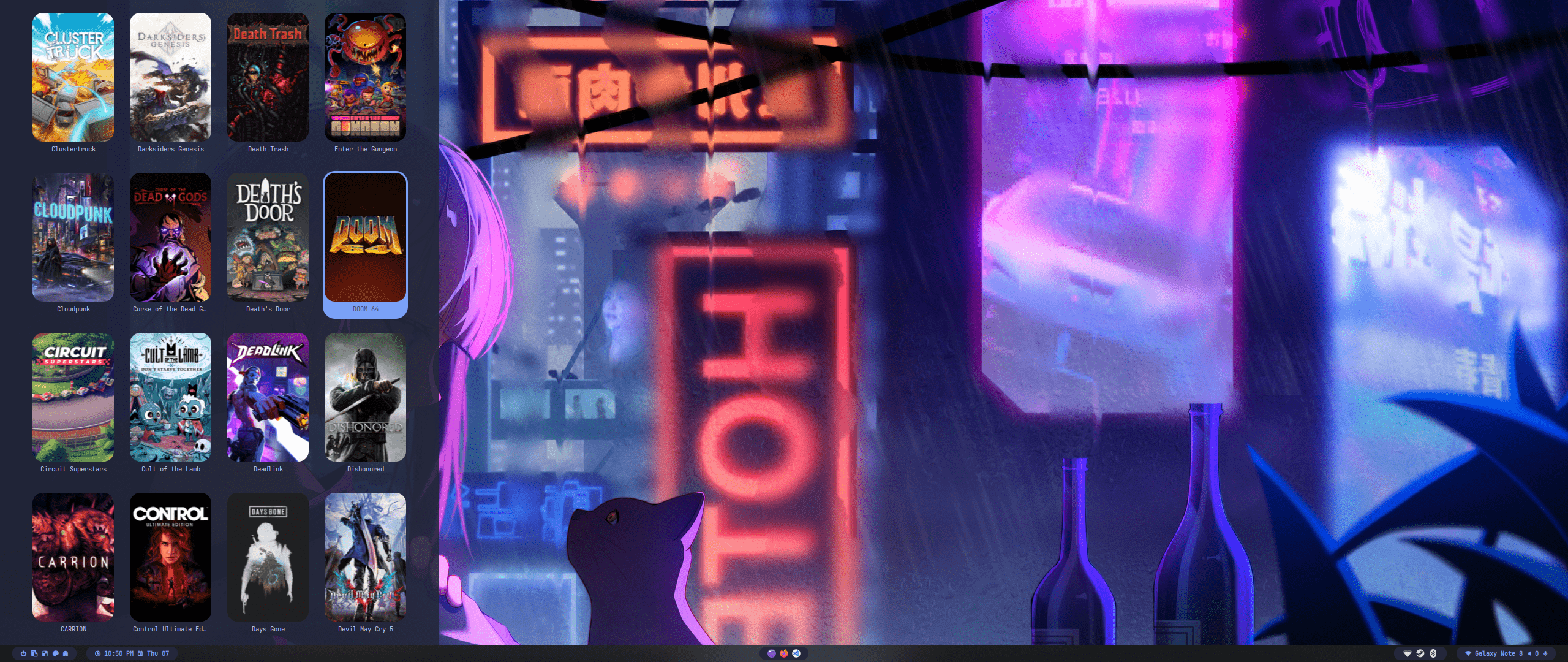
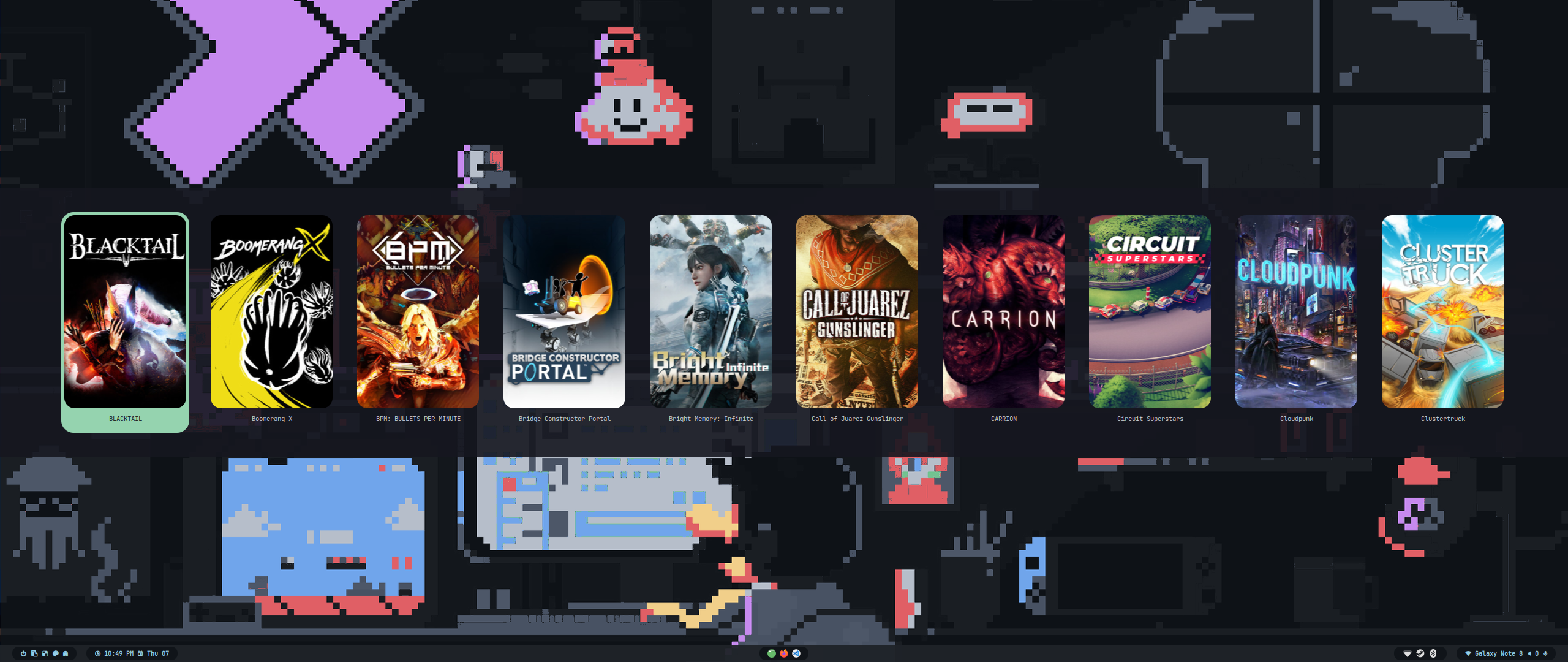
Theme Select
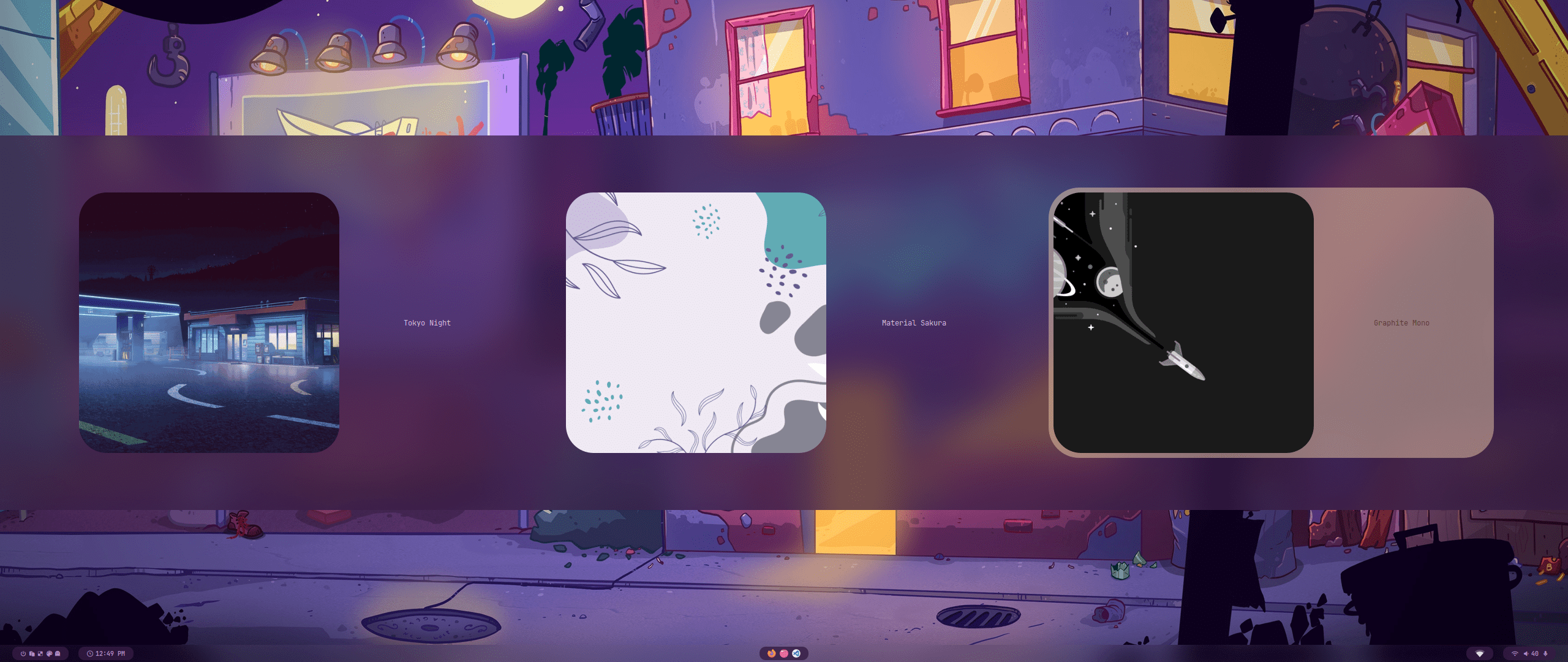 |
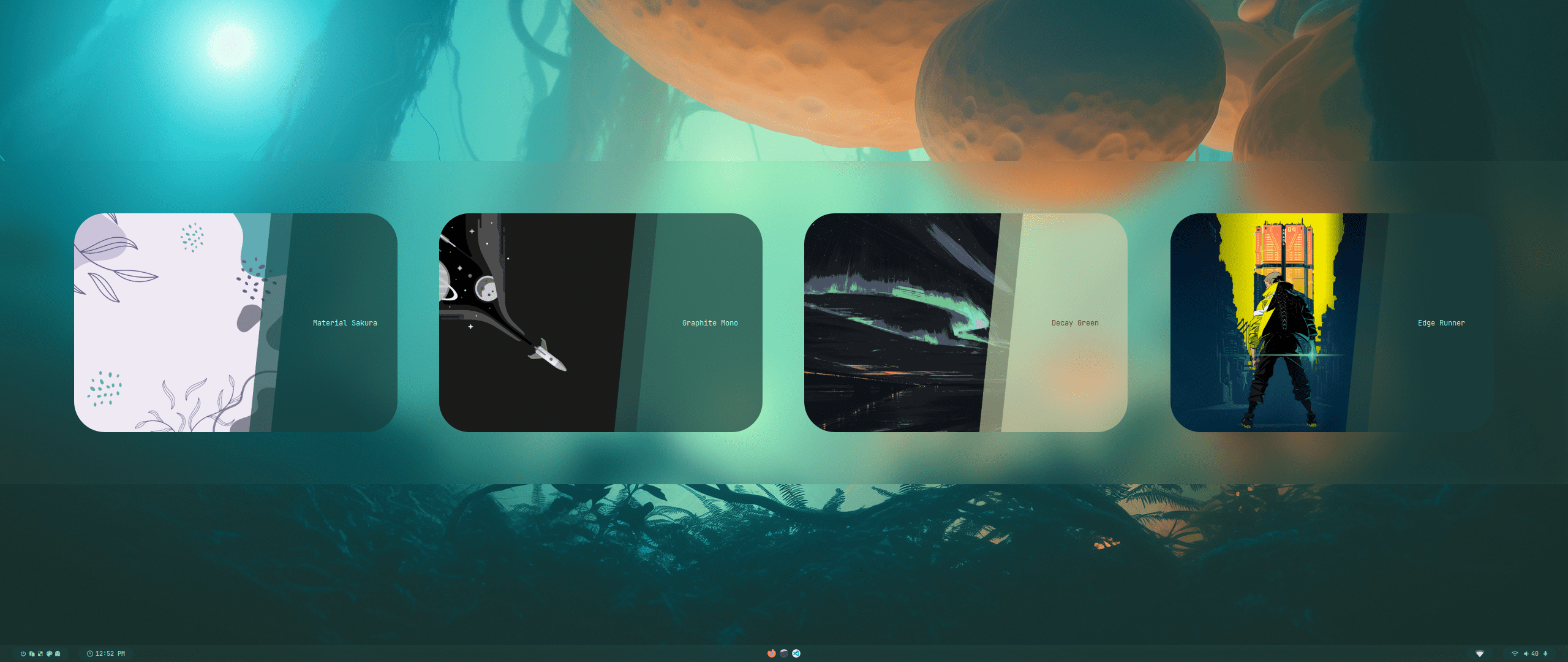 |
| Wallpaper Select | Launcher Select |
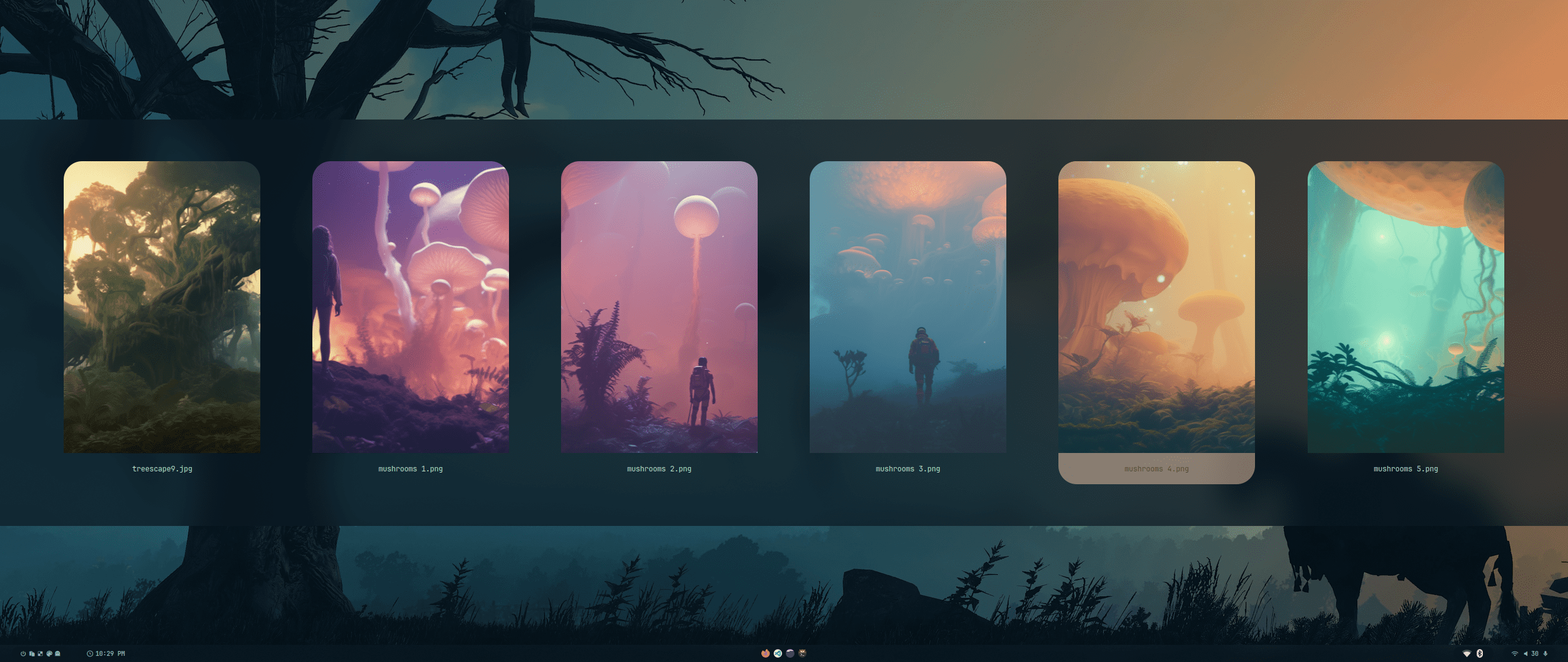 |
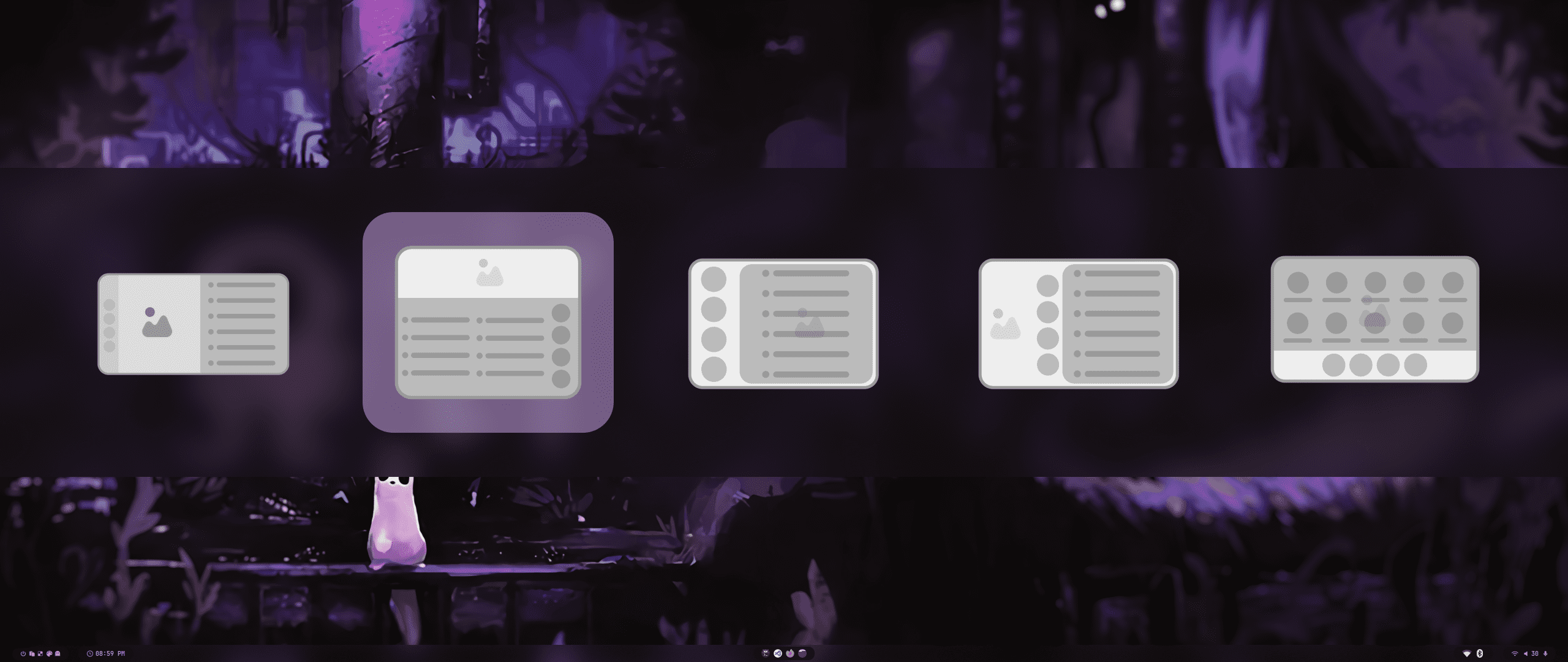 |
| Wallbash Modes | Notification Action |
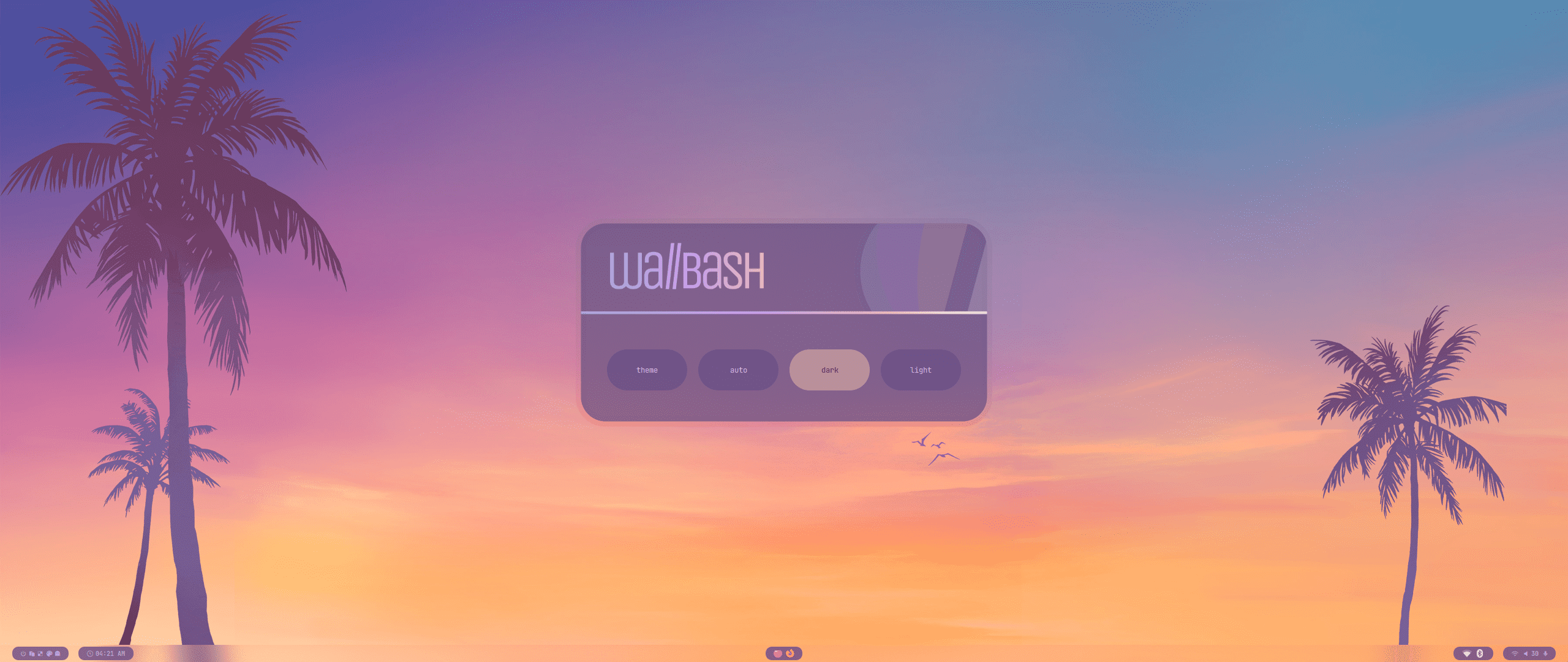 |
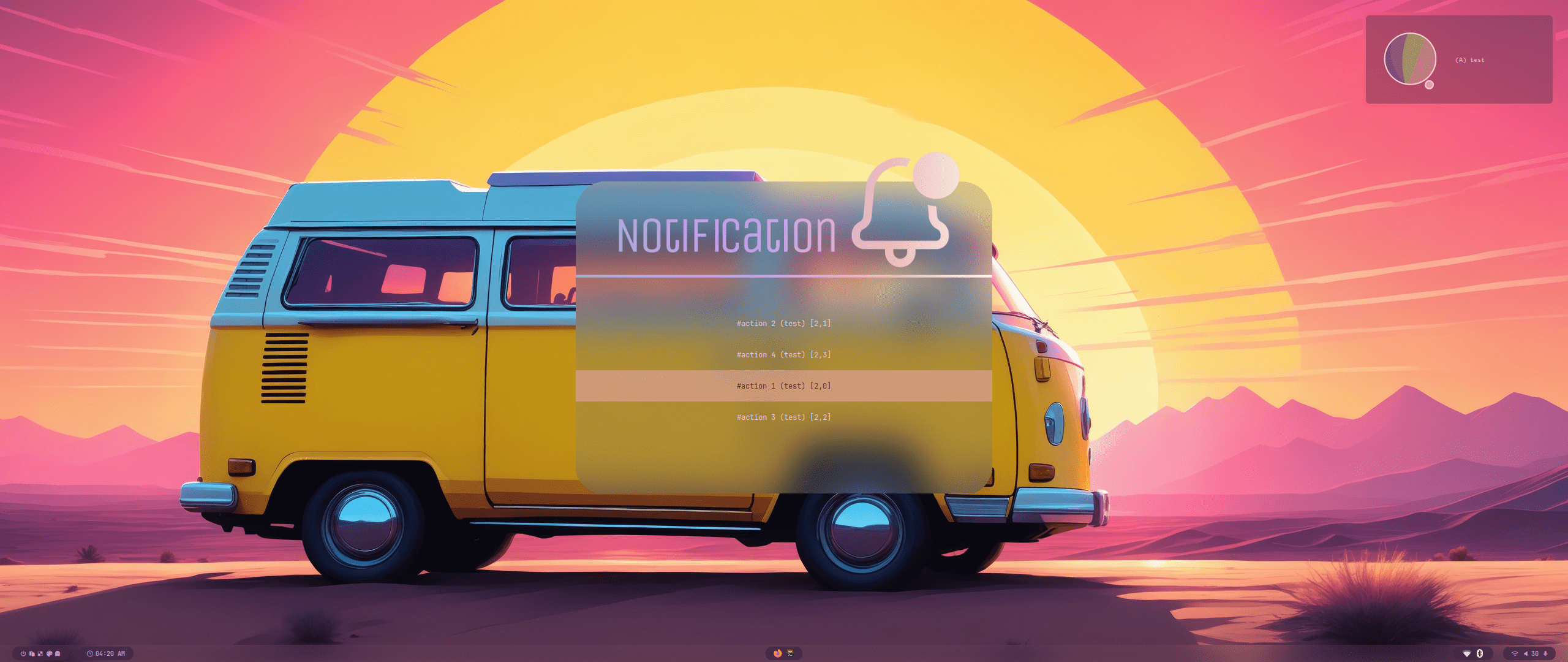 |
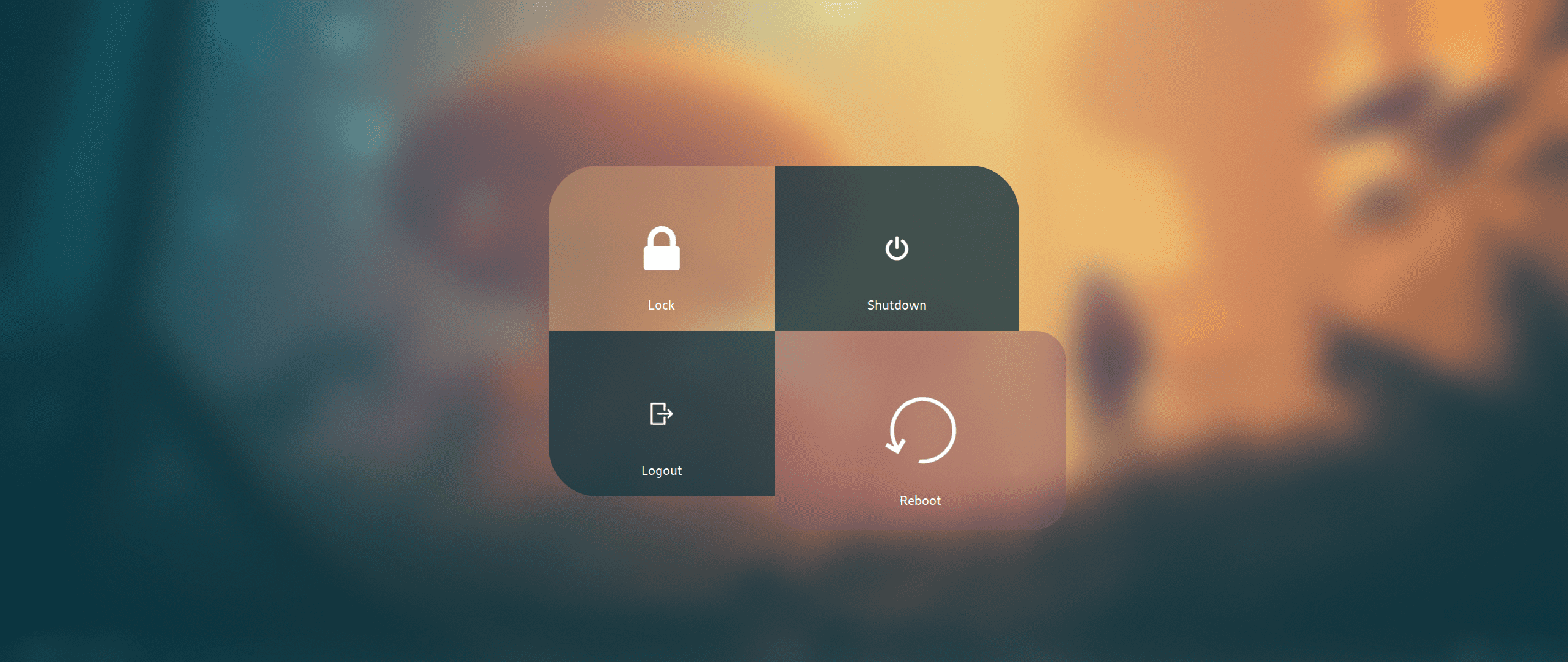
Wlogout Menu
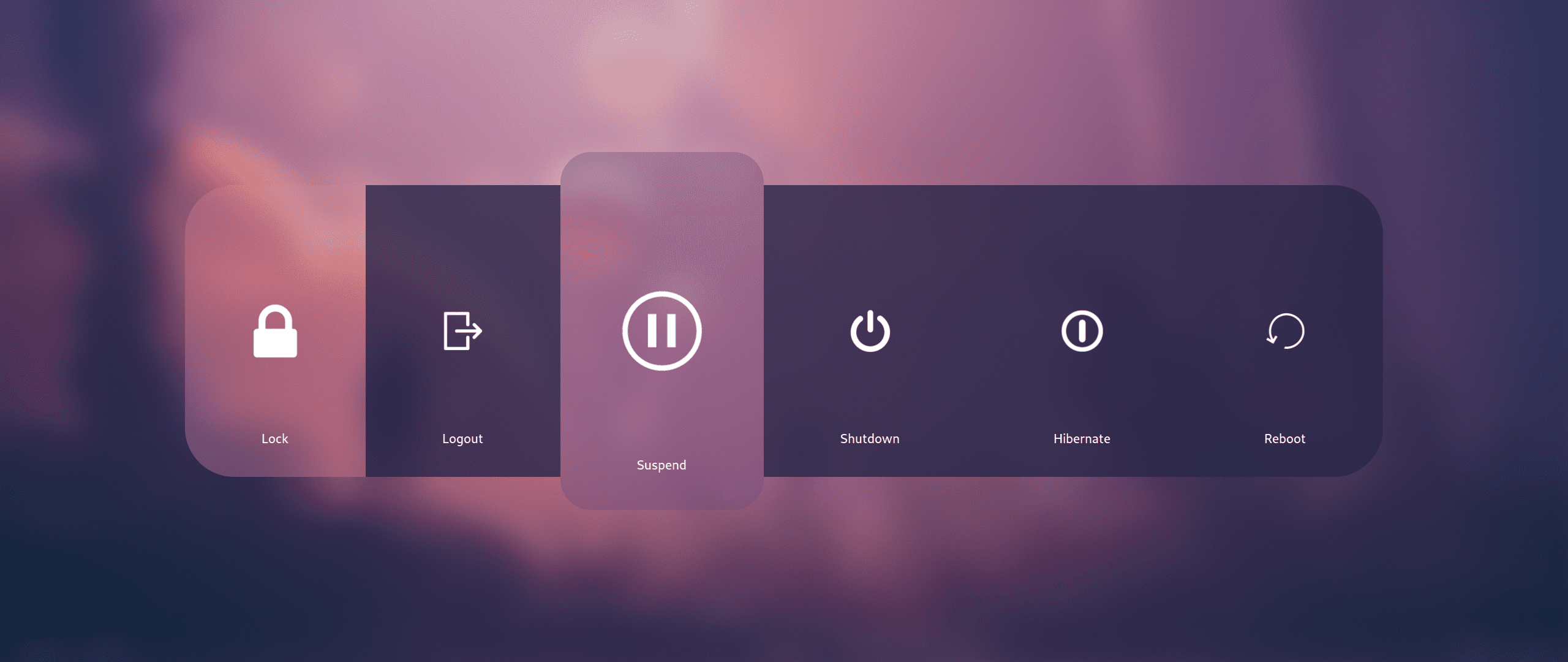 |
 |
 ---
---
| Keys | Action |
| :--- | :--- |
| Super + Q
Alt + F4 | Close focused window|
| Super + Del | Kill Hyprland session |
| Super + W | Toggle the window between focus and float |
| Super + G | Toggle the window between focus and group |
| Super + slash | Launch keybinds hint |
| Alt + Enter | Toggle the window between focus and fullscreen |
| Super + L | Launch lock screen |
| Super + Shift + F | Toggle pin on focused window |
| Super + Backspace | Launch logout menu |
| Ctrl + Alt + W | Toggle waybar |
| Super + T | Launch terminal emulator (kitty) |
| Super + E | Launch file manager (dolphin) |
| Super + C | Launch text editor (vscode) |
| Super + F | Launch web browser (firefox) |
| Ctrl + Shift + Esc | Launch system monitor (htop/btop or fallback to top) |
| Super + A | Launch application launcher (rofi) |
| Super + Tab | Launch window switcher (rofi) |
| Super + Shift + E | Launch file explorer (rofi) |
| F10 | Toggle audio mute |
| F11 | Decrease volume |
| F12 | Increase volume |
| Super + P | Partial screenshot capture |
| Super + Ctrl + P | Partial screenshot capture (frozen screen) |
| Super + Alt + P | Monitor screenshot capture |
| PrtScn | All monitors screenshot capture |
| Super + Alt + G | Disable hypr effects for gamemode |
| Super + Alt + →← | Cycle wallpaper |
| Super + Alt + ↑↓ | Cycle waybar mode |
| Super + Shift + R | Launch wallbash mode select menu (rofi) |
| Super + Shift + T | Launch theme select menu (rofi) |
| Super + Shift + A | Launch style select menu (rofi) |
| Super + Shift + X | Launch theme style select menu (rofi) |
| Super + Shift + W | Launch wallpaper select menu (rofi) |
| Super + V | Launch clipboard (rofi) |
| Super + K | Switch keyboard layout |
| Super + ←→↑↓ | Move window focus |
| Alt + Tab | Change window focus |
| Super + [0-9] | Switch workspaces |
| Super + Ctrl + ←→ | Switch workspaces to a relative workspace |
| Super + Ctrl + ↓ | Move to the first empty workspace |
| Super + Shift + ←→↑↓ | Resize windows |
| Super + Shift + [0-9] | Move focused window to a relative workspace |
| Super + Shift + Ctrl + ←→↑↓ | Move focused window (tiled/floating) around the current workspace |
| Super + MouseScroll | Scroll through existing workspaces |
| Super + LeftClick
Super + Z | Move focused window |
| Super + RightClick
Super + X | Resize focused window |
| Super + Alt + S | Move/Switch to special workspace (scratchpad) |
| Super + S | Toggle to special workspace |
| Super + J | Toggle focused window split |
| Super + Alt + [0-9] | Move focused window to a workspace silently |
| Super + Ctrl + H | Move between grouped windows backward |
| Super + Ctrl + L | Move between grouped windows forward |