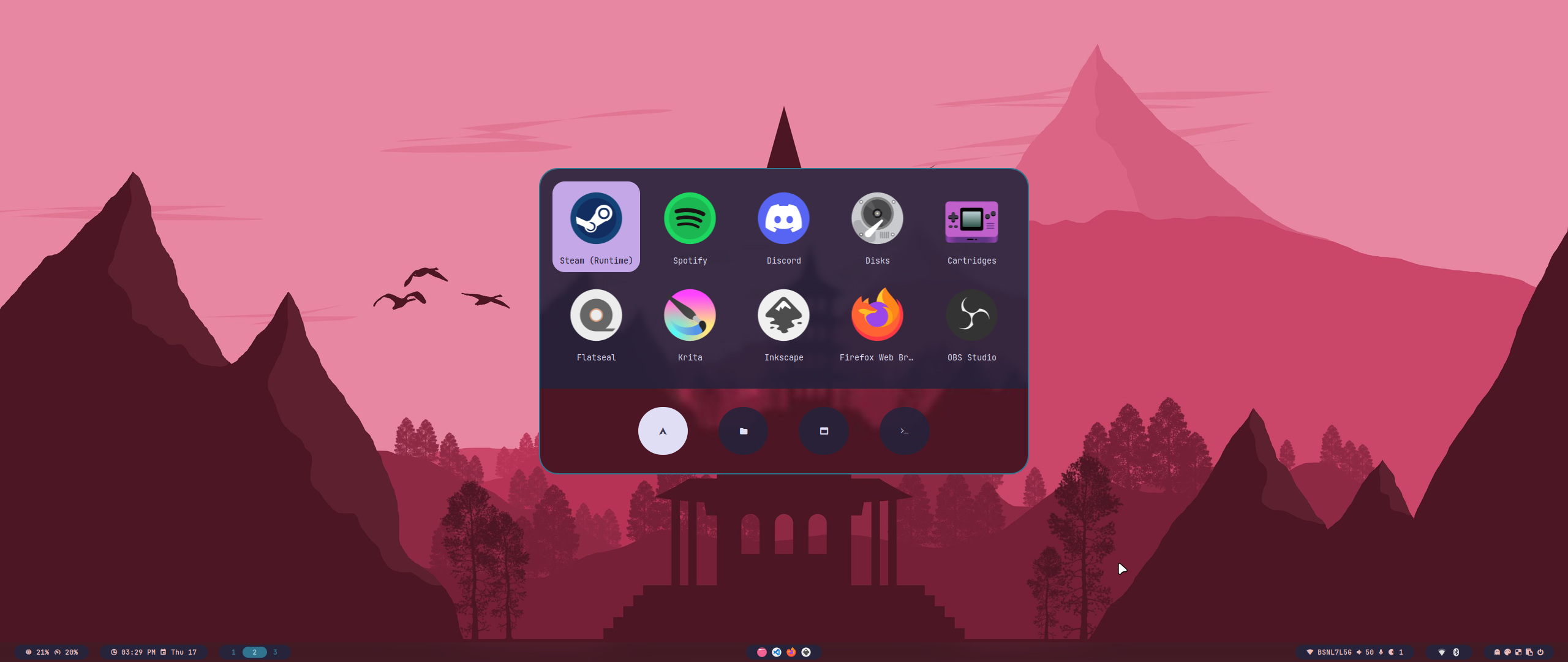
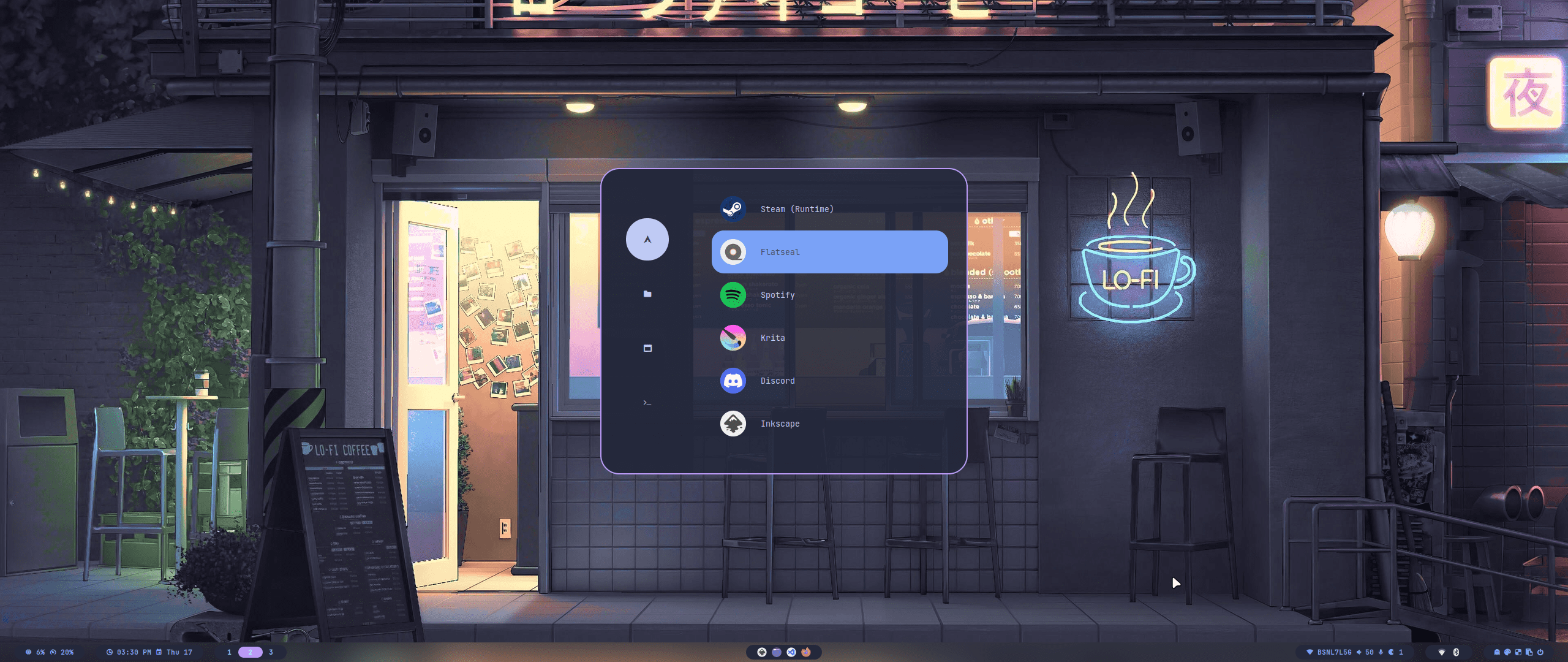
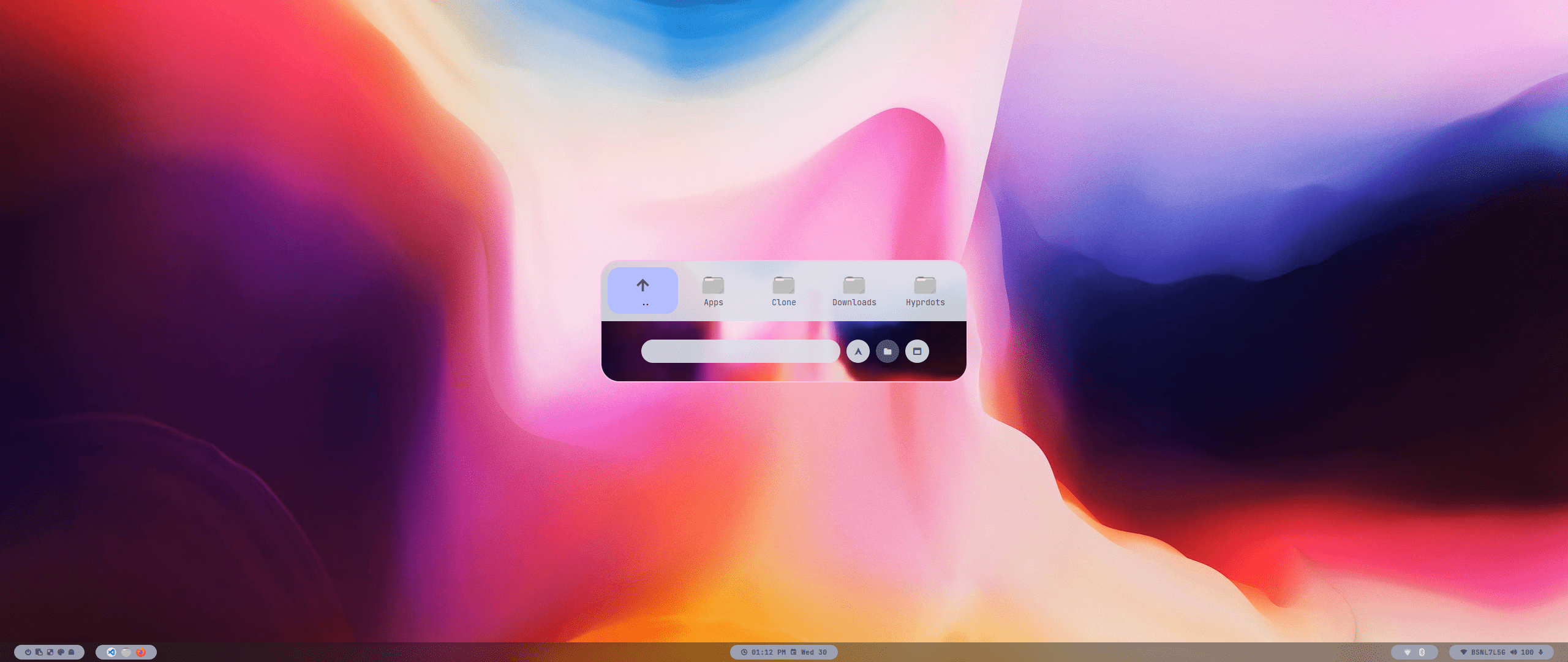
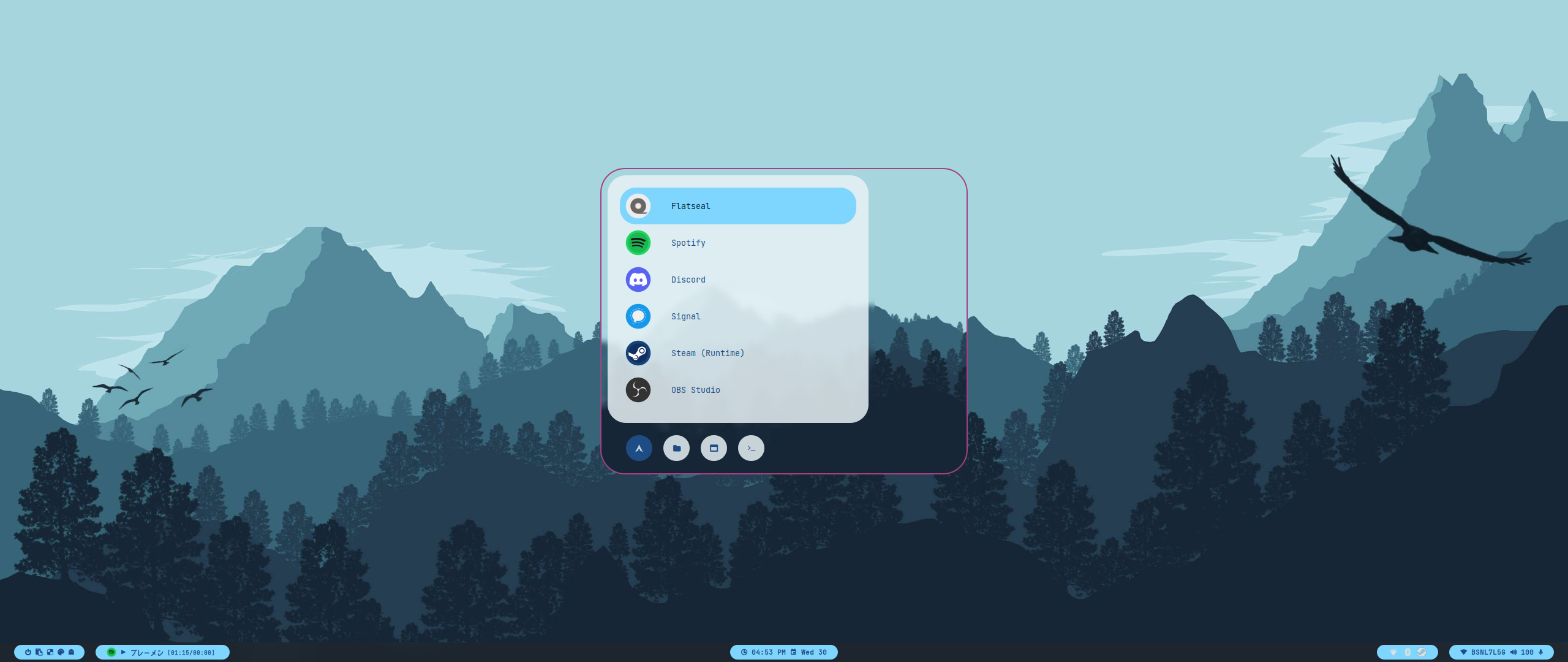
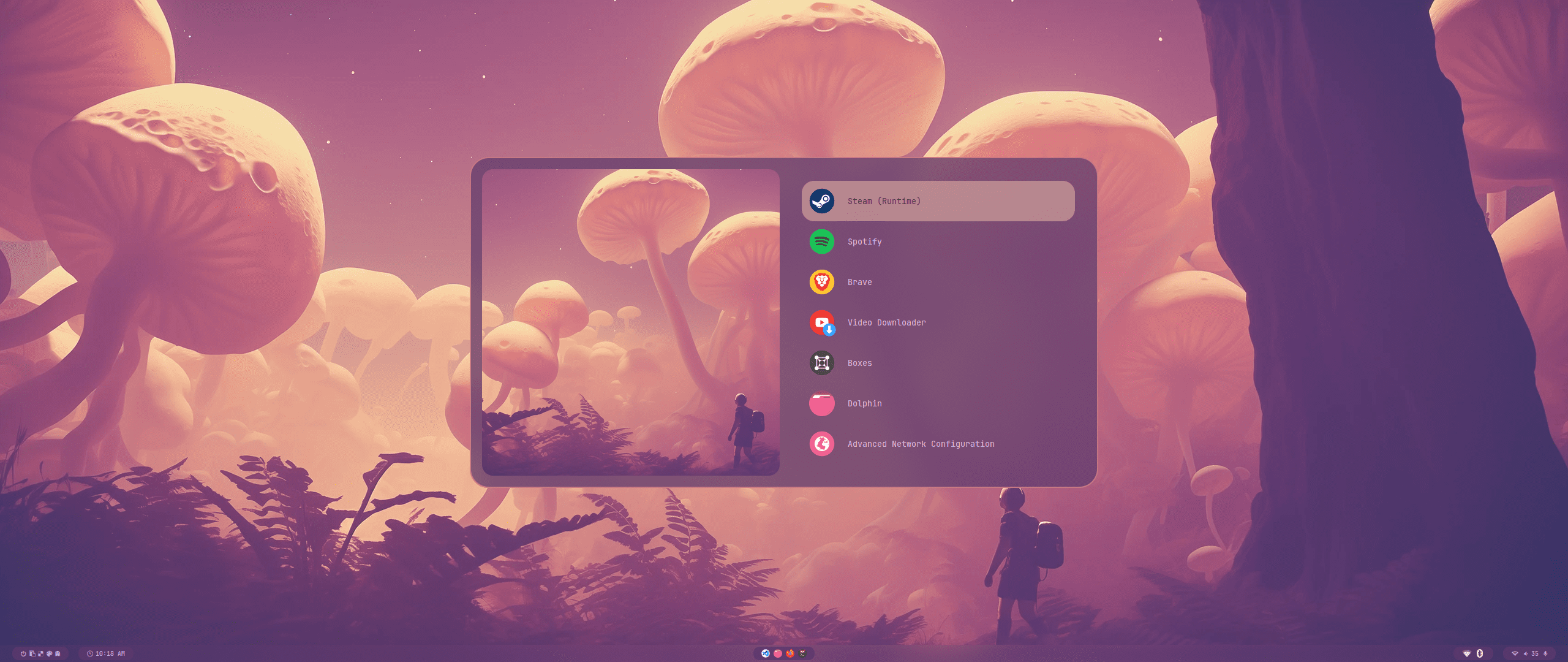
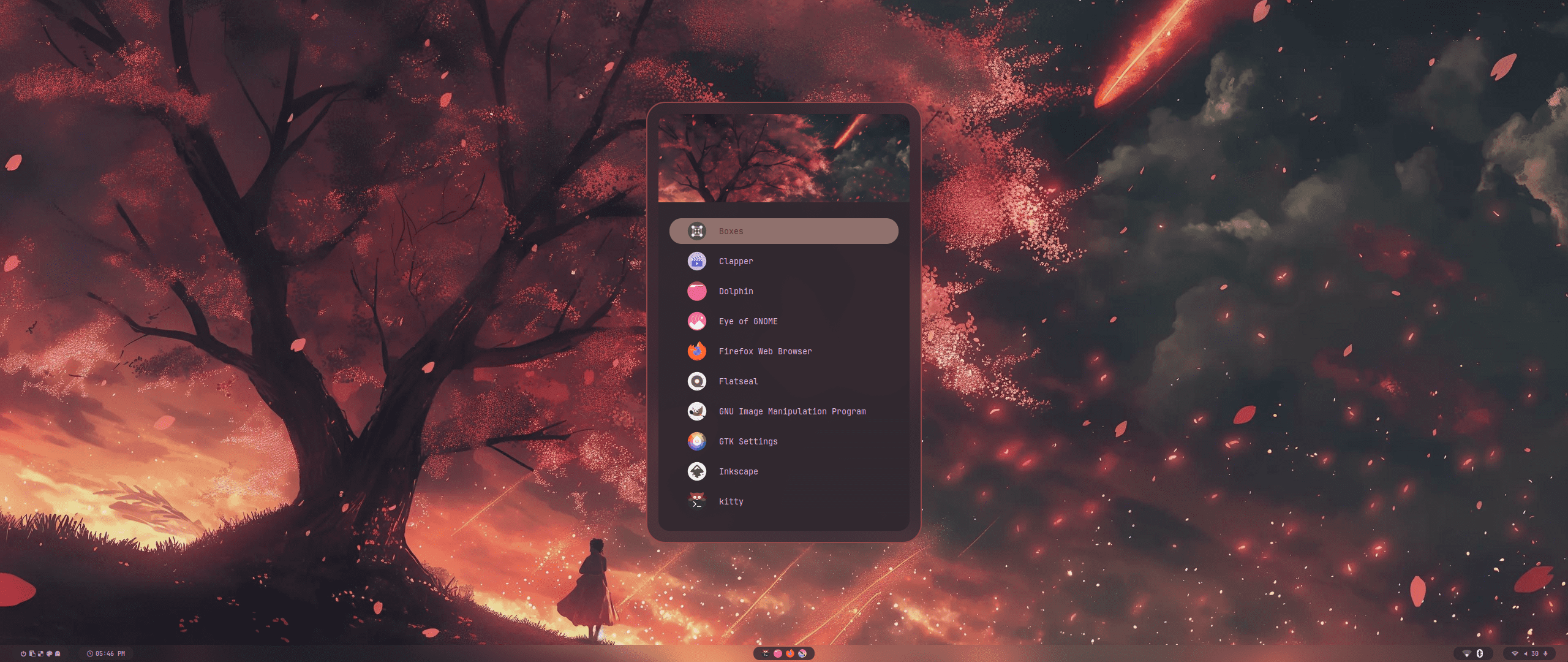
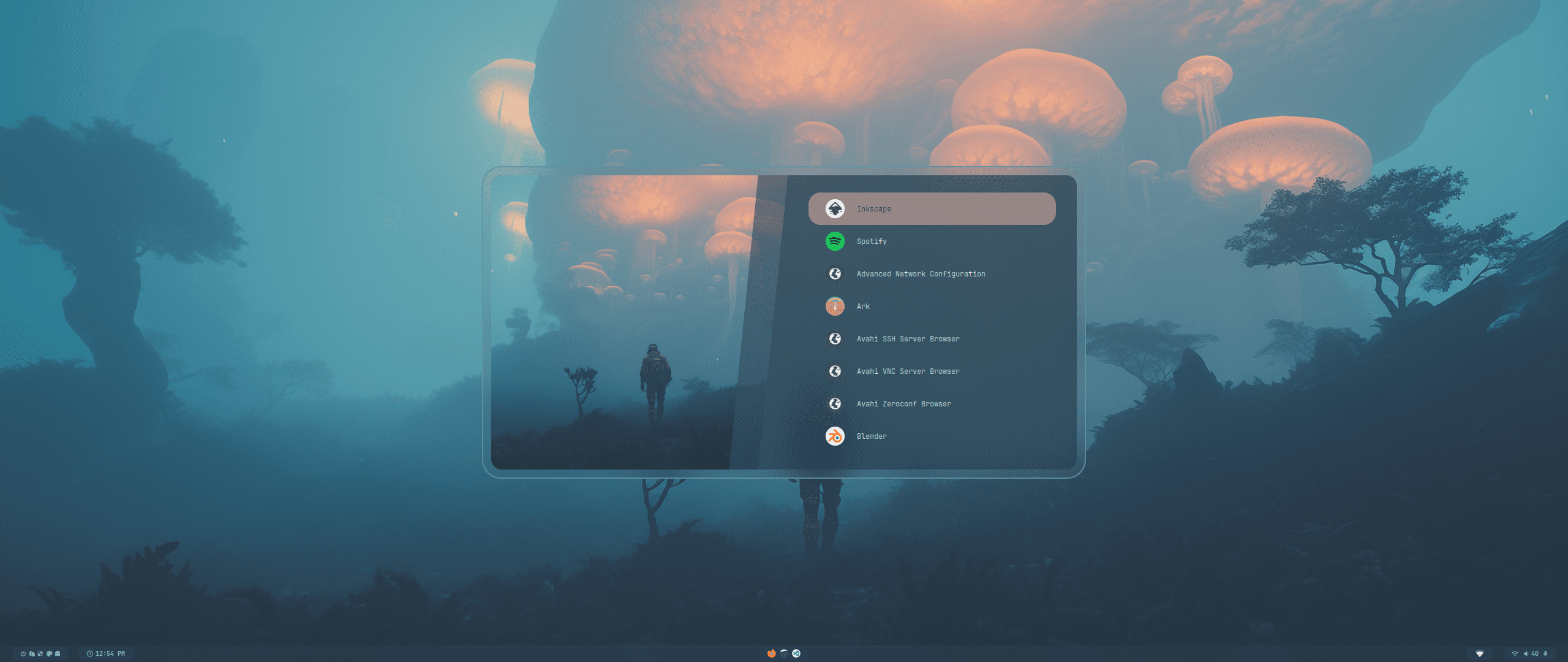
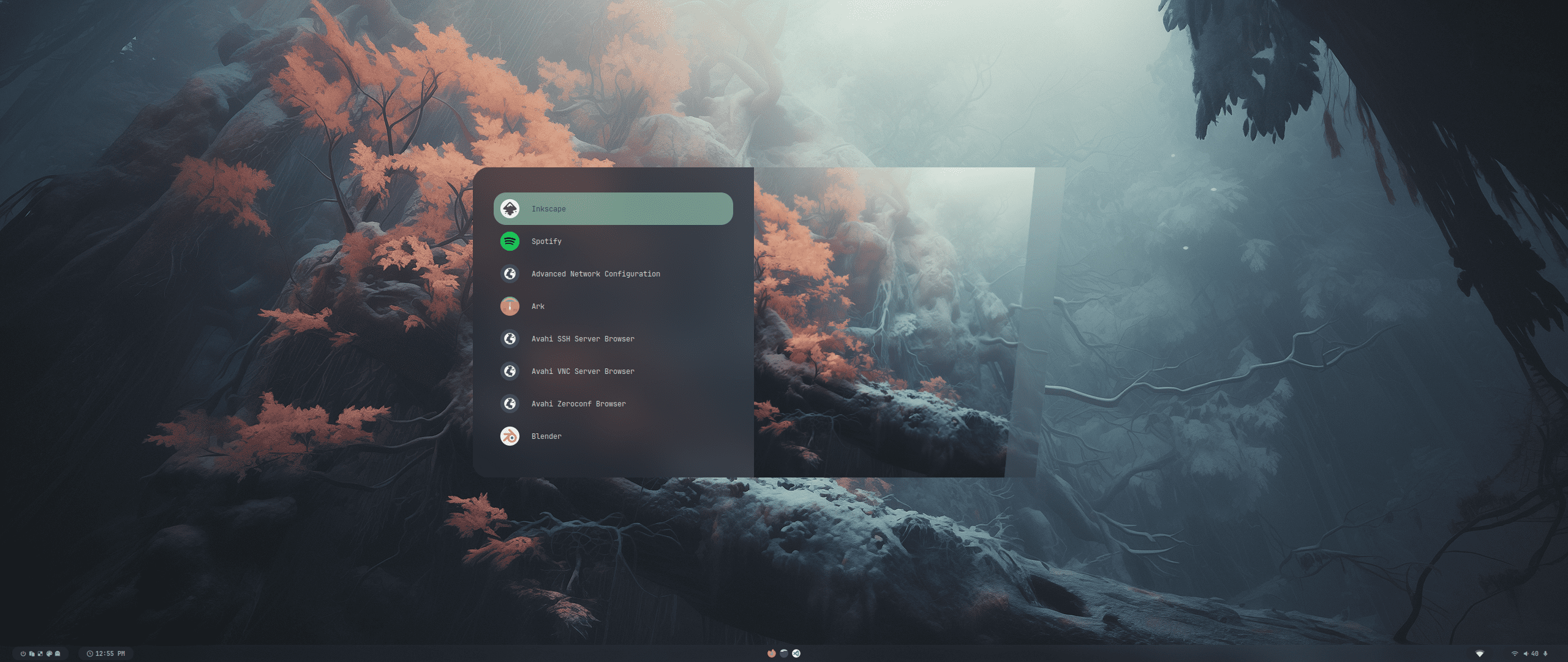
<div align = center>
  <a href="https://discord.gg/AYbJ9MJez7">
    <img alt="Dynamic JSON Badge" src="https://img.shields.io/badge/dynamic/json?url=https%3A%2F%2Fdiscordapp.com%2Fapi%2Finvites%2FmT5YqjaJFh%3Fwith_counts%3Dtrue&query=%24.approximate_member_count&suffix=%20members&style=for-the-badge&logo=discord&logoSize=auto&label=The%20HyDe%20Project&labelColor=ebbcba&color=c79bf0">
  </a>
</div>

###### _<div align="right"><a id=-design-by-t2></a><sub>// diseño por t2</sub></div>_

![hyde_banner](../assets/hyde_banner.png)

<!--
Soporte multilingüe para el README
-->

[![en](https://img.shields.io/badge/lang-en-red.svg)](../../README.md)
[![de](https://img.shields.io/badge/lang-de-black.svg)](README.de.md)
[![nl](https://img.shields.io/badge/lang-nl-green.svg)](README.nl.md)
[![中文](https://img.shields.io/badge/lang-中文-orange.svg)](README.zh.md)
[![fr](https://img.shields.io/badge/lang-fr-blue.svg)](README.fr.md)
[![ar](https://img.shields.io/badge/lang-AR-orange.svg)](README.ar.md)
[![pt-br](https://img.shields.io/badge/lang-pt--br-006400.svg)](README.pt-br.md)

<div align="center">

<br>

<a href="#instalación"><kbd> <br> Instalación <br> </kbd></a>&ensp;&ensp;
<a href="#actualizar"><kbd> <br> actualizar <br> </kbd></a>&ensp;&ensp;
<a href="#temas"><kbd> <br> Temas <br> </kbd></a>&ensp;&ensp;
<a href="#estilos"><kbd> <br> Estilos <br> </kbd></a>&ensp;&ensp;
<a href="KEYBINDINGS.es.md"><kbd> <br> Combinaciones <br> </kbd></a>&ensp;&ensp;
<a href="https://www.youtube.com/watch?v=2rWqdKU1vu8&list=PLt8rU_ebLsc5yEHUVsAQTqokIBMtx3RFY&index=1"><kbd> <br> Youtube <br> </kbd></a>&ensp;&ensp;
<a href="https://hydeproject.pages.dev/"><kbd> <br> Wiki <br> </kbd></a>&ensp;&ensp;
<a href="https://discord.gg/qWehcFJxPa"><kbd> <br> Discord <br> </kbd></a>

</div><br><br>

<div align="center">
  <div style="display: flex; flex-wrap: nowrap; justify-content: center;">
    <img src="../assets/archlinux.png" alt="Arch Linux" style="width: 10%; margin: 10px;"/>
    <img src="../assets/cachyos.png" alt="CachyOS" style="width: 10%; margin: 10px;"/>
    <img src="../assets/endeavouros.png" alt="EndeavourOS" style="width: 10%; margin: 10px;"/>
    <img src="../assets/garuda.png" alt="Garuda" style="width: 10%; margin: 10px;"/>
    <img src="../assets/nixos.png" alt="NixOS" style="width: 10%; margin: 10px;"/>
  </div>
</div>

Mira esto para ver la nota completa:
[Viaje a HyDE y más allá](./Hyprdots-to-HyDE.es.md)

<!--
<img alt="Dynamic JSON Badge" src="https://img.shields.io/badge/dynamic/json?url=https%3A%2F%2Fdiscordapp.com%2Fapi%2Finvites%2FmT5YqjaJFh%3Fwith_counts%3Dtrue&query=%24.approximate_member_count&suffix=%20members&style=for-the-badge&logo=discord&logoSize=auto&label=The%20HyDe%20Project&labelColor=ebbcba&color=c79bf0">

<img alt="Dynamic JSON Badge" src="https://img.shields.io/badge/dynamic/json?url=https%3A%2F%2Fdiscordapp.com%2Fapi%2Finvites%2FmT5YqjaJFh%3Fwith_counts%3Dtrue&query=%24.approximate_presence_count&suffix=%20online&style=for-the-badge&logo=discord&logoSize=auto&label=The%20HyDe%20Project&labelColor=ebbcba&color=c79bf0">
-->

<https://github.com/prasanthrangan/hyprdots/assets/106020512/7f8fadc8-e293-4482-a851-e9c6464f5265>

<br>

<a id="instalación"></a>
<img src="https://readme-typing-svg.herokuapp.com?font=Lexend+Giga&size=25&pause=1000&color=CCA9DD&vCenter=true&width=435&height=25&lines=INSTALACI%C3%93N" width="450"/>

---

El script de instalación está diseñado para un mínimo [Arch Linux](https://wiki.archlinux.org/title/Arch_Linux) instalar, pero **puede** funcionar en algunas [Distros basadas en arch](https://wiki.archlinux.org/title/Arch-based_distributions). Al instalar HyDE junto con otro [DE](https://wiki.archlinux.org/title/Desktop_environment)/[WM](https://wiki.archlinux.org/title/Window_manager) debería funcionar, debido a que es una configuración muy personalizada, **tendrá** conflicto con su [GTK](https://wiki.archlinux.org/title/GTK)/[Qt](https://wiki.archlinux.org/title/Qt) tematización, [Shell](https://wiki.archlinux.org/title/Command-line_shell), [SDDM](https://wiki.archlinux.org/title/SDDM), [GRUB](https://wiki.archlinux.org/title/GRUB), etc. y es bajo su propio riesgo.

Para apoyar a NixOS se mantiene un proyecto separado @ [Hydenix](https://github.com/richen604/hydenix/tree/main)

> [!IMPORTANT]
> El script de instalación detectará automáticamente una tarjeta NVIDIA e instalará los controladores nvidia-dkms para su kernel.
> Asegúrese de que su tarjeta NVIDIA admita los controladores dkms en la lista proporcionada [aquí](https://wiki.archlinux.org/title/NVIDIA).

> [!CAUTION]
> El script modifica su configuración `grub` o `systemd-boot` para habilitar NVIDIA DRM.

Para instalar, ejecute los siguientes comandos:

```shell
pacman -S --needed git base-devel
git clone --depth 1 https://github.com/HyDE-Project/HyDE ~/HyDE
cd ~/HyDE/Scripts
./install.sh
```

> [!TIP]
> También puedes agregar cualquier otra aplicación que desees instalar junto con HyDE a `Scripts/pkg_extra.lst` y pasar el archivo como parámetro para instalarlo de la siguiente manera:
>
> ```shell
> ./install.sh pkg_extra.lst
> ```

<!--
As a second install option, you can also use `Hyde-install`, which might be easier for some.
View installation instructions for HyDE in [Hyde-cli - Usage](https://github.com/kRHYME7/Hyde-cli?tab=readme-ov-file#usage).
-->

Reinicie después de que el script de instalación se complete y lo lleve a la pantalla de inicio de sesión de SDDM (o pantalla negra) por primera vez.
Para obtener más detalles, consulte la [wiki de instalación](https://github.com/HyDE-Project/HyDE/wiki/installation).

<div align="right">
  <br>
  <a href="#-design-by-t2"><kbd> <br> 🡅 <br> </kbd></a>
</div>

<a id="actualizar"></a>
<img src="https://readme-typing-svg.herokuapp.com?font=Lexend+Giga&size=25&pause=1000&color=CCA9DD&vCenter=true&width=435&height=25&lines=ACTUALIZAR" width="450"/>

---

Para actualizar HyDE, necesitarás extraer los últimos cambios de GitHub y restaurar las configuraciones ejecutando los siguientes comandos:

```shell
cd ~/HyDE/Scripts
git pull origin master
./install.sh -r
```

> [!IMPORTANT]
> Tenga en cuenta que cualquier configuración que haya realizado se sobrescribirá si se indica que debe realizarse tal como se indica en `Scripts/restore_cfg.psv`.
> Sin embargo, se realiza una copia de seguridad de todas las configuraciones reemplazadas y se pueden recuperar desde allí `~/.config/cfg_backups`.

<!--
As a second update option, you can use `Hyde restore ...`, which does have a better way of managing restore and backup options.
For more details, you can refer to [Hyde-cli - dots management wiki](https://github.com/kRHYME7/Hyde-cli/wiki/Dots-Management).
-->

<div align="right">
  <br>
  <a href="#-design-by-t2"><kbd> <br> 🡅 <br> </kbd></a>
</div>

<a id="temas"></a>
<img src="https://readme-typing-svg.herokuapp.com?font=Lexend+Giga&size=25&pause=1000&color=CCA9DD&vCenter=true&width=435&height=25&lines=TEMAS" width="450"/>

---

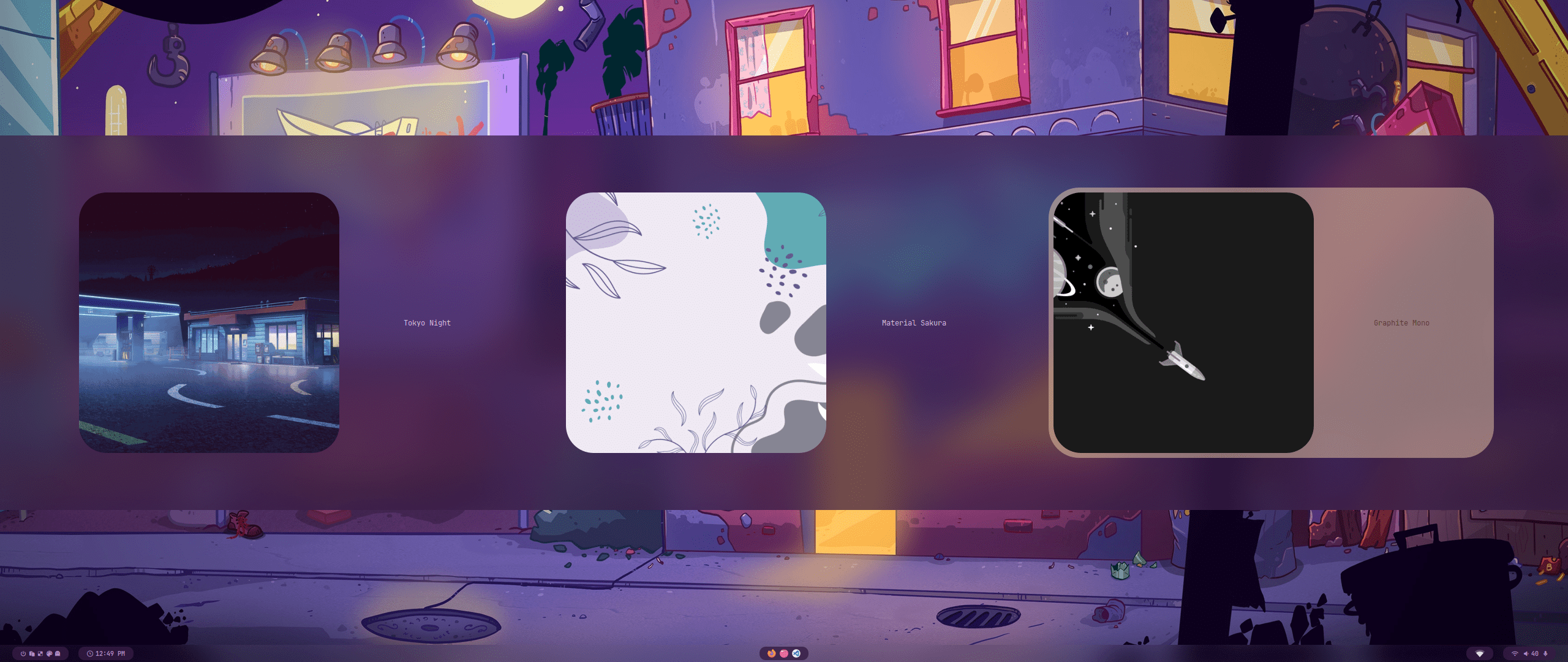
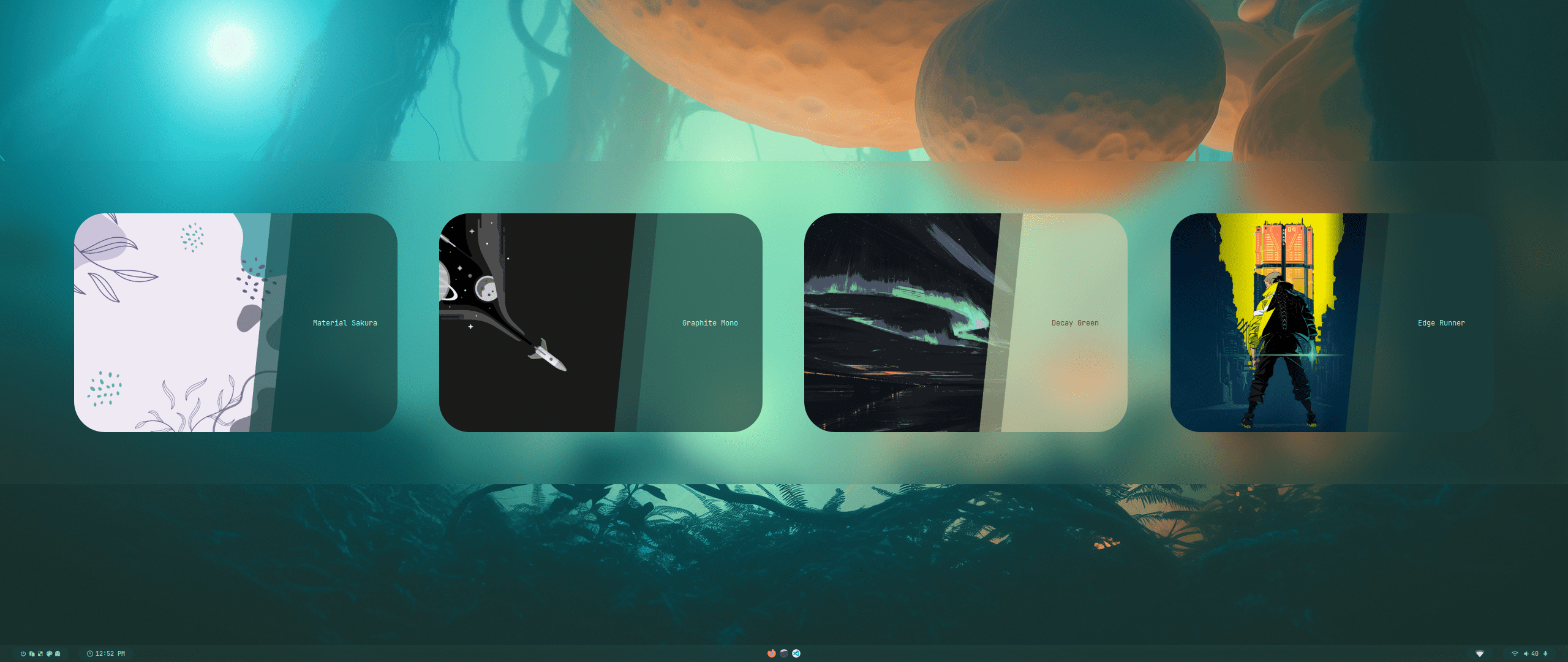
Todos nuestros temas oficiales se almacenan en un repositorio separado, lo que permite a los usuarios instalarlos mediante themepatcher.
Para obtener más información, visite [Temas HyDE](https://github.com/HyDE-Project/hyde-themes).

<div align="center">
  <table><tr><td>

[![Catppuccin-Latte](https://placehold.co/130x30/dd7878/eff1f5?text=Catppuccin-Latte&font=Oswald)](https://github.com/HyDE-Project/hyde-themes/tree/Catppuccin-Latte)
[![Catppuccin-Mocha](https://placehold.co/130x30/b4befe/11111b?text=Catppuccin-Mocha&font=Oswald)](https://github.com/HyDE-Project/hyde-themes/tree/Catppuccin-Mocha)
[![Decay-Green](https://placehold.co/130x30/90ceaa/151720?text=Decay-Green&font=Oswald)](https://github.com/HyDE-Project/hyde-themes/tree/Decay-Green)
[![Edge-Runner](https://placehold.co/130x30/fada16/000000?text=Edge-Runner&font=Oswald)](https://github.com/HyDE-Project/hyde-themes/tree/Edge-Runner)
[![Frosted-Glass](https://placehold.co/130x30/7ed6ff/1e4c84?text=Frosted-Glass&font=Oswald)](https://github.com/HyDE-Project/hyde-themes/tree/Frosted-Glass)
[![Graphite-Mono](https://placehold.co/130x30/a6a6a6/262626?text=Graphite-Mono&font=Oswald)](https://github.com/HyDE-Project/hyde-themes/tree/Graphite-Mono)
[![Gruvbox-Retro](https://placehold.co/130x30/475437/B5CC97?text=Gruvbox-Retro&font=Oswald)](https://github.com/HyDE-Project/hyde-themes/tree/Gruvbox-Retro)
[![Material-Sakura](https://placehold.co/130x30/f2e9e1/b4637a?text=Material-Sakura&font=Oswald)](https://github.com/HyDE-Project/hyde-themes/tree/Material-Sakura)
[![Nordic-Blue](https://placehold.co/130x30/D9D9D9/476A84?text=Nordic-Blue&font=Oswald)](https://github.com/HyDE-Project/hyde-themes/tree/Nordic-Blue)
[![Rosé-Pine](https://placehold.co/130x30/c4a7e7/191724?text=Rosé-Pine&font=Oswald)](https://github.com/HyDE-Project/hyde-themes/tree/Rose-Pine)
[![Synth-Wave](https://placehold.co/130x30/495495/ff7edb?text=Synth-Wave&font=Oswald)](https://github.com/HyDE-Project/hyde-themes/tree/Synth-Wave)
[![Tokyo-Night](https://placehold.co/130x30/7aa2f7/24283b?text=Tokyo-Night&font=Oswald)](https://github.com/HyDE-Project/hyde-themes/tree/Tokyo-Night)

  </td></tr></table>
</div>

> [!TIP]
> Todos, incluido usted, pueden crear, mantener y compartir temas adicionales, ¡todos los cuales pueden instalarse usando themepatcher!
> Para crear su propio tema personalizado, consulte la [Wiki de temas](https://github.com/prasanthrangan/hyprdots/wiki/Theming).
> Si desea que se muestre su tema de Hyde o desea encontrar algunos temas no oficiales, visite [Galeria HyDE](https://github.com/kRHYME7/hyde-gallery)!


<div align="right">
  <br>
  <a href="#-design-by-t2"><kbd> <br> 🡅 <br> </kbd></a>
</div>

<a id="estilos"></a>
<img src="https://readme-typing-svg.herokuapp.com?font=Lexend+Giga&size=25&pause=1000&color=CCA9DD&vCenter=true&width=435&height=25&lines=ESTILOS" width="450"/>

---

<div align="center"><table><tr>Seleccionar tema</tr><tr><td>
<img src="https://raw.githubusercontent.com/prasanthrangan/hyprdots/main/Source/assets/theme_select_1.png"/></td><td>
<img src="https://raw.githubusercontent.com/prasanthrangan/hyprdots/main/Source/assets/theme_select_2.png"/></td></tr></table></div>

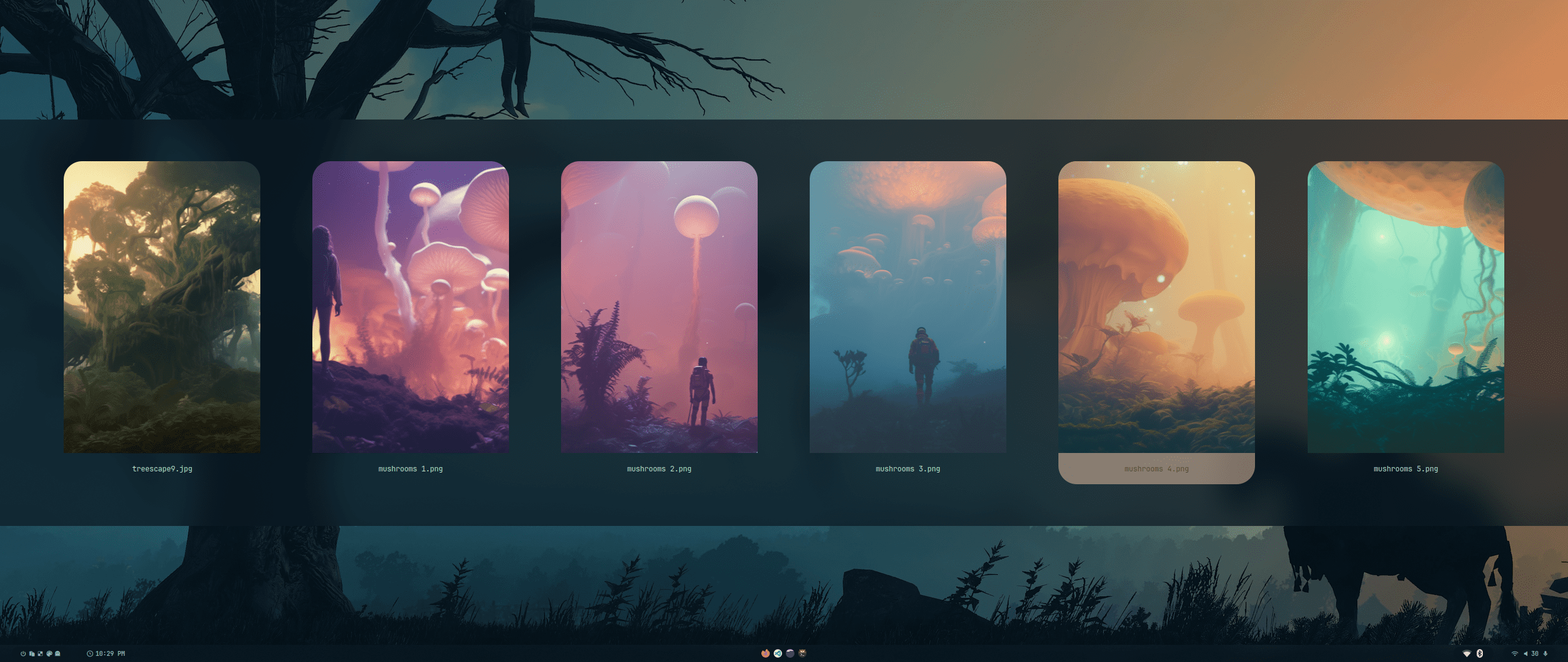
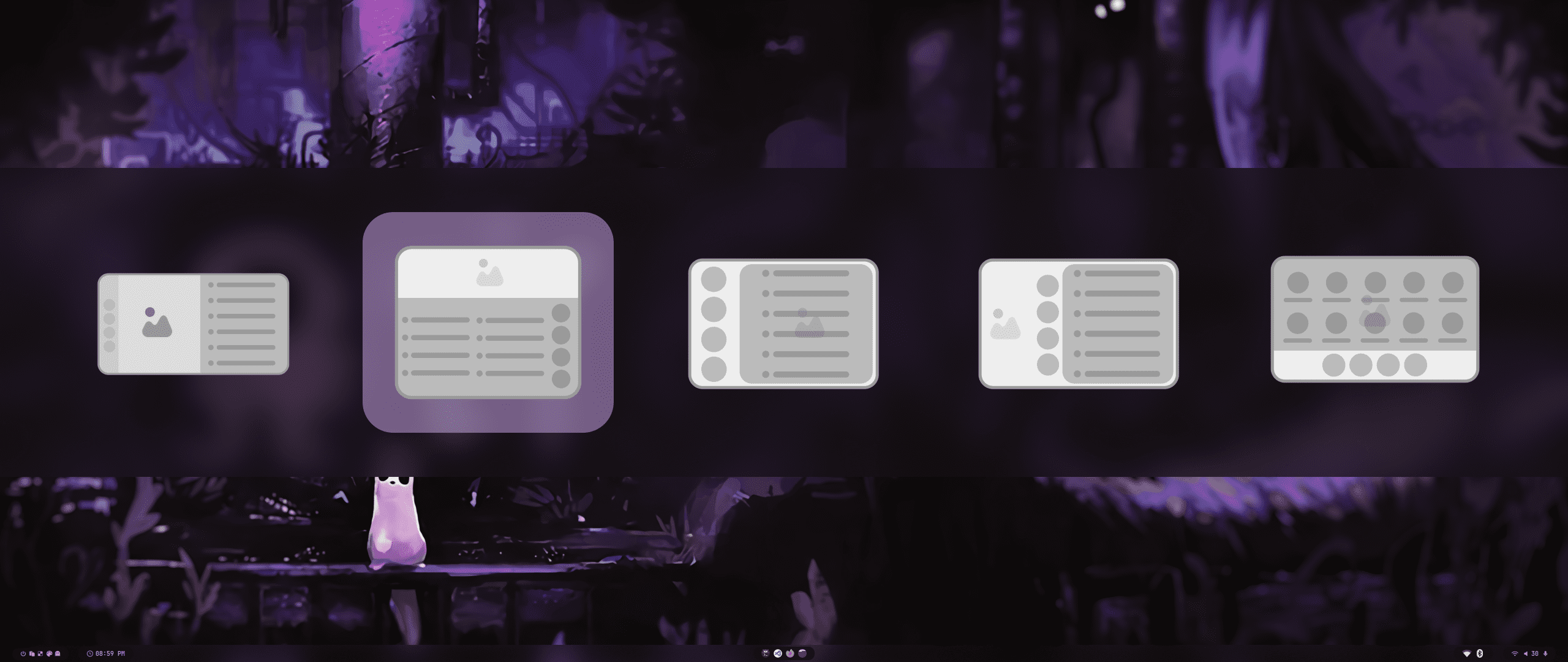
<div align="center"><table><tr><td>Seleccionar fondo de pantalla</td><td>Seleccionar lanzador</td></tr><tr><td>
<img src="https://raw.githubusercontent.com/prasanthrangan/hyprdots/main/Source/assets/walls_select.png"/></td><td>
<img src="https://raw.githubusercontent.com/prasanthrangan/hyprdots/main/Source/assets/rofi_style_sel.png"/></td></tr>
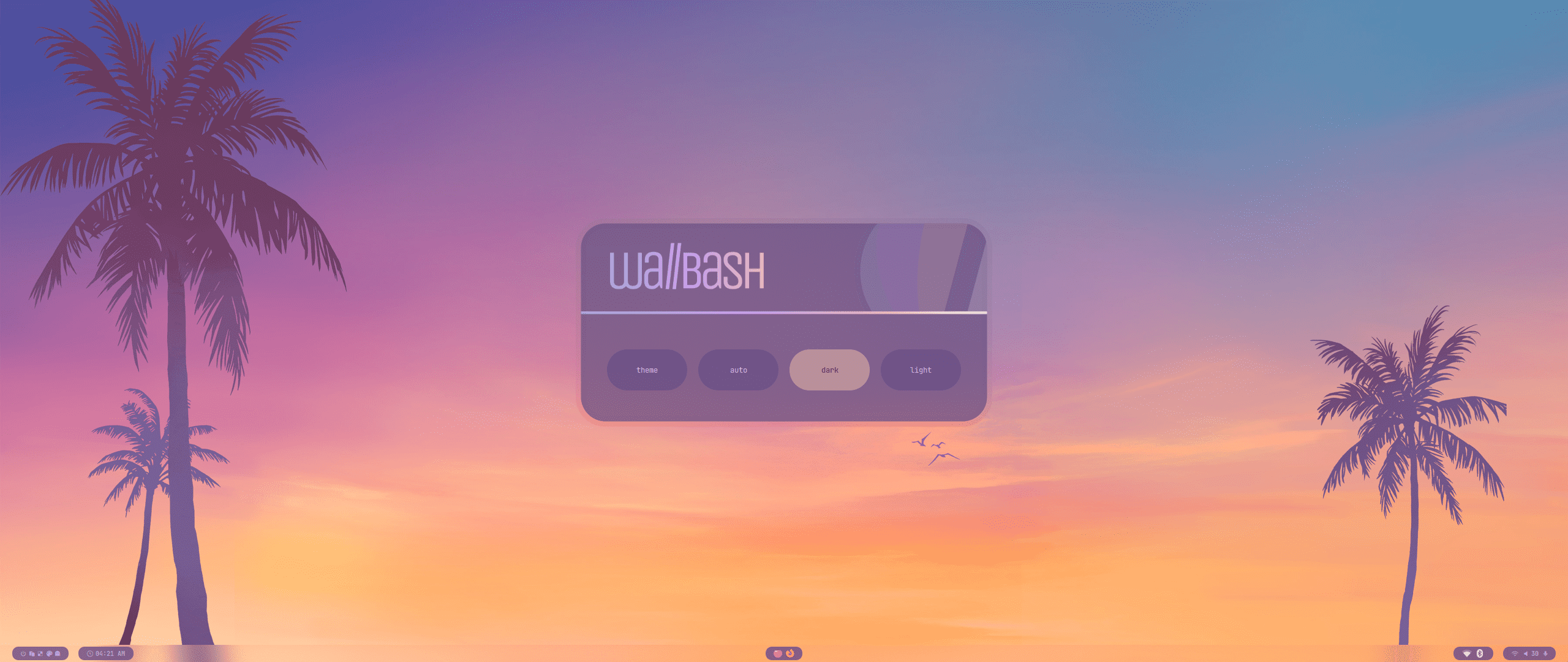
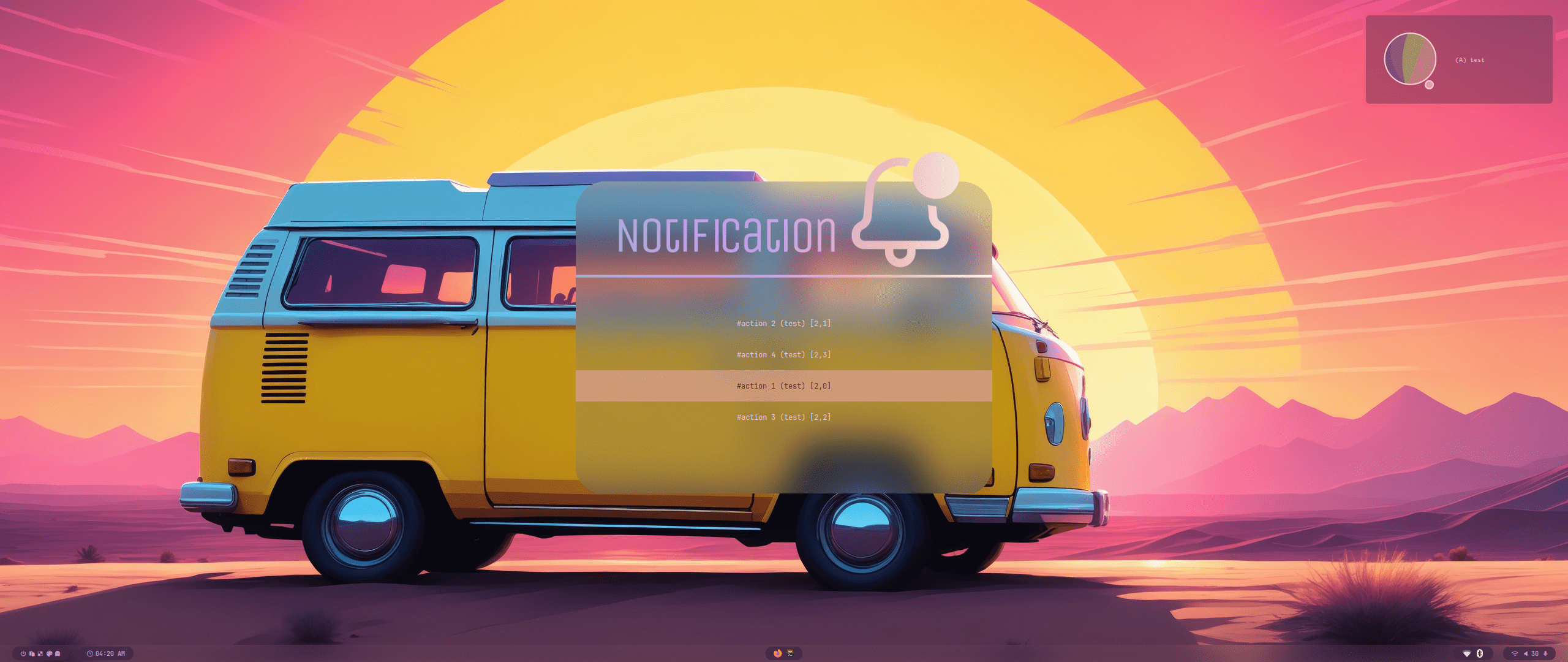
<tr><td> Modos de Wallbash</td><td>Acción de notificación</td></tr><tr><td>
<img src="https://raw.githubusercontent.com/prasanthrangan/hyprdots/main/Source/assets/wb_mode_sel.png"/></td><td>
<img src="https://raw.githubusercontent.com/prasanthrangan/hyprdots/main/Source/assets/notif_action_sel.png"/></td></tr>
</table></div>

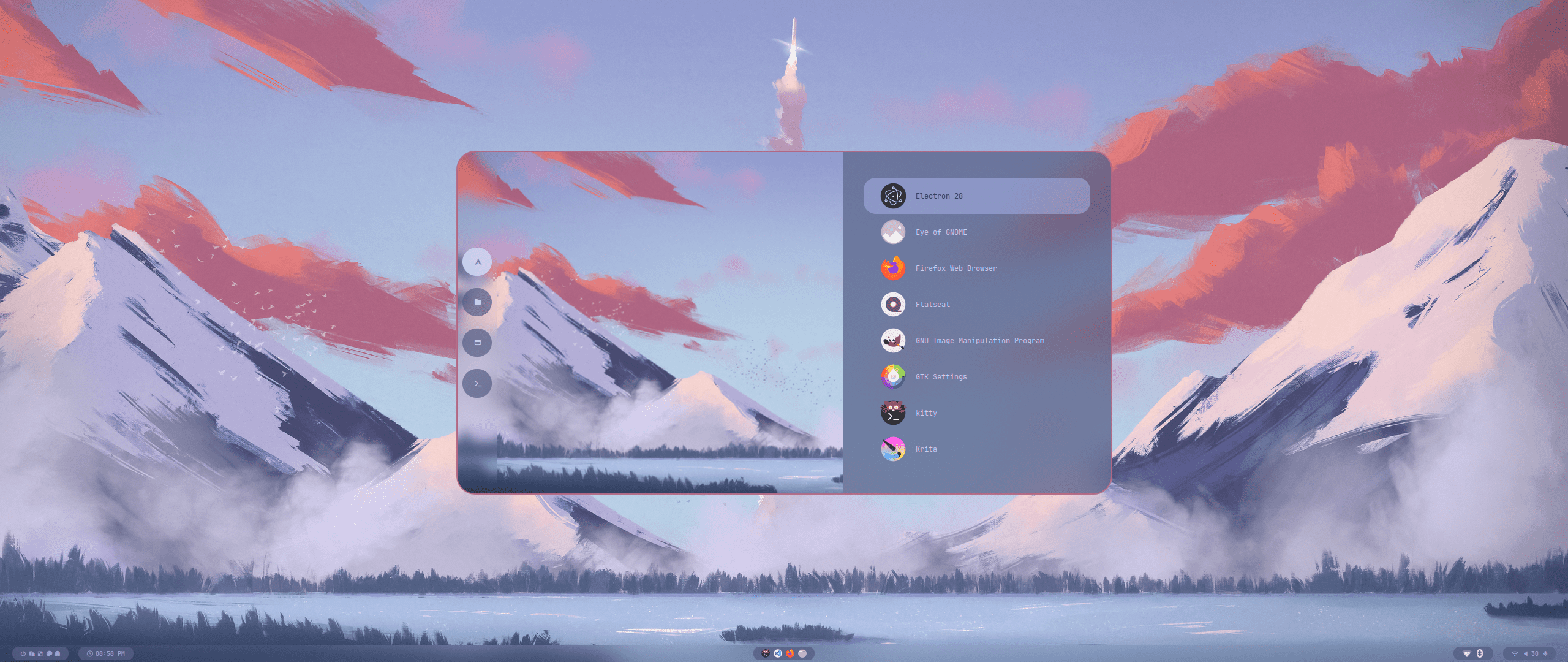
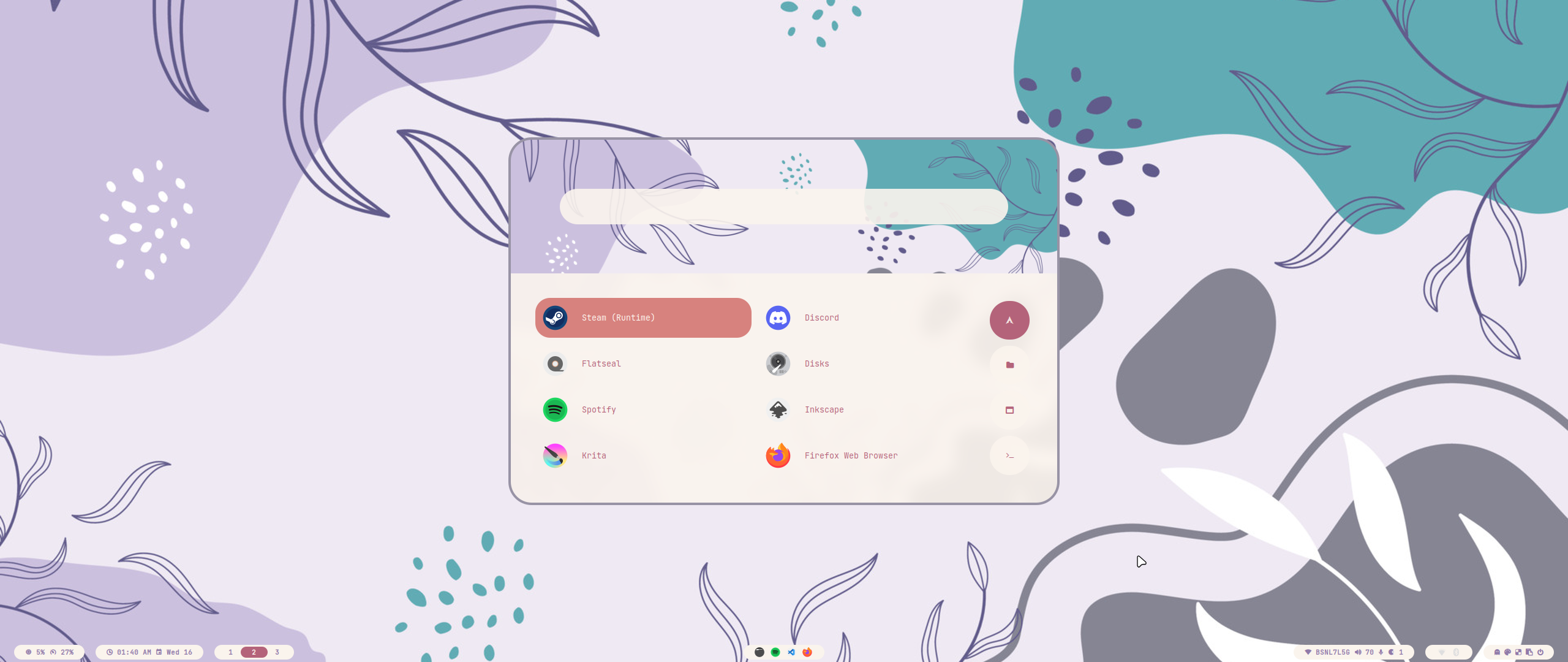
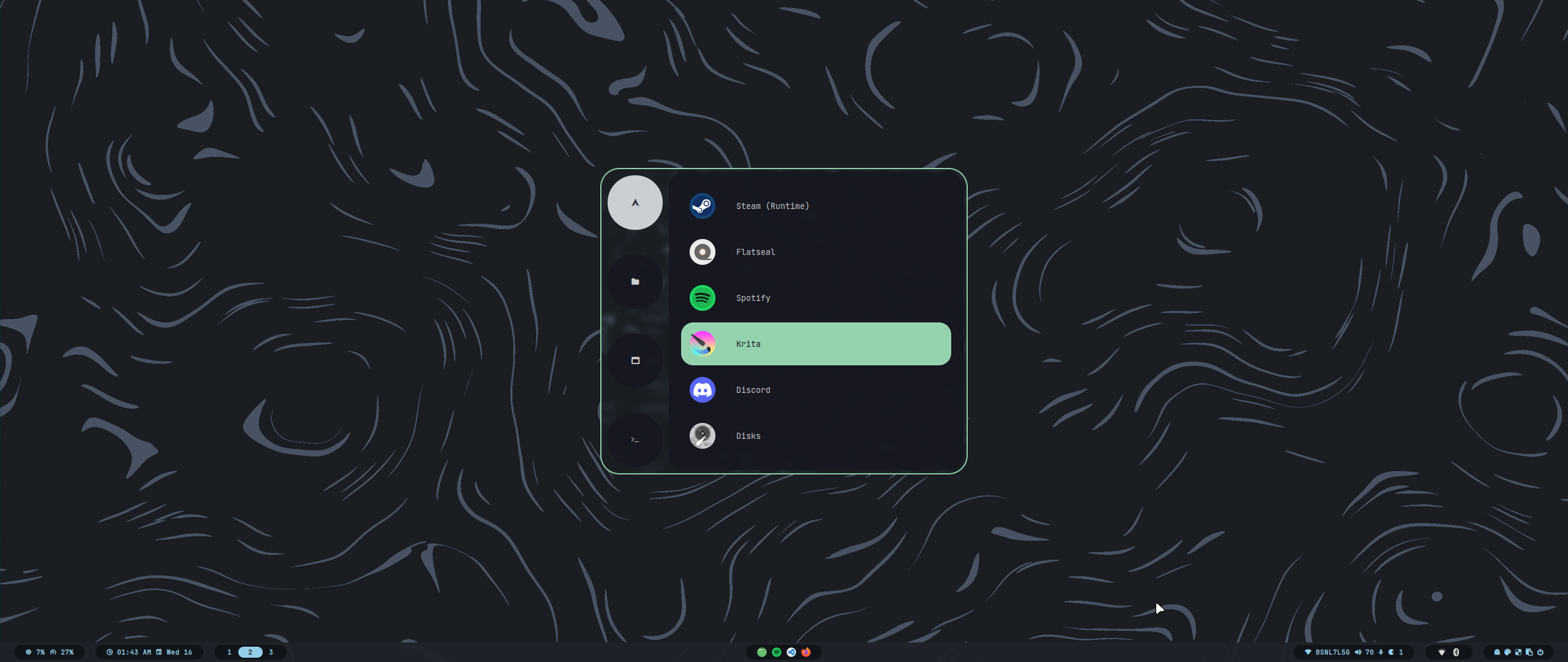
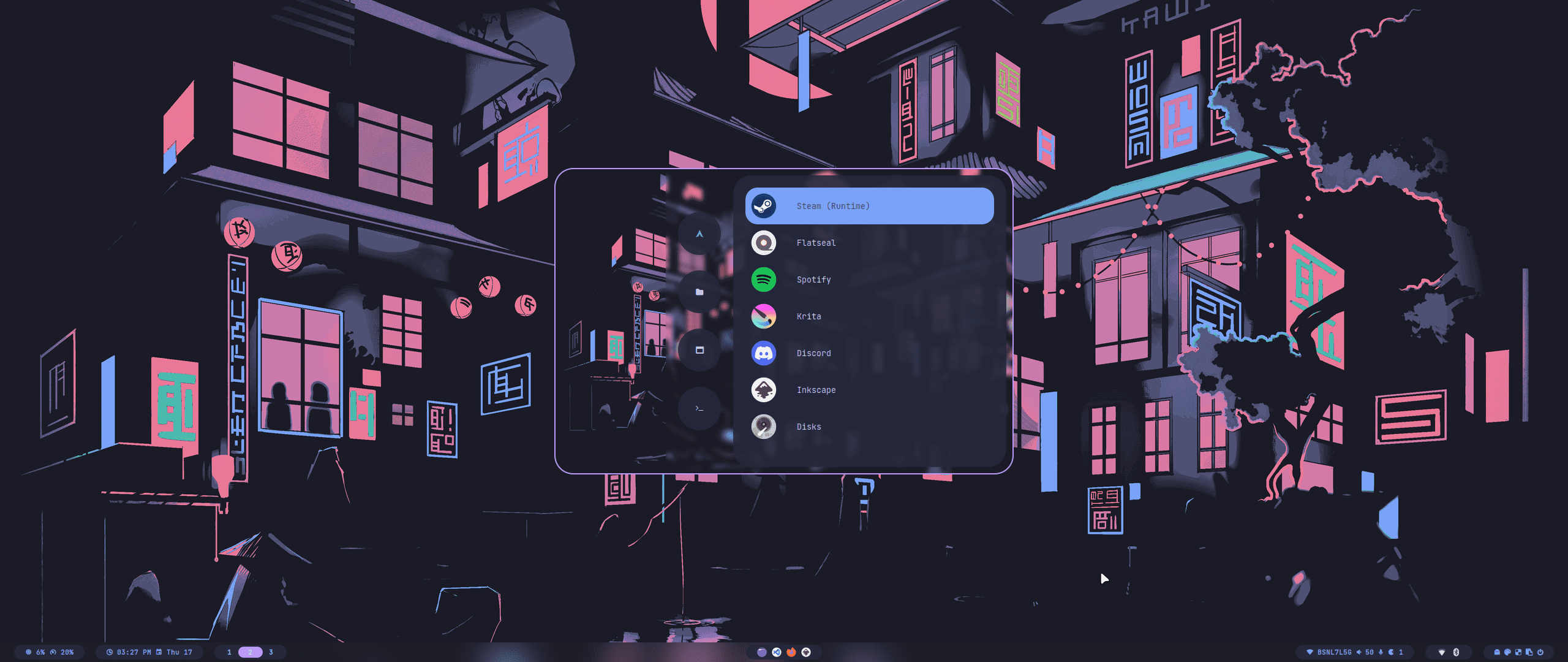
<div align="center"><table><tr>Lanzador Rofi</tr><tr><td>
<img src="https://raw.githubusercontent.com/prasanthrangan/hyprdots/main/Source/assets/rofi_style_1.png"/></td><td>
<img src="https://raw.githubusercontent.com/prasanthrangan/hyprdots/main/Source/assets/rofi_style_2.png"/></td><td>
<img src="https://raw.githubusercontent.com/prasanthrangan/hyprdots/main/Source/assets/rofi_style_3.png"/></td></tr><tr><td>
<img src="https://raw.githubusercontent.com/prasanthrangan/hyprdots/main/Source/assets/rofi_style_4.png"/></td><td>
<img src="https://raw.githubusercontent.com/prasanthrangan/hyprdots/main/Source/assets/rofi_style_5.png"/></td><td>
<img src="https://raw.githubusercontent.com/prasanthrangan/hyprdots/main/Source/assets/rofi_style_6.png"/></td></tr><tr><td>
<img src="https://raw.githubusercontent.com/prasanthrangan/hyprdots/main/Source/assets/rofi_style_7.png"/></td><td>
<img src="https://raw.githubusercontent.com/prasanthrangan/hyprdots/main/Source/assets/rofi_style_8.png"/></td><td>
<img src="https://raw.githubusercontent.com/prasanthrangan/hyprdots/main/Source/assets/rofi_style_9.png"/></td></tr><tr><td>
<img src="https://raw.githubusercontent.com/prasanthrangan/hyprdots/main/Source/assets/rofi_style_10.png"/></td><td>
<img src="https://raw.githubusercontent.com/prasanthrangan/hyprdots/main/Source/assets/rofi_style_11.png"/></td><td>
<img src="https://raw.githubusercontent.com/prasanthrangan/hyprdots/main/Source/assets/rofi_style_12.png"/></td></tr>
</table></div>

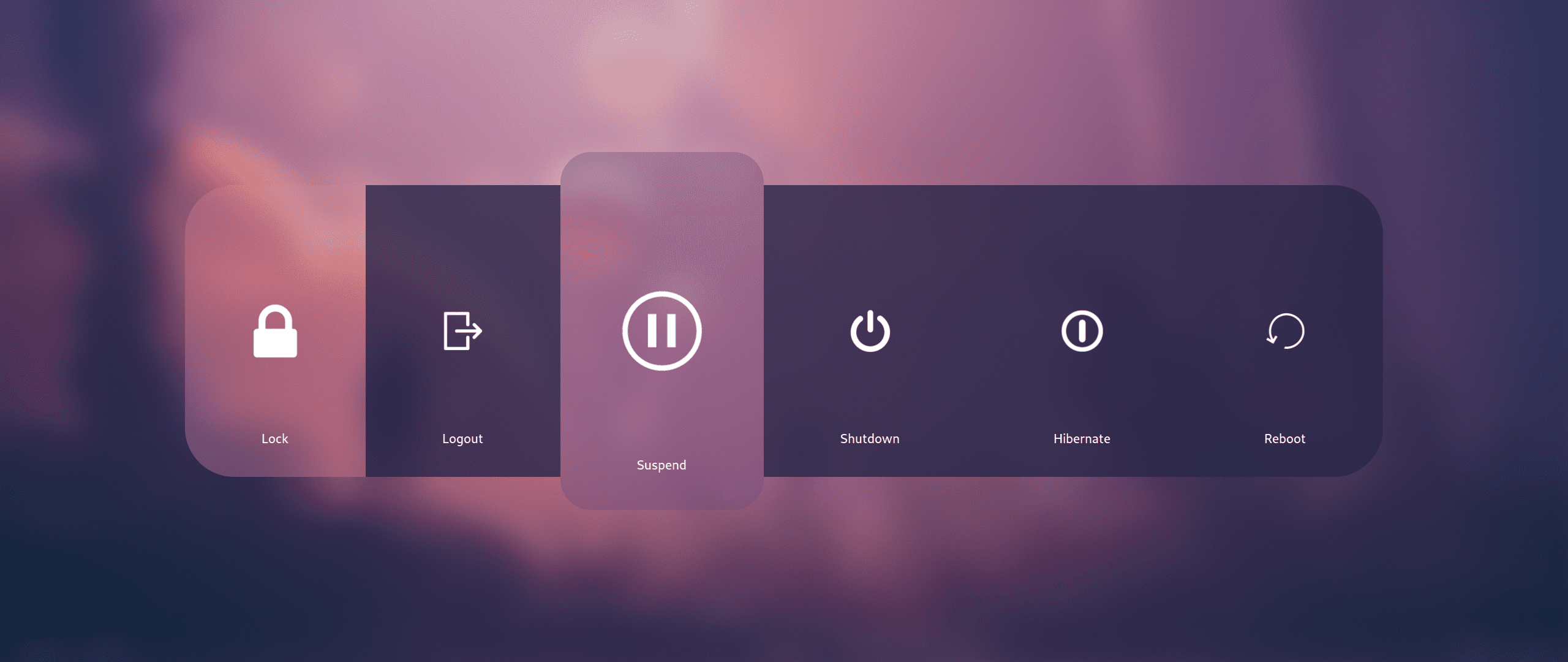
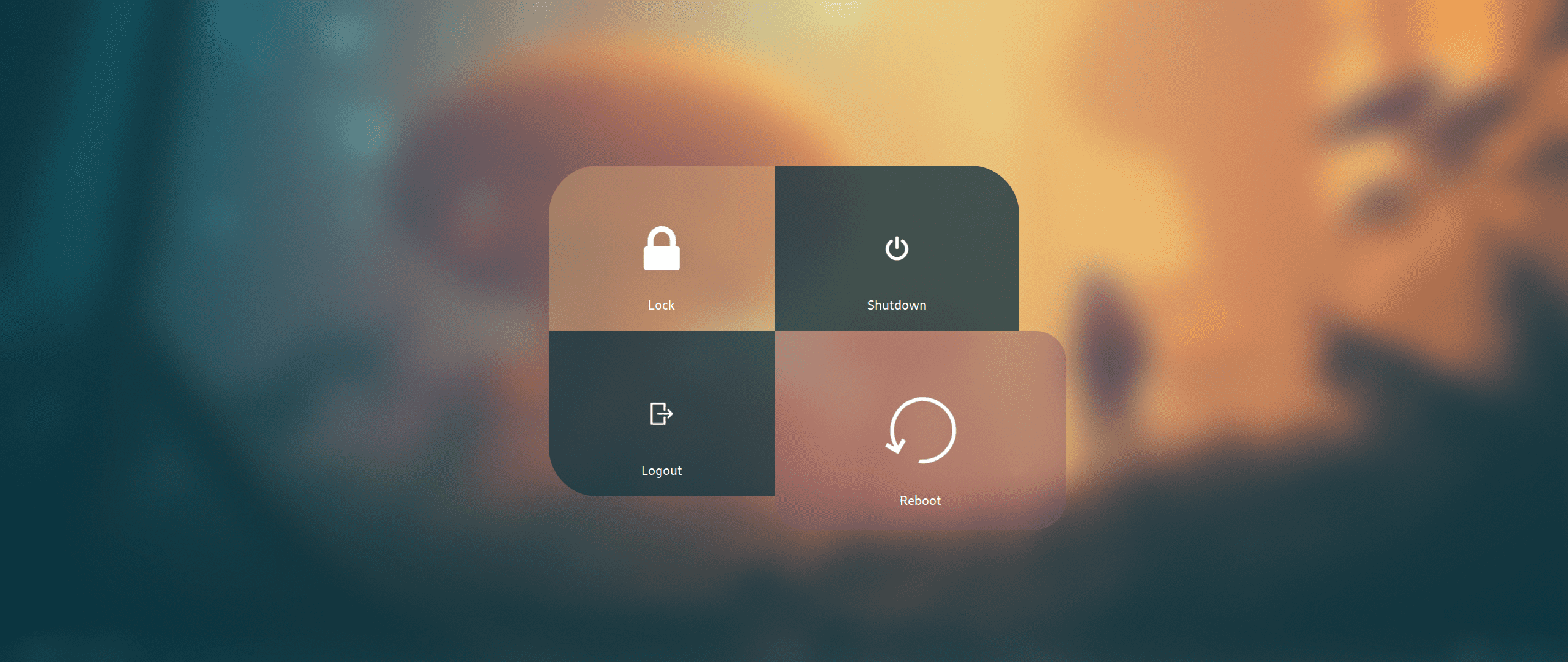
<div align="center"><table><tr>Cerrar sesión</tr><tr><td>
<img src="https://raw.githubusercontent.com/prasanthrangan/hyprdots/main/Source/assets/wlog_style_1.png"/></td><td>
<img src="https://raw.githubusercontent.com/prasanthrangan/hyprdots/main/Source/assets/wlog_style_2.png"/></td></tr></table></div>

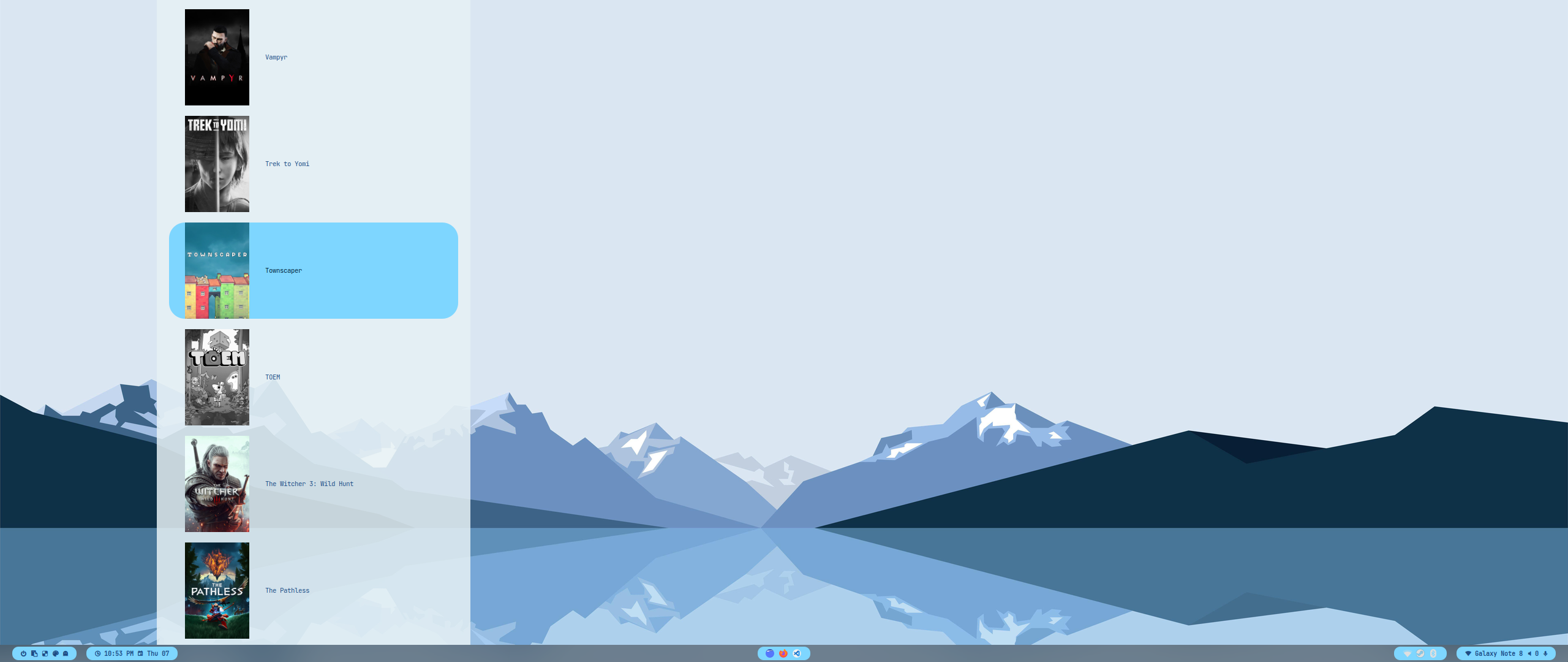
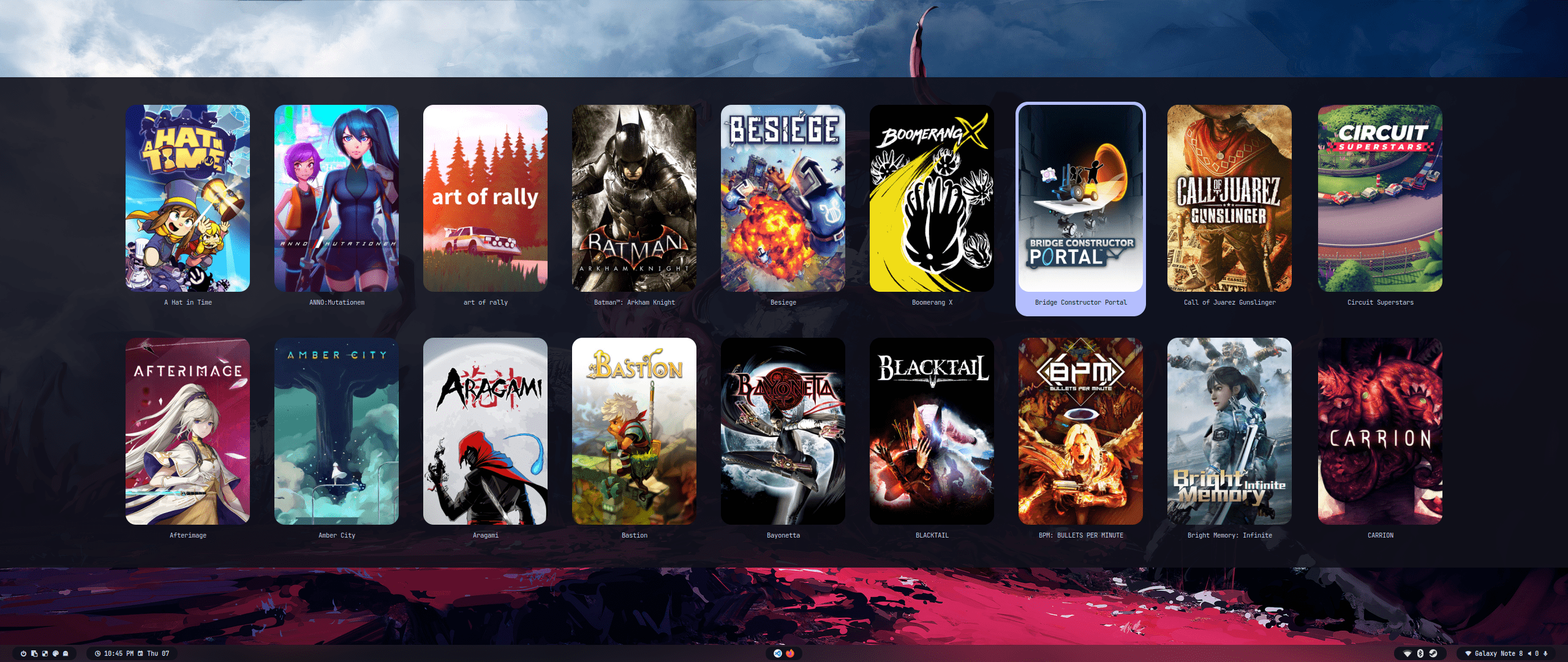
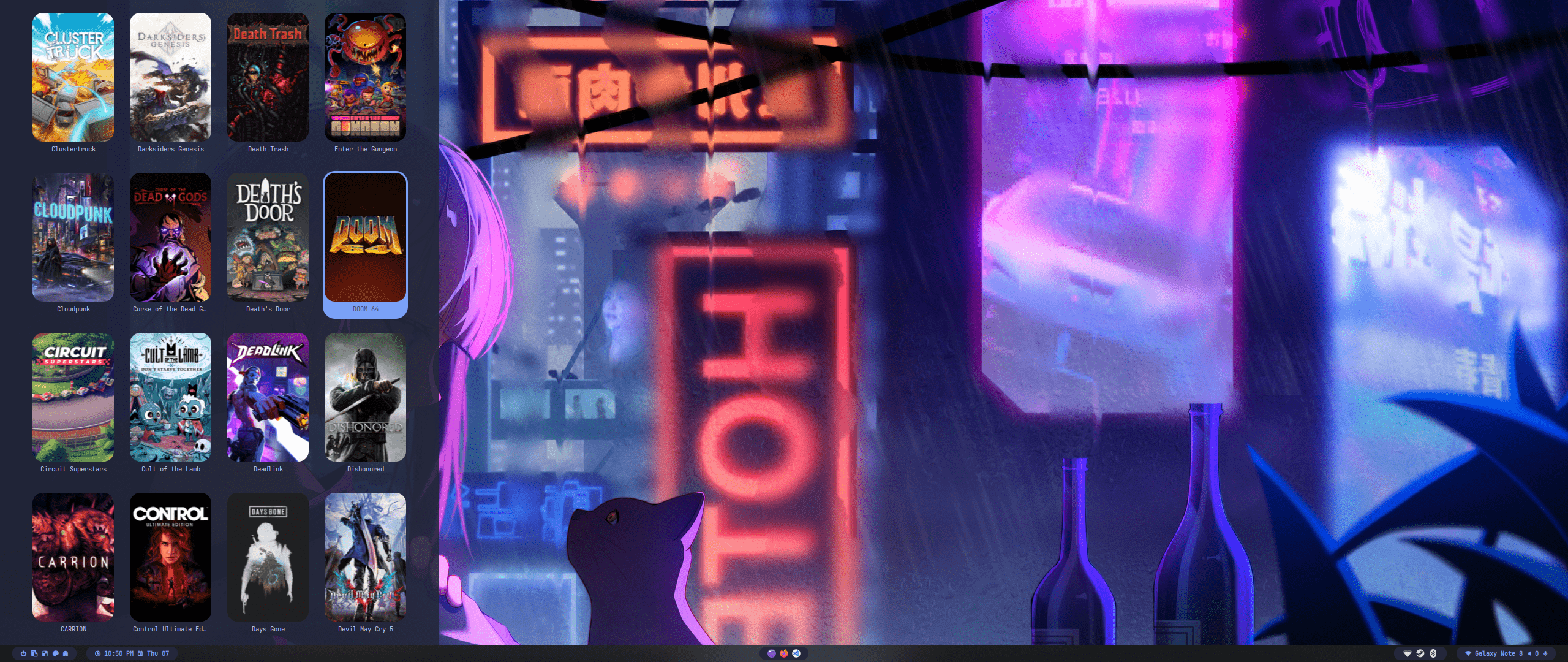
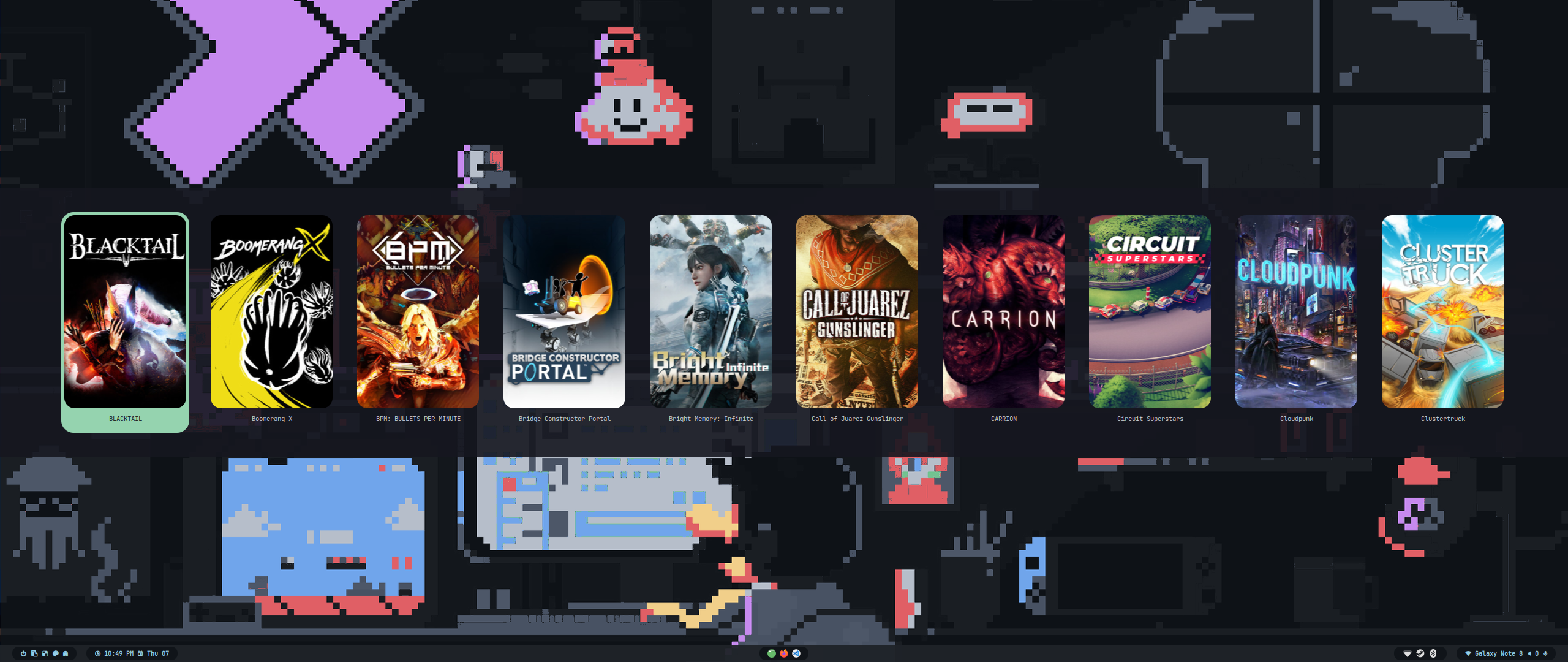
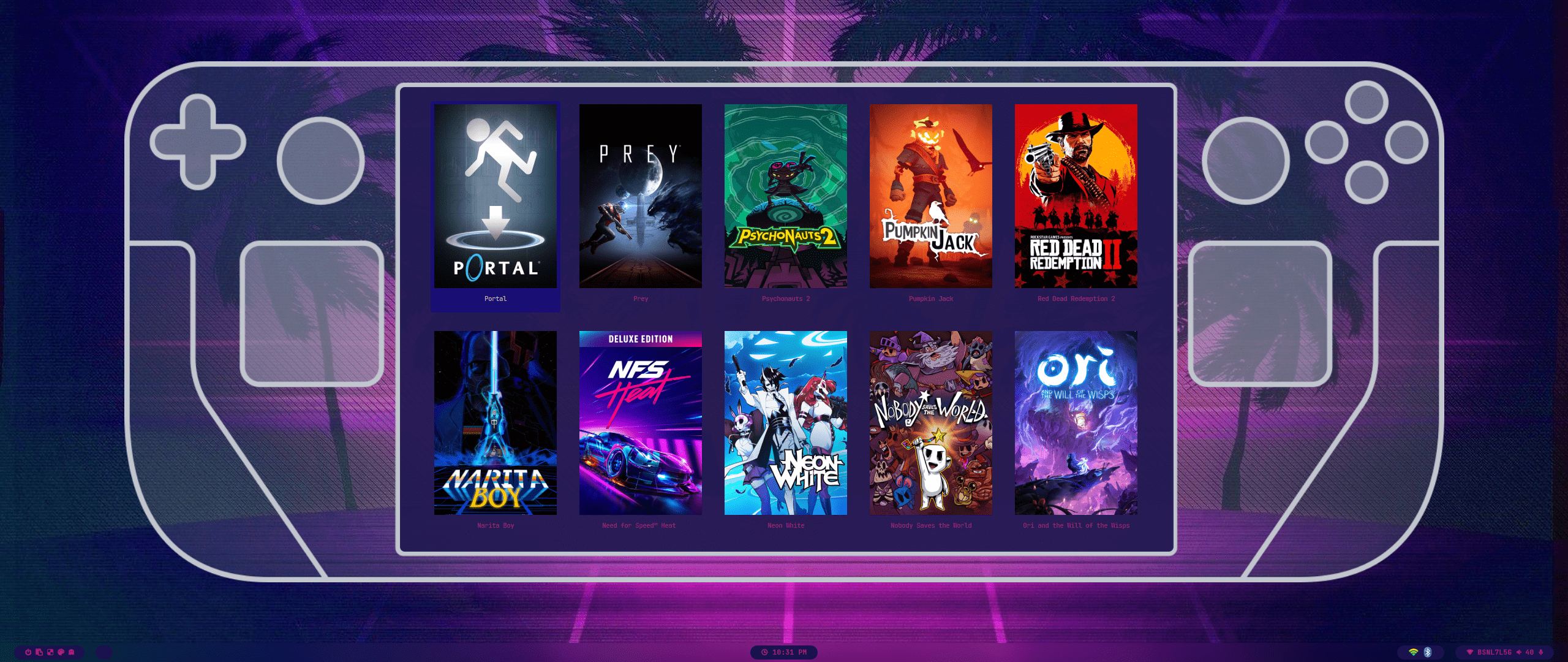
<div align="center"><table><tr>Lanzador de juegos</tr><tr><td>
<img src="https://raw.githubusercontent.com/prasanthrangan/hyprdots/main/Source/assets/game_launch_1.png"/></td><td>
<img src="https://raw.githubusercontent.com/prasanthrangan/hyprdots/main/Source/assets/game_launch_2.png"/></td><td>
<img src="https://raw.githubusercontent.com/prasanthrangan/hyprdots/main/Source/assets/game_launch_3.png"/></td></tr></table></div>
<div align="center"><table><tr><td>
<img src="https://raw.githubusercontent.com/prasanthrangan/hyprdots/main/Source/assets/game_launch_4.png"/></td><td>
<img src="https://raw.githubusercontent.com/prasanthrangan/hyprdots/main/Source/assets/game_launch_5.png"/></td></tr></table></div>

<!--
<div align="right">
  <br>
  <a href="#-design-by-t2"><kbd> <br> 🡅 <br> </kbd></a>
</div>

<div align="center">

</div>
-->

<div align="right">
  <br>
  <a href="#-design-by-t2"><kbd> <br> 🡅 <br> </kbd></a>
</div>

<div align="right">
  <sub>Última edición el: 21/03/2025<span id="last-edited"></span></sub>
</div>

<a id="star_history"></a>
<img src="https://readme-typing-svg.herokuapp.com?font=Lexend+Giga&size=25&pause=1000&color=CCA9DD&vCenter=true&width=435&height=25&lines=ESTRELLAS" width="450"/>

---

<a href="https://star-history.com/#hyde-project/hyde&hyde-project/hyde-gallery&hyde-project/hyde-themes&Timeline">
 <picture>
   <source media="(prefers-color-scheme: dark)" srcset="https://api.star-history.com/svg?repos=hyde-project/hyde&type=Timeline&theme=dark" />
   <source media="(prefers-color-scheme: light)" srcset="https://api.star-history.com/svg?repos=hyde-project/hyde&type=Timeline" />
   <img alt="Star History Chart" src="https://api.star-history.com/svg?repos=hyde-project/hyde&type=Timeline" />
 </picture>
</a>