<div align = center>
  <a href="https://discord.gg/AYbJ9MJez7">
    <img alt="Dynamic JSON Badge" src="https://img.shields.io/badge/dynamic/json?url=https%3A%2F%2Fdiscordapp.com%2Fapi%2Finvites%2FmT5YqjaJFh%3Fwith_counts%3Dtrue&query=%24.approximate_member_count&suffix=%20members&style=for-the-badge&logo=discord&logoSize=auto&label=The%20HyDe%20Project&labelColor=ebbcba&color=c79bf0">
  </a>
</div>

###### _<div align="right"><a id=-design-by-t2></a><sub>// 由 t2 设计</sub></div>_

![hyde_banner](../assets/hyde_banner.png)

<!--
Multi-language README support
-->

[![en](https://img.shields.io/badge/lang-en-red.svg)](../../README.md)
[![es](https://img.shields.io/badge/lang-es-yellow.svg)](README.es.md)
[![de](https://img.shields.io/badge/lang-de-black.svg)](README.de.md)
[![nl](https://img.shields.io/badge/lang-nl-green.svg)](README.nl.md)
[![fr](https://img.shields.io/badge/lang-fr-blue.svg)](README.fr.md)
[![ar](https://img.shields.io/badge/lang-AR-orange.svg)](README.ar.md)
[![pt-br](https://img.shields.io/badge/lang-pt--br-006400.svg)](README.pt-br.md)

<div align="center">

<br>

<a href="#安装"><kbd> <br>  安装  <br> </kbd></a>&ensp;&ensp;
<a href="#更新"><kbd> <br> 更新 <br> </kbd></a>&ensp;&ensp;
<a href="#主题"><kbd> <br>  主题  <br> </kbd></a>&ensp;&ensp;
<a href="#风格"><kbd> <br>  风格  <br> </kbd></a>&ensp;&ensp;
<a href="KEYBINDINGS.zh.md"><kbd> <br>  按键映射  <br> </kbd></a>&ensp;&ensp;
<a href="https://www.youtube.com/watch?v=2rWqdKU1vu8&list=PLt8rU_ebLsc5yEHUVsAQTqokIBMtx3RFY&index=1"><kbd> <br> Youtube <br> </kbd></a>&ensp;&ensp;
<a href="https://hydeproject.pages.dev/"><kbd> <br> Wiki <br> </kbd></a>&ensp;&ensp;
<a href="https://discord.gg/qWehcFJxPa"><kbd> <br> Discord <br> </kbd></a>

</div><br><br>

<div align="center">
  <div style="display: flex; flex-wrap: nowrap; justify-content: center;">
    <img src="../assets/archlinux.png" alt="Arch Linux" style="width: 10%; margin: 10px;"/>
    <img src="../assets/cachyos.png" alt="CachyOS" style="width: 10%; margin: 10px;"/>
    <img src="../assets/endeavouros.png" alt="EndeavourOS" style="width: 10%; margin: 10px;"/>
    <img src="../assets/garuda.png" alt="Garuda" style="width: 10%; margin: 10px;"/>
    <img src="../assets/nixos.png" alt="NixOS" style="width: 10%; margin: 10px;"/>
  </div>
</div>

看这里了解完整说明：
[Hyde 之旅：起源与未来蓝图](./Hyprdots-to-HyDE.zh.md)

<!--
<img alt="Dynamic JSON Badge" src="https://img.shields.io/badge/dynamic/json?url=https%3A%2F%2Fdiscordapp.com%2Fapi%2Finvites%2FmT5YqjaJFh%3Fwith_counts%3Dtrue&query=%24.approximate_member_count&suffix=%20members&style=for-the-badge&logo=discord&logoSize=auto&label=The%20HyDe%20Project&labelColor=ebbcba&color=c79bf0">

<img alt="Dynamic JSON Badge" src="https://img.shields.io/badge/dynamic/json?url=https%3A%2F%2Fdiscordapp.com%2Fapi%2Finvites%2FmT5YqjaJFh%3Fwith_counts%3Dtrue&query=%24.approximate_presence_count&suffix=%20online&style=for-the-badge&logo=discord&logoSize=auto&label=The%20HyDe%20Project&labelColor=ebbcba&color=c79bf0">
-->

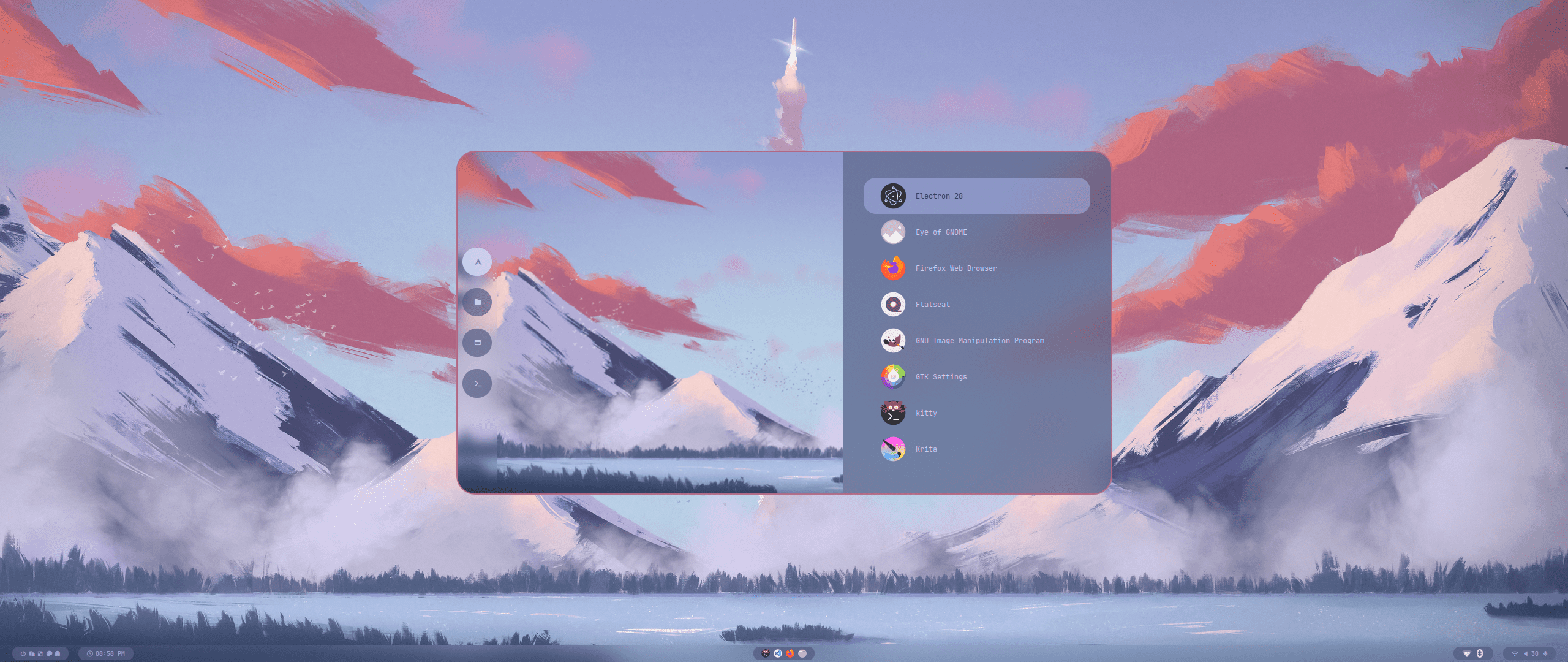
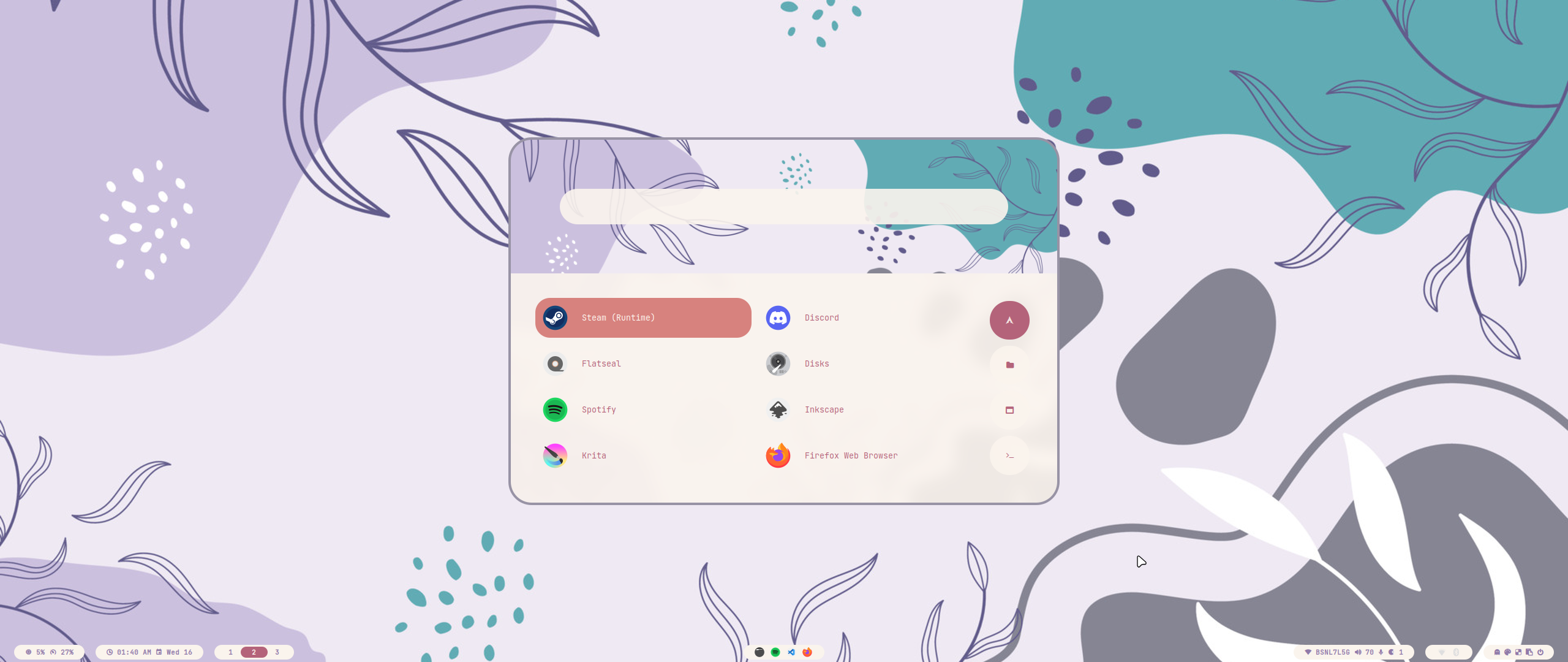
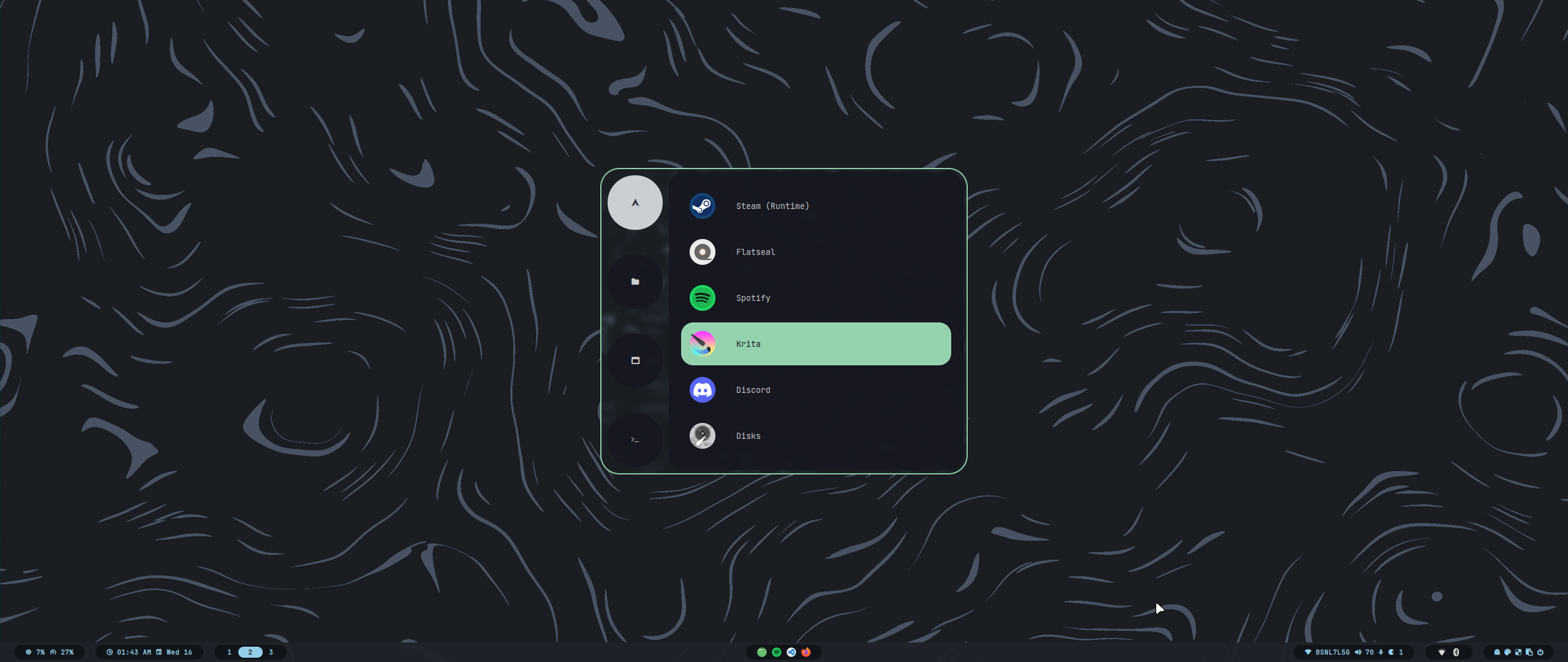
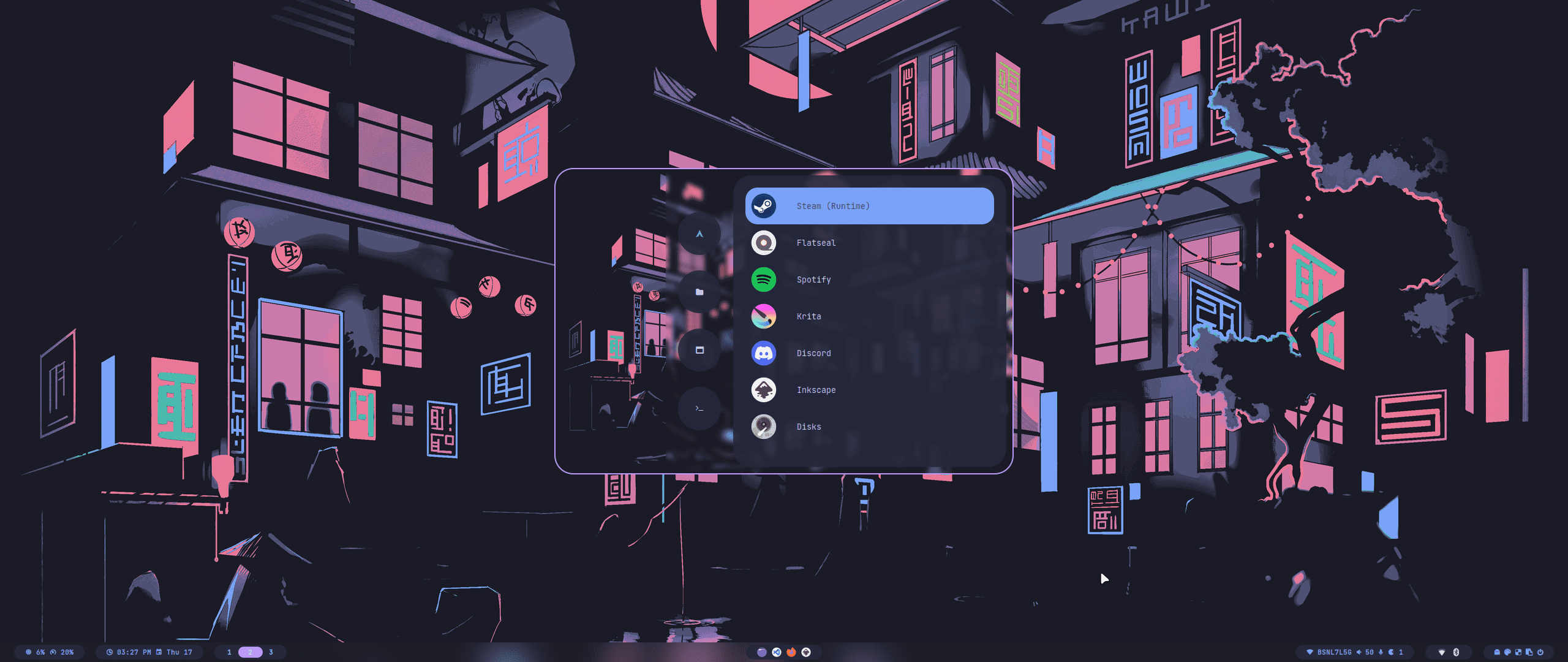
<https://github.com/prasanthrangan/hyprdots/assets/106020512/7f8fadc8-e293-4482-a851-e9c6464f5265>

<br>

<a id="安装"></a>
<img src="https://readme-typing-svg.herokuapp.com?font=Lexend+Giga&size=25&pause=1000&color=CCA9DD&vCenter=true&width=435&height=25&lines=安装" width="450"/>

---

安装脚本适用于最小 [Arch Linux](https://wiki.archlinux.org/title/Arch_Linux) 系统，但在某些[基于 Arch 的发行版](https://wiki.archlinux.org/title/Arch-based_distributions)上**可能**也能正常运行.

HyDE 是一个高度自定义的预设，在其他[桌面环境](https://wiki.archlinux.org/title/Desktop_environment)/[窗口管理器](https://wiki.archlinux.org/title/Window_manager)的上安装 HyDE 也许可行，但它可能会与您的[GTK](https://wiki.archlinux.org/title/GTK)/[Qt](https://wiki.archlinux.org/title/Qt) 主题, [Shell](https://wiki.archlinux.org/title/Command-line_shell), [SDDM](https://wiki.archlinux.org/title/SDDM), [GRUB](https://wiki.archlinux.org/title/GRUB)等等配置相冲突.您需自行承担风险。

我们支持 NixOS， 但作为一个单独的仓库在 [Hydenix](https://github.com/richen604/hydenix/tree/main) 提供。

> [!IMPORTANT]
> 安装脚本会自动检测英伟达显卡并安装 nvidia-dkms 内核驱动。
> 请确保您的英伟达显卡支持 dkms 驱动，支持的具体型号可以查看[这个列表](https://wiki.archlinux.org/title/NVIDIA)。

> [!CAUTION]
> 这个脚本会修改您的 `grub` 或 `systemd-boot` 配置以启用英伟达 DRM。

若要安装，请执行以下命令：

```shell
pacman -S --needed git base-devel
git clone --depth 1 https://github.com/HyDE-Project/HyDE ~/HyDE
cd ~/HyDE/Scripts
./install.sh
```

> [!TIP]
> 您可以在 `Scripts/pkg_user.lst` 中添加您想随 HyDE 一同安装的应用，并将此文件作为参数传入安装脚本，像这样：
>
> ```shell
> ./install.sh pkg_user.lst
> ```

> [!IMPORTANT]
> 请参照 `Scripts/pkg_extra.lst`编写您的安装列表，
>
> 如果您想安装额外的软件包，也可以 `cp Scripts/pkg_extra.lst Scripts/pkg_user.lst`。

<!--

As a second install option, you can also use `Hyde-install`, which might be easier for some.
View installation instructions for HyDE in [Hyde-cli - Usage](https://github.com/kRHYME7/Hyde-cli?tab=readme-ov-file#usage).
-->

在安装脚本运行完成后请重启，首次启动时您将看到 SDDM 登录界面（或者黑屏）。更多细节请看[安装 wiki](https://github.com/HyDE-Project/HyDE/wiki/installation)

<div align="right">
  <br>
  <a href="#-design-by-t2"><kbd> <br> 🡅 <br> </kbd></a>
</div>

<a id="更新"></a>
<img src="https://readme-typing-svg.herokuapp.com?font=Lexend+Giga&size=25&pause=1000&color=CCA9DD&vCenter=true&width=435&height=25&lines=更新" width="450"/>

---

要更新 HyDE, 您需要从 GitHub 中拉取最新更改并通过运行以下命令恢复配置：

```shell
cd ~/HyDE/Scripts
git pull origin master
./install.sh -r
```

> [!IMPORTANT]
> 请注意，在`Scripts/restore_cfg.psv`中列出的配置中，您所做的任何个性化配置都会被覆盖。
> 但是，所有被覆盖的配置会先被备份到`~/.config/cfg_backups/`中，以便找回。

<!--
As a second update option, you can use `Hyde restore ...`, which does have a better way of managing restore and backup options.
For more details, you can refer to [Hyde-cli - dots management wiki](https://github.com/kRHYME7/Hyde-cli/wiki/Dots-Management).
-->

<div align="right">
  <br>
  <a href="#-design-by-t2"><kbd> <br> 🡅 <br> </kbd></a>
</div>

<a id="主题"></a>
<img src="https://readme-typing-svg.herokuapp.com?font=Lexend+Giga&size=25&pause=1000&color=CCA9DD&vCenter=true&width=435&height=25&lines=主题" width="450"/>

---

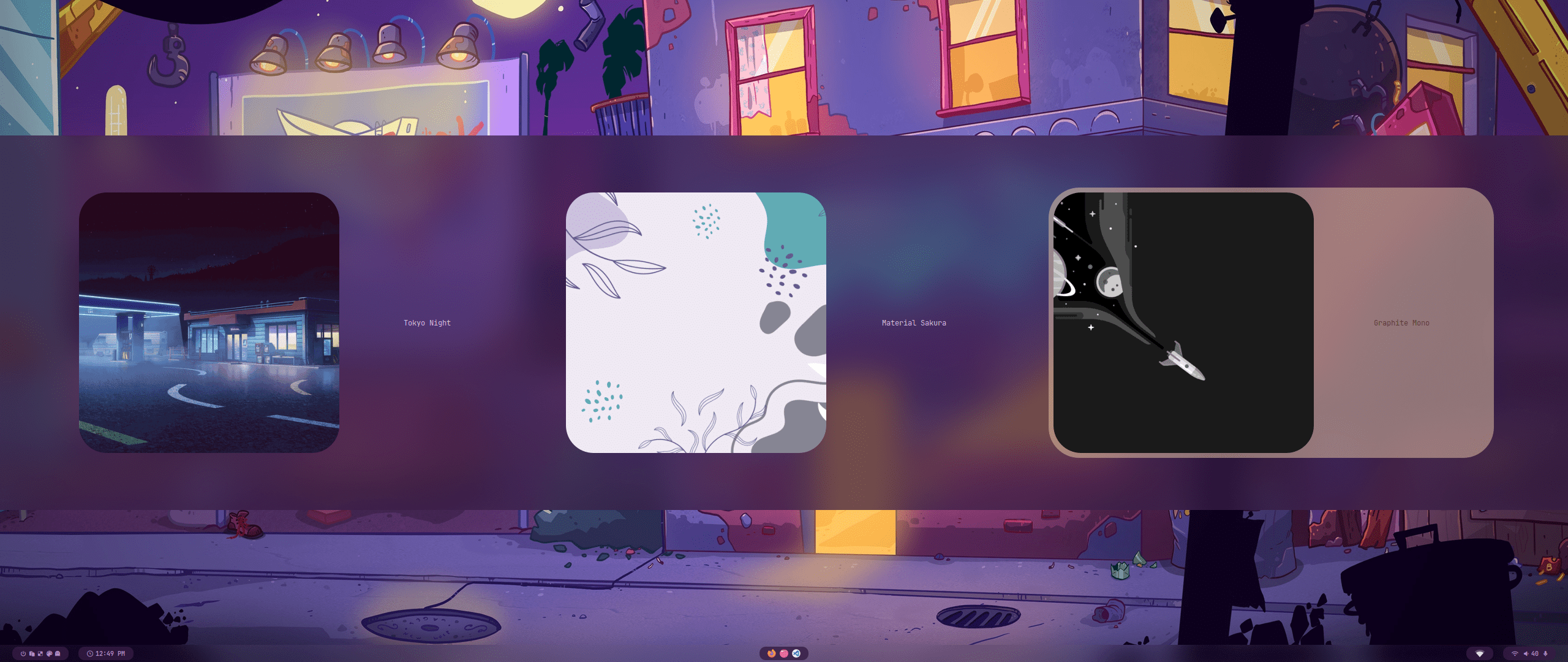
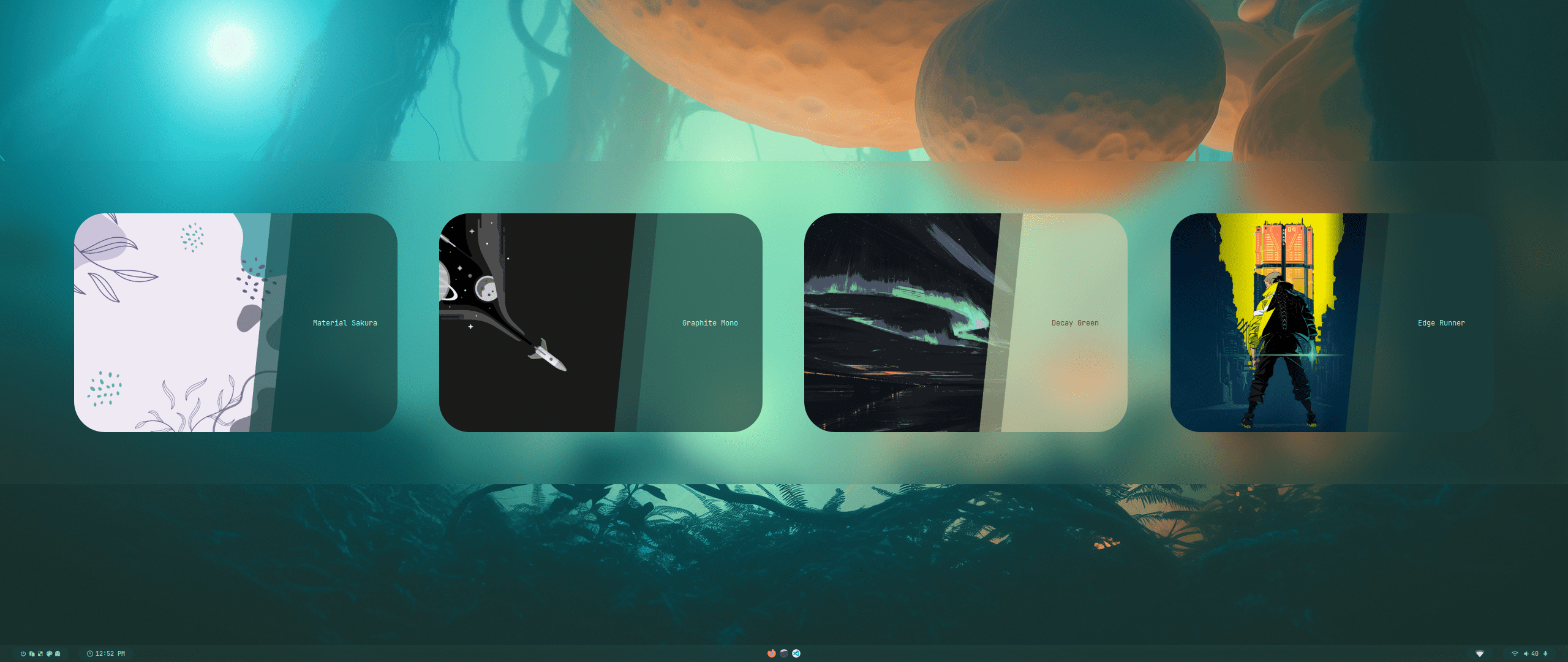
所有的官方主题都作为单独的仓库存储，您可以用过主题补丁程序安装。
详情请见[HyDE-Project/hyde-themes](https://github.com/HyDE-Project/hyde-themes)。

<div align="center">
  <table><tr><td>

[![Catppuccin-Latte](https://placehold.co/130x30/dd7878/eff1f5?text=Catppuccin-Latte&font=Oswald)](https://github.com/HyDE-Project/hyde-themes/tree/Catppuccin-Latte)
[![Catppuccin-Mocha](https://placehold.co/130x30/b4befe/11111b?text=Catppuccin-Mocha&font=Oswald)](https://github.com/HyDE-Project/hyde-themes/tree/Catppuccin-Mocha)
[![Decay-Green](https://placehold.co/130x30/90ceaa/151720?text=Decay-Green&font=Oswald)](https://github.com/HyDE-Project/hyde-themes/tree/Decay-Green)
[![Edge-Runner](https://placehold.co/130x30/fada16/000000?text=Edge-Runner&font=Oswald)](https://github.com/HyDE-Project/hyde-themes/tree/Edge-Runner)
[![Frosted-Glass](https://placehold.co/130x30/7ed6ff/1e4c84?text=Frosted-Glass&font=Oswald)](https://github.com/HyDE-Project/hyde-themes/tree/Frosted-Glass)
[![Graphite-Mono](https://placehold.co/130x30/a6a6a6/262626?text=Graphite-Mono&font=Oswald)](https://github.com/HyDE-Project/hyde-themes/tree/Graphite-Mono)
[![Gruvbox-Retro](https://placehold.co/130x30/475437/B5CC97?text=Gruvbox-Retro&font=Oswald)](https://github.com/HyDE-Project/hyde-themes/tree/Gruvbox-Retro)
[![Material-Sakura](https://placehold.co/130x30/f2e9e1/b4637a?text=Material-Sakura&font=Oswald)](https://github.com/HyDE-Project/hyde-themes/tree/Material-Sakura)
[![Nordic-Blue](https://placehold.co/130x30/D9D9D9/476A84?text=Nordic-Blue&font=Oswald)](https://github.com/HyDE-Project/hyde-themes/tree/Nordic-Blue)
[![Rosé-Pine](https://placehold.co/130x30/c4a7e7/191724?text=Rosé-Pine&font=Oswald)](https://github.com/HyDE-Project/hyde-themes/tree/Rose-Pine)
[![Synth-Wave](https://placehold.co/130x30/495495/ff7edb?text=Synth-Wave&font=Oswald)](https://github.com/HyDE-Project/hyde-themes/tree/Synth-Wave)
[![Tokyo-Night](https://placehold.co/130x30/7aa2f7/24283b?text=Tokyo-Night&font=Oswald)](https://github.com/HyDE-Project/hyde-themes/tree/Tokyo-Night)

</td></tr></table>
</div>

> [!TIP]
> 包括您在内的所有人都可以创建、维护、分享主题！它们都可以通过主题补丁程序安装。
> 请参阅[主题 wiki](https://github.com/prasanthrangan/hyprdots/wiki/Theming) 来创建您的个性化主题。
> 如果您想展示您的 hyde 主题，或者您想寻找非官方主题，请看[kRHYME7/hyde-gallery](https://github.com/kRHYME7/hyde-gallery)。

<div align="right">
  <br>
  <a href="#-design-by-t2"><kbd> <br> 🡅 <br> </kbd></a>
</div>

<a id="风格"></a>
<img src="https://readme-typing-svg.herokuapp.com?font=Lexend+Giga&size=25&pause=1000&color=CCA9DD&vCenter=true&width=435&height=25&lines=风格" width="450"/>

---

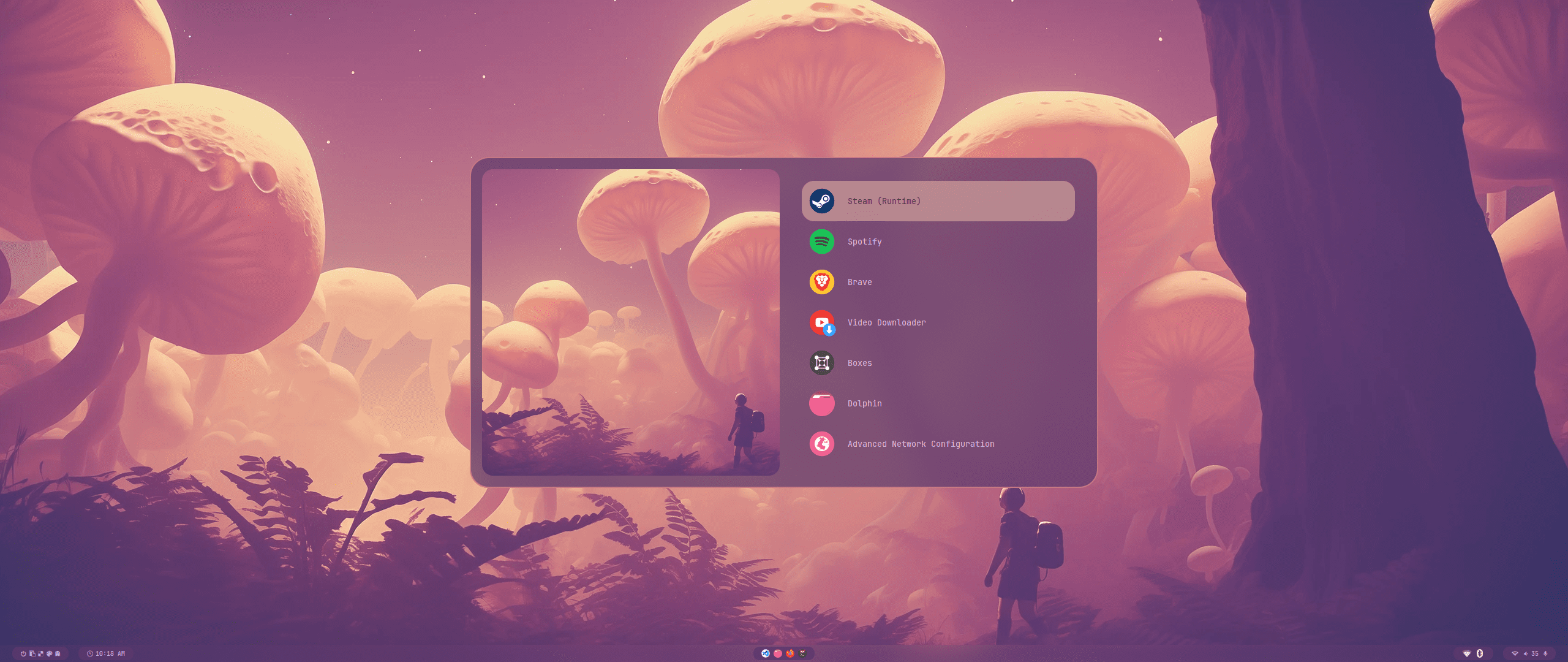
<div align="center"><table><tr>主题选择</tr><tr><td>
<img src="https://raw.githubusercontent.com/prasanthrangan/hyprdots/main/Source/assets/theme_select_1.png"/></td><td>
<img src="https://raw.githubusercontent.com/prasanthrangan/hyprdots/main/Source/assets/theme_select_2.png"/></td></tr></table></div>

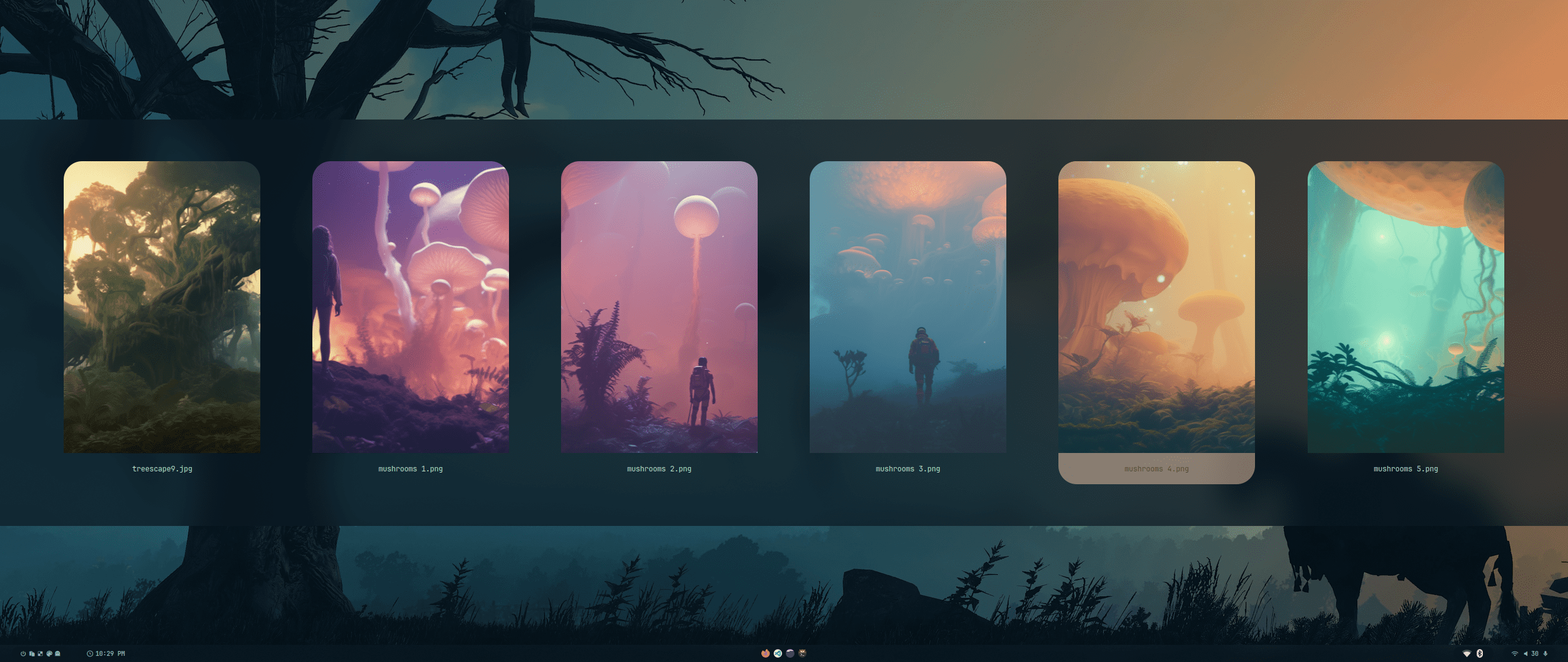
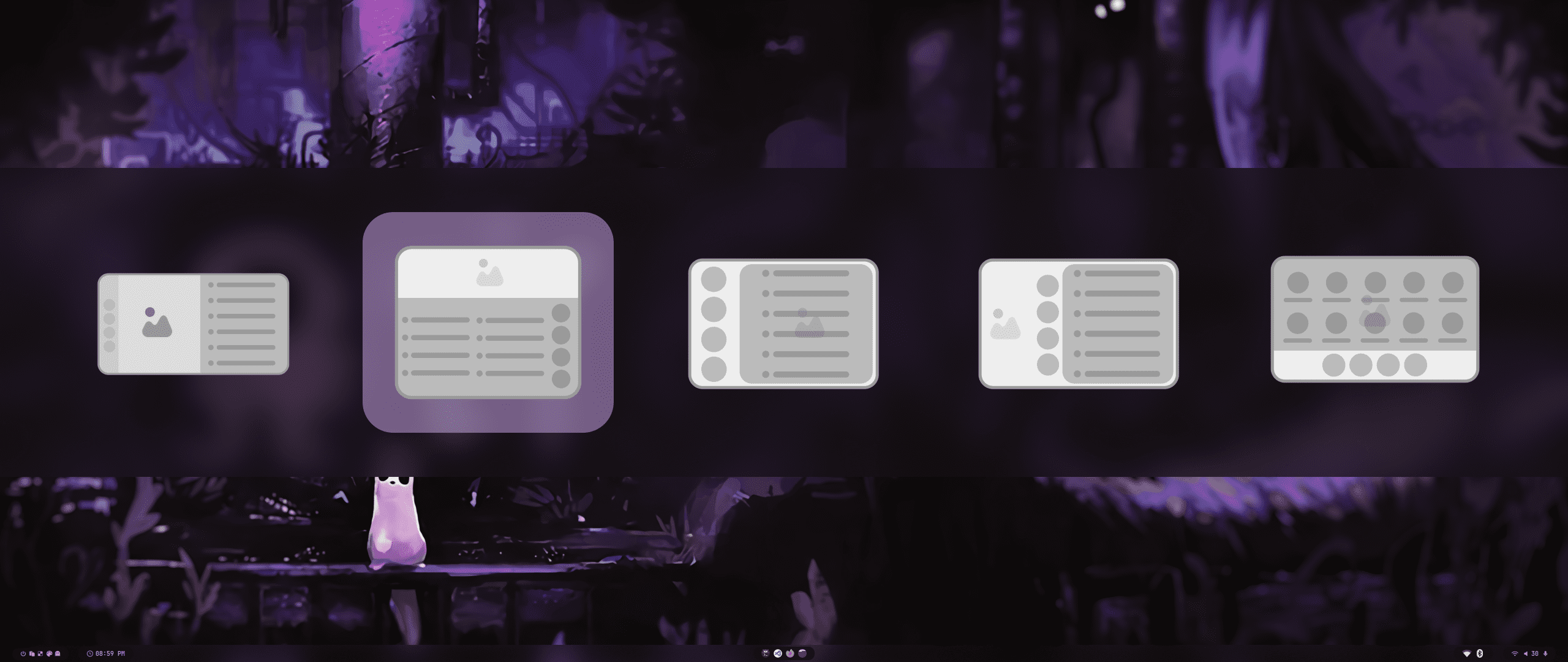
<div align="center"><table><tr><td>壁纸选择</td><td>启动器界面选择</td></tr><tr><td>
<img src="https://raw.githubusercontent.com/prasanthrangan/hyprdots/main/Source/assets/walls_select.png"/></td><td>
<img src="https://raw.githubusercontent.com/prasanthrangan/hyprdots/main/Source/assets/rofi_style_sel.png"/></td></tr>
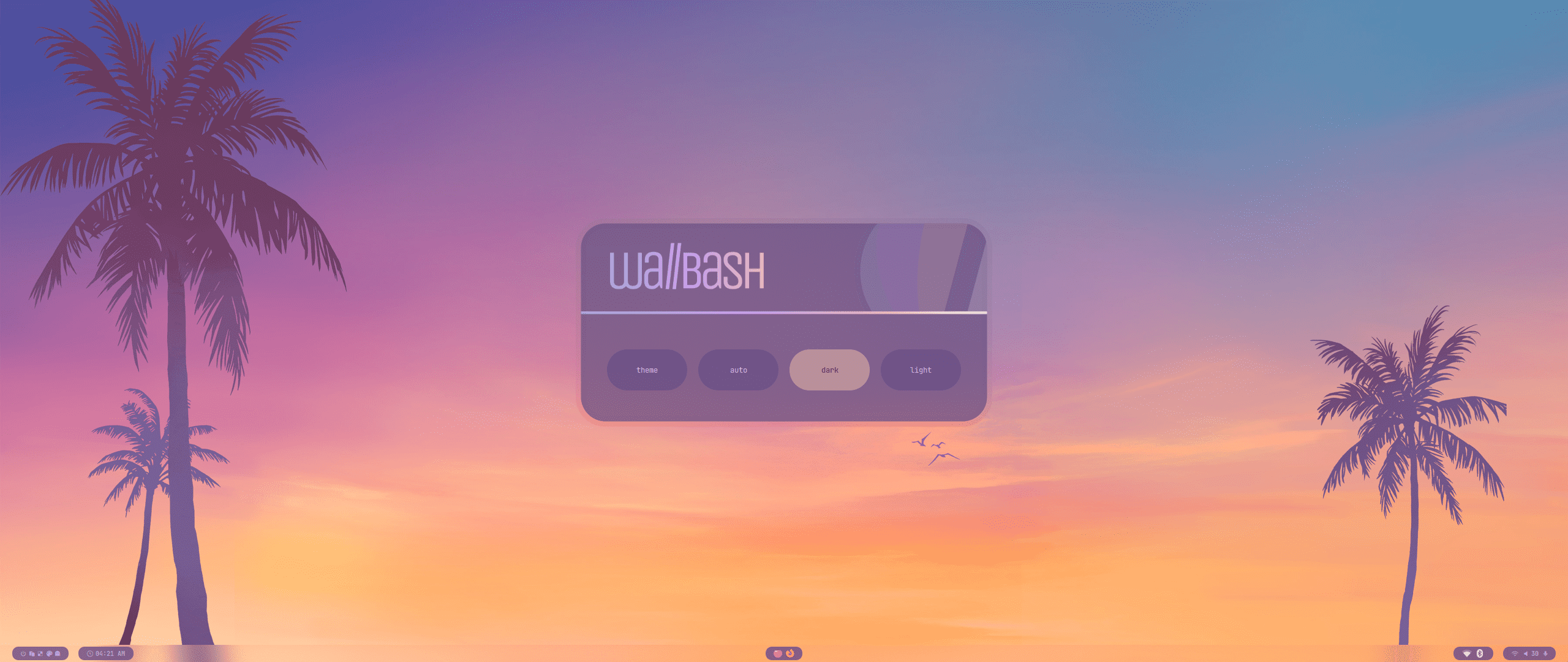
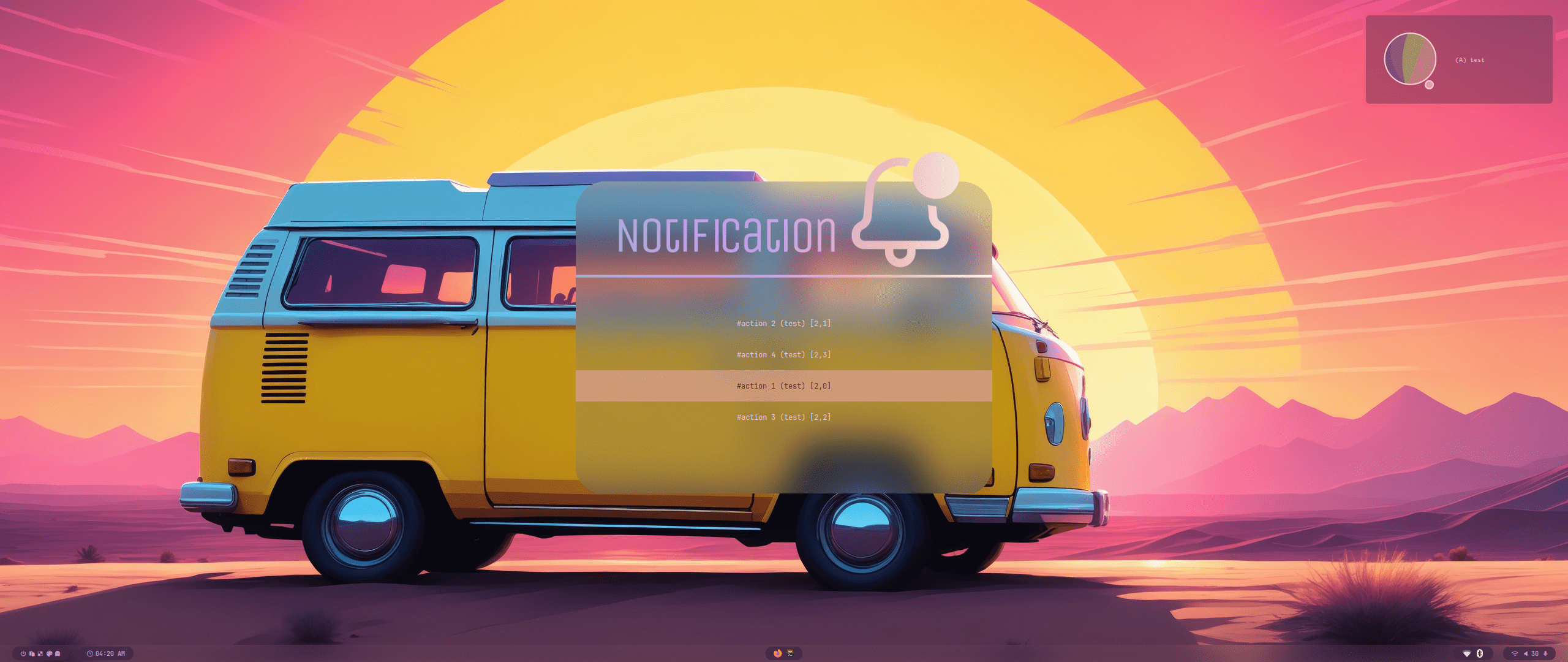
<tr><td>Wallbash 模式</td><td>通知</td></tr><tr><td>
<img src="https://raw.githubusercontent.com/prasanthrangan/hyprdots/main/Source/assets/wb_mode_sel.png"/></td><td>
<img src="https://raw.githubusercontent.com/prasanthrangan/hyprdots/main/Source/assets/notif_action_sel.png"/></td></tr>
</table></div>

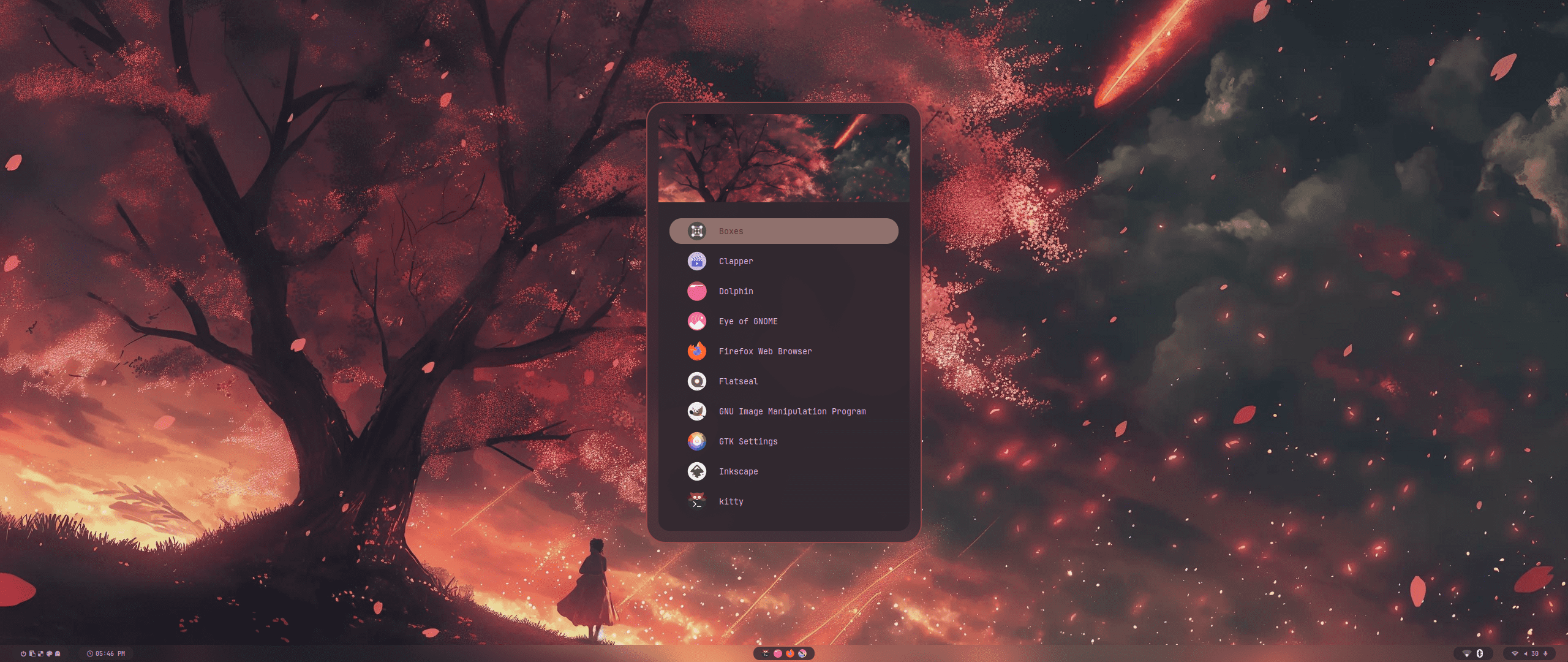
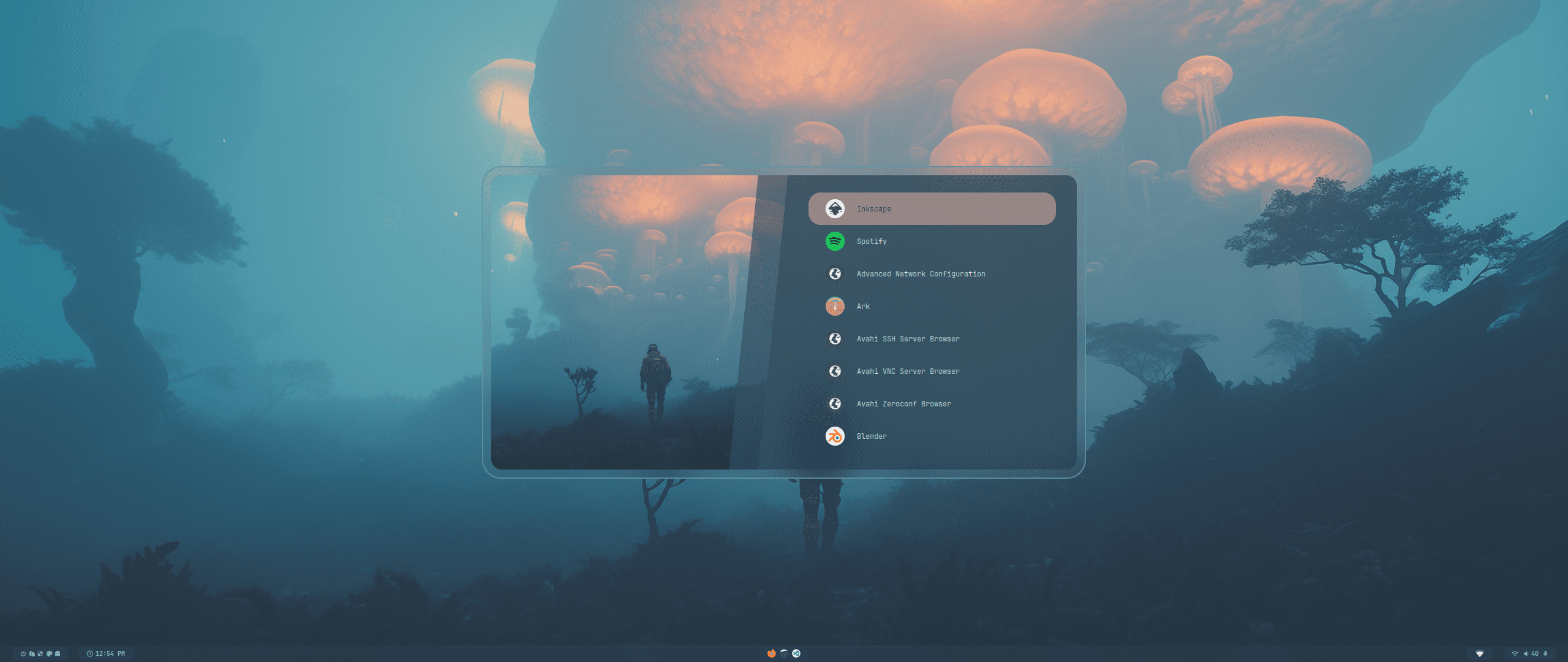
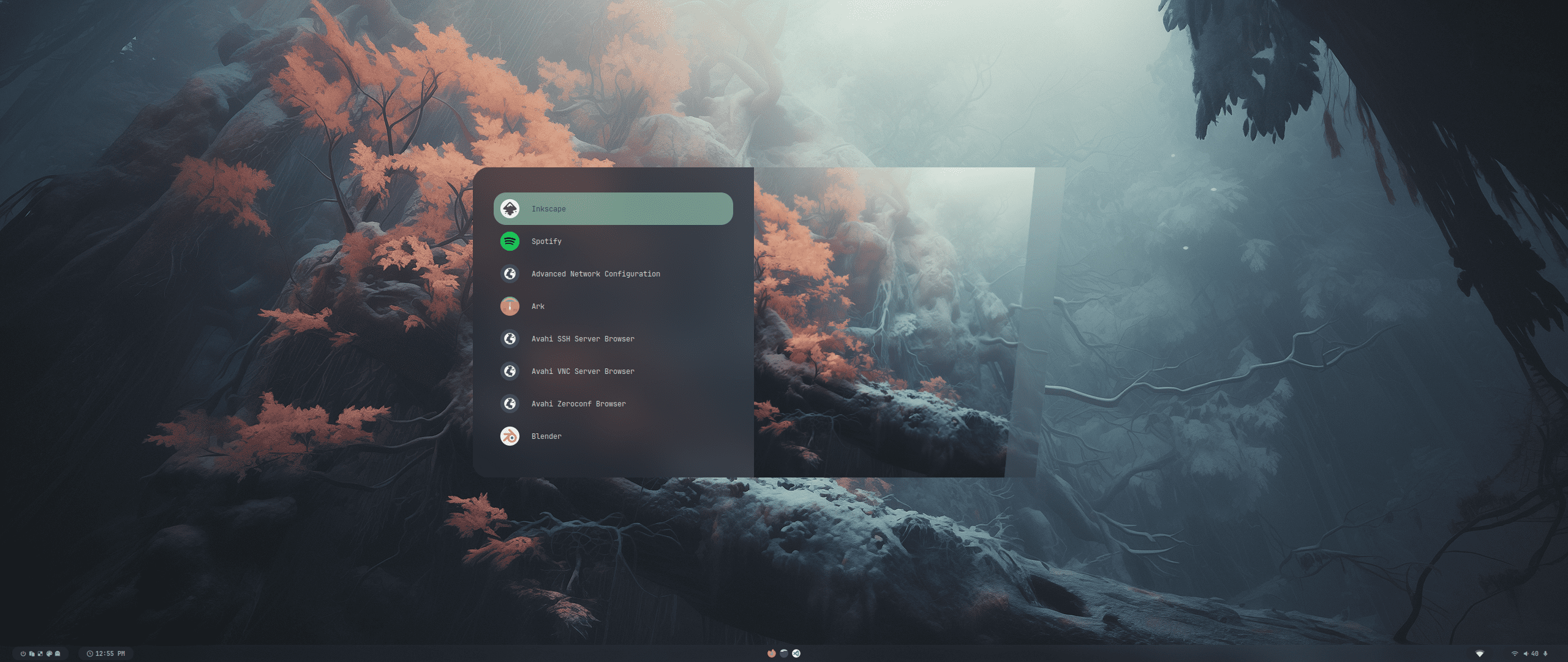
<div align="center"><table><tr>Rofi 启动器</tr><tr><td>
<img src="https://raw.githubusercontent.com/prasanthrangan/hyprdots/main/Source/assets/rofi_style_1.png"/></td><td>
<img src="https://raw.githubusercontent.com/prasanthrangan/hyprdots/main/Source/assets/rofi_style_2.png"/></td><td>
<img src="https://raw.githubusercontent.com/prasanthrangan/hyprdots/main/Source/assets/rofi_style_3.png"/></td></tr><tr><td>
<img src="https://raw.githubusercontent.com/prasanthrangan/hyprdots/main/Source/assets/rofi_style_4.png"/></td><td>
<img src="https://raw.githubusercontent.com/prasanthrangan/hyprdots/main/Source/assets/rofi_style_5.png"/></td><td>
<img src="https://raw.githubusercontent.com/prasanthrangan/hyprdots/main/Source/assets/rofi_style_6.png"/></td></tr><tr><td>
<img src="https://raw.githubusercontent.com/prasanthrangan/hyprdots/main/Source/assets/rofi_style_7.png"/></td><td>
<img src="https://raw.githubusercontent.com/prasanthrangan/hyprdots/main/Source/assets/rofi_style_8.png"/></td><td>
<img src="https://raw.githubusercontent.com/prasanthrangan/hyprdots/main/Source/assets/rofi_style_9.png"/></td></tr><tr><td>
<img src="https://raw.githubusercontent.com/prasanthrangan/hyprdots/main/Source/assets/rofi_style_10.png"/></td><td>
<img src="https://raw.githubusercontent.com/prasanthrangan/hyprdots/main/Source/assets/rofi_style_11.png"/></td><td>
<img src="https://raw.githubusercontent.com/prasanthrangan/hyprdots/main/Source/assets/rofi_style_12.png"/></td></tr>
</table></div>

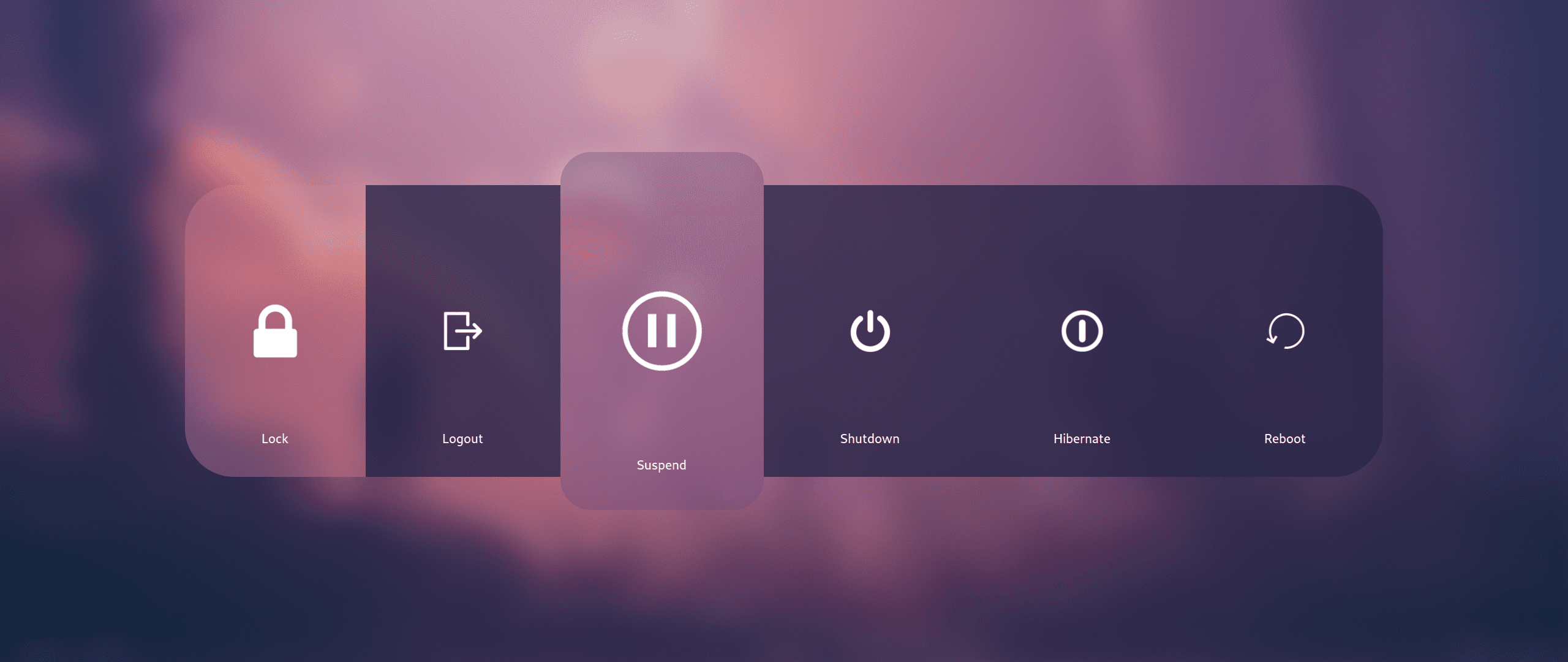
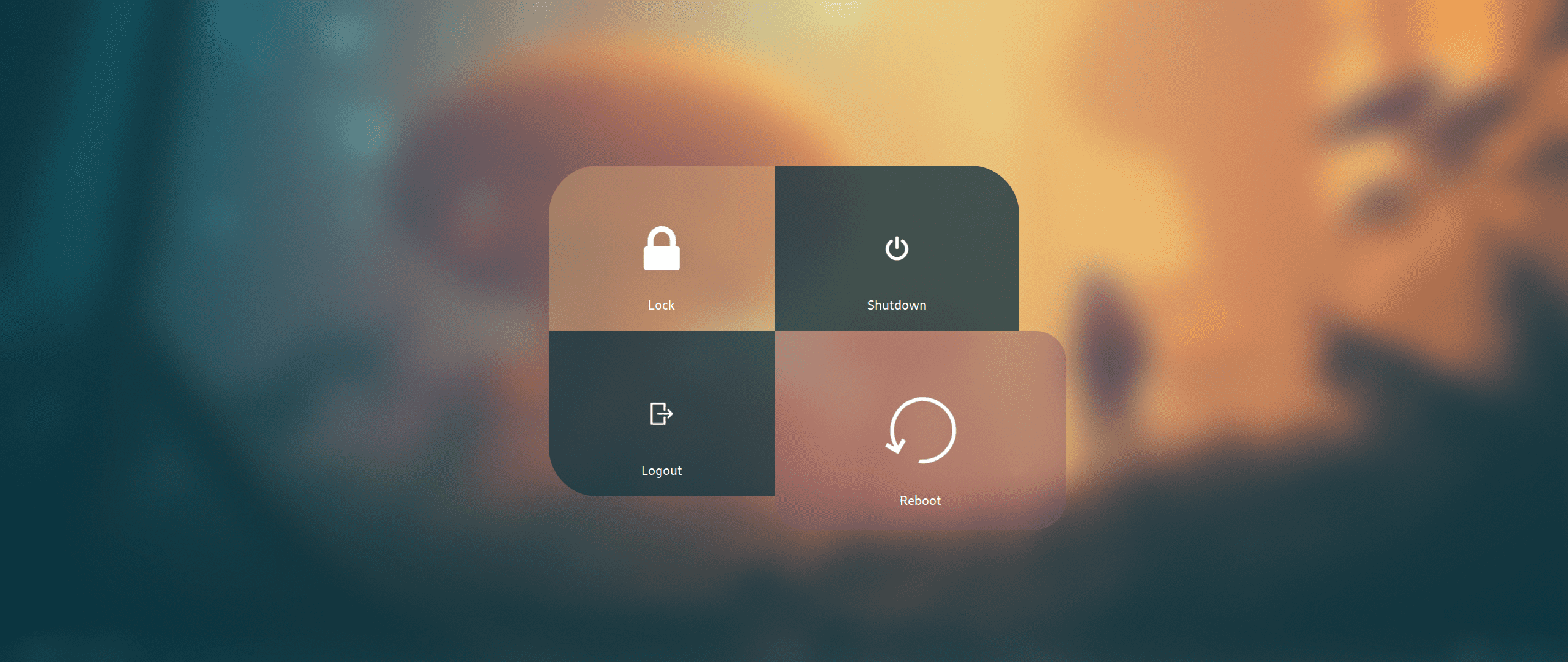
<div align="center"><table><tr>Wlogout 菜单</tr><tr><td>
<img src="https://raw.githubusercontent.com/prasanthrangan/hyprdots/main/Source/assets/wlog_style_1.png"/></td><td>
<img src="https://raw.githubusercontent.com/prasanthrangan/hyprdots/main/Source/assets/wlog_style_2.png"/></td></tr></table></div>

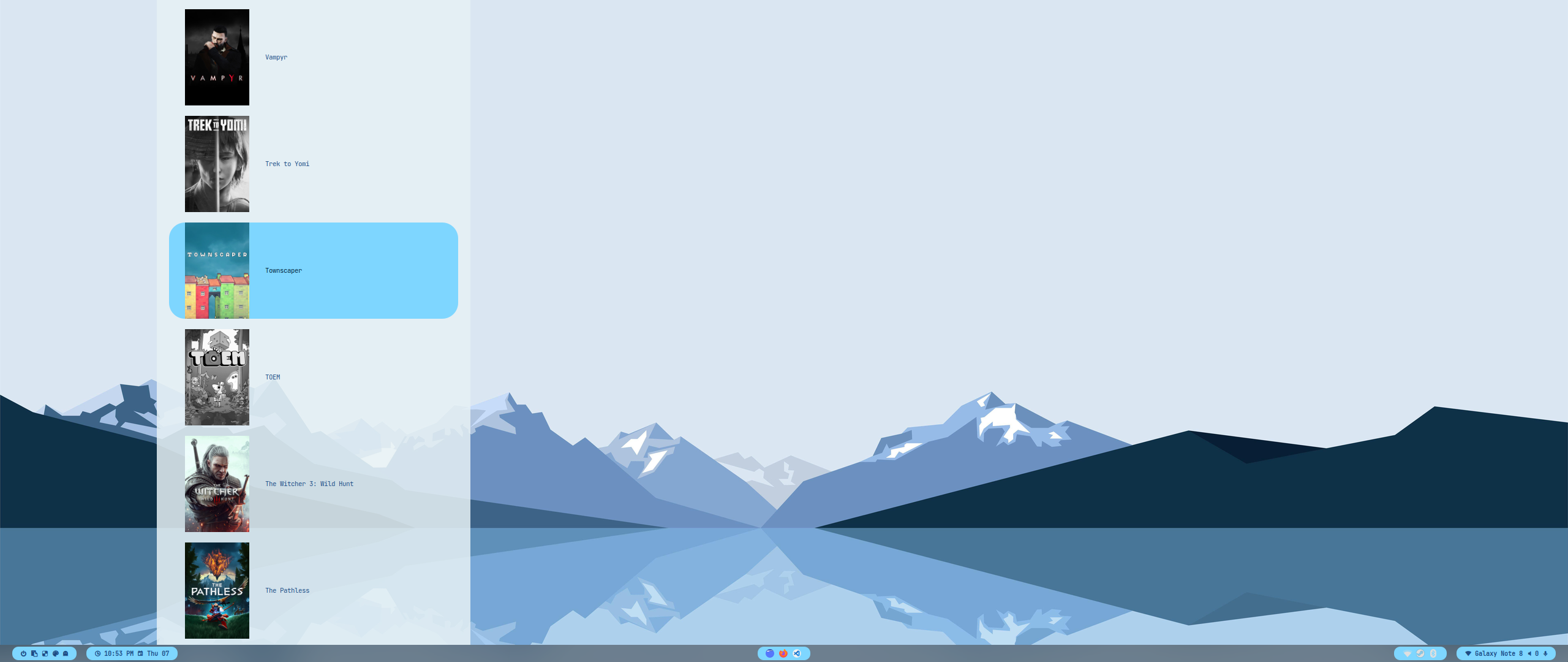
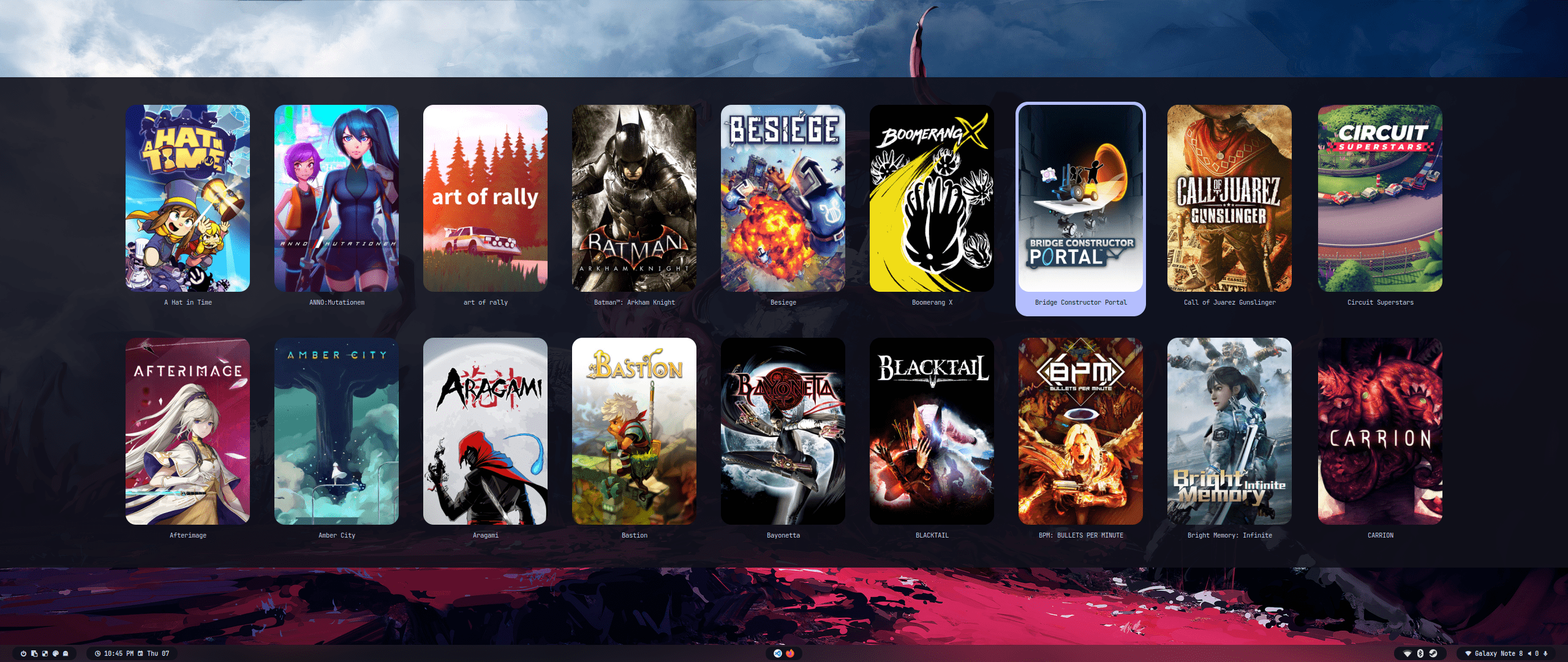
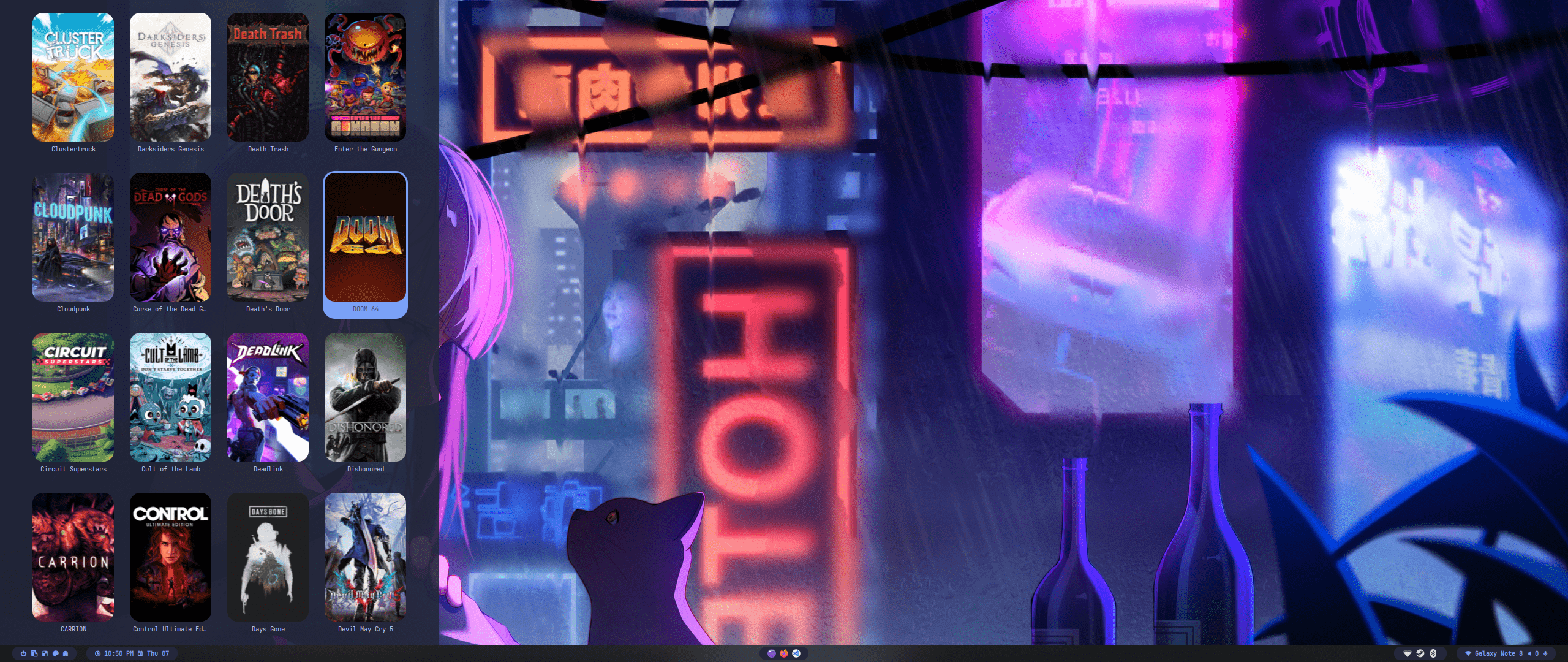
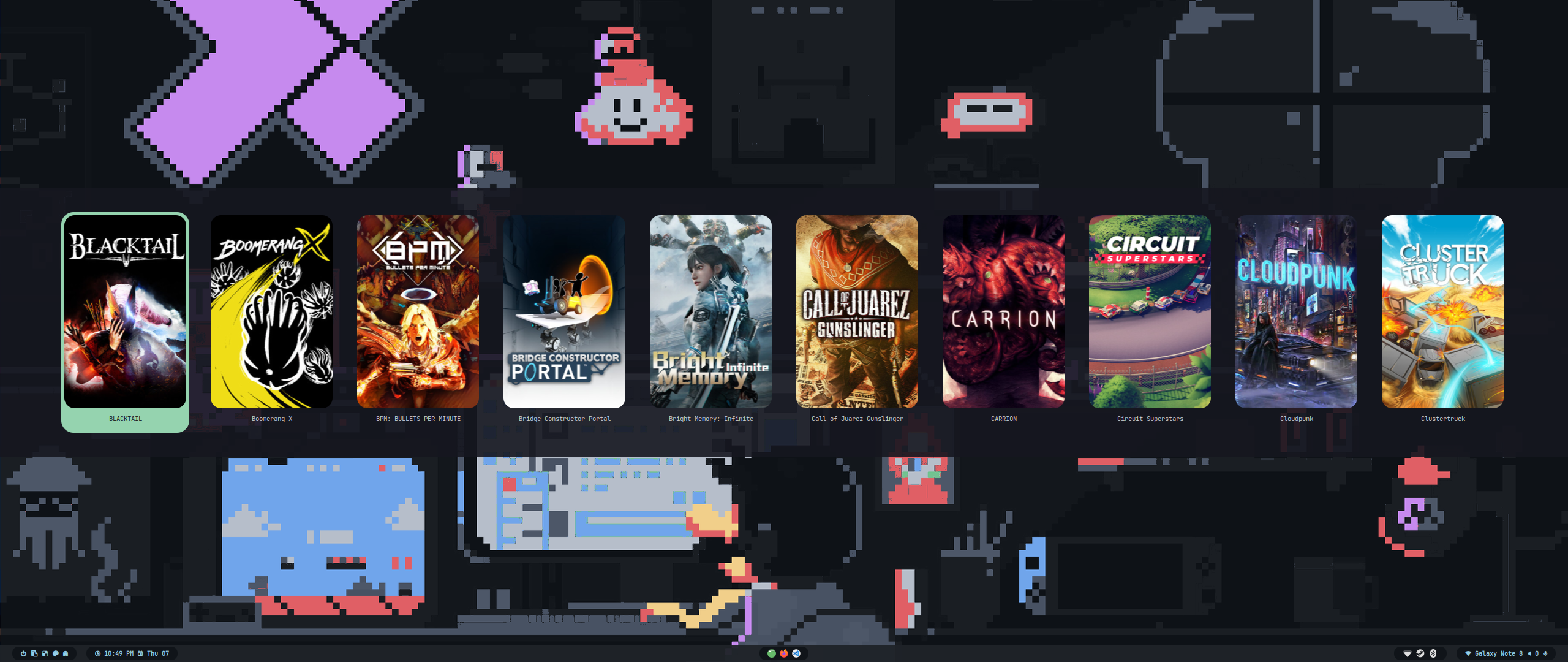
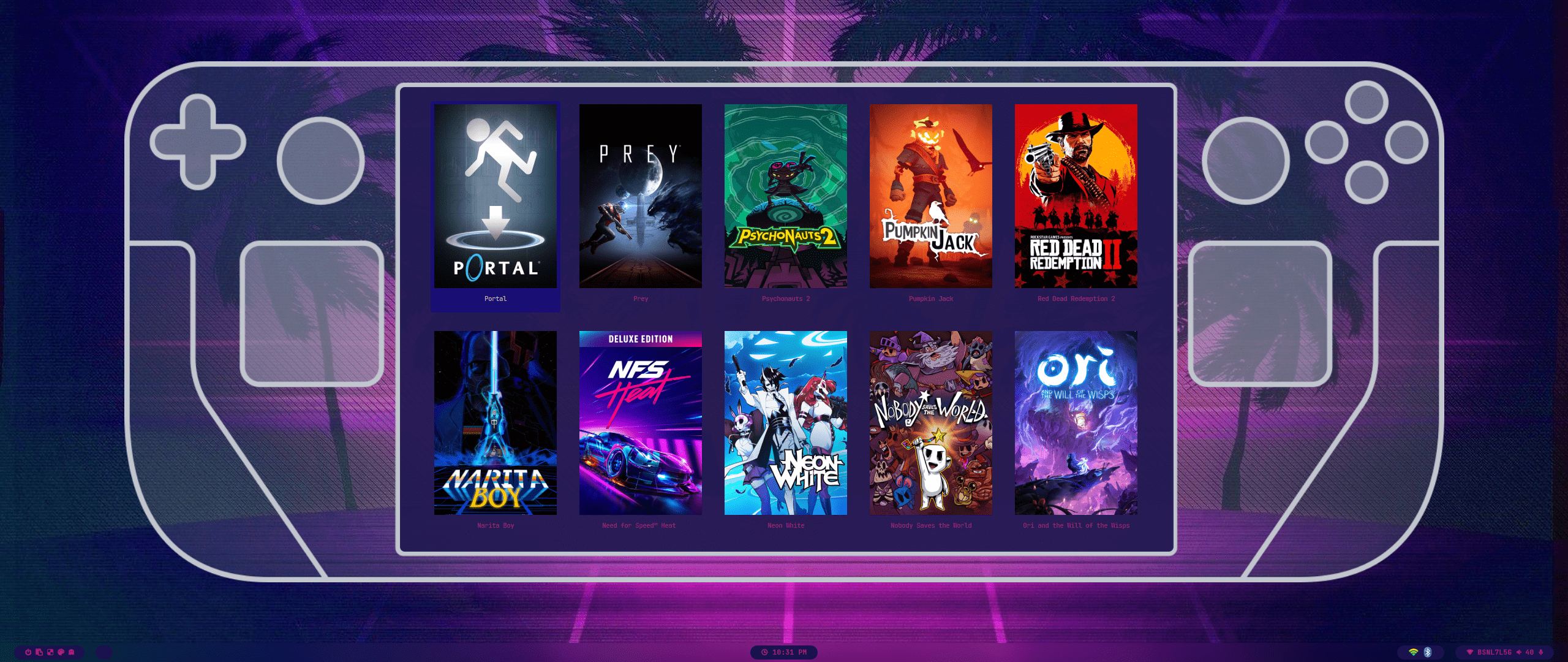
<div align="center"><table><tr>游戏启动器</tr><tr><td>
<img src="https://raw.githubusercontent.com/prasanthrangan/hyprdots/main/Source/assets/game_launch_1.png"/></td><td>
<img src="https://raw.githubusercontent.com/prasanthrangan/hyprdots/main/Source/assets/game_launch_2.png"/></td><td>
<img src="https://raw.githubusercontent.com/prasanthrangan/hyprdots/main/Source/assets/game_launch_3.png"/></td></tr></table></div>
<div align="center"><table><tr><td>
<img src="https://raw.githubusercontent.com/prasanthrangan/hyprdots/main/Source/assets/game_launch_4.png"/></td><td>
<img src="https://raw.githubusercontent.com/prasanthrangan/hyprdots/main/Source/assets/game_launch_5.png"/></td></tr></table></div>

<!--
<div align="right">
  <br>
  <a href="#-design-by-t2"><kbd> <br> 🡅 <br> </kbd></a>
</div>

<div align="center">

</div>
-->

<div align="right">
  <br>
  <a href="#-design-by-t2"><kbd> <br> 🡅 <br> </kbd></a>
</div>

<div align="right">
  <sub>最后编辑: 21/03/2025<span id="last-edited"></span></sub>
</div>

<a id="star_history"></a>
<img src="https://readme-typing-svg.herokuapp.com?font=Lexend+Giga&size=25&pause=1000&color=CCA9DD&vCenter=true&width=435&height=25&lines=星标" width="450"/>

---

<a href="https://star-history.com/#hyde-project/hyde&hyde-project/hyde-gallery&hyde-project/hyde-themes&Timeline">
 <picture>
   <source media="(prefers-color-scheme: dark)" srcset="https://api.star-history.com/svg?repos=hyde-project/hyde&type=Timeline&theme=dark" />
   <source media="(prefers-color-scheme: light)" srcset="https://api.star-history.com/svg?repos=hyde-project/hyde&type=Timeline" />
   <img alt="Star History Chart" src="https://api.star-history.com/svg?repos=hyde-project/hyde&type=Timeline" />
 </picture>
</a>